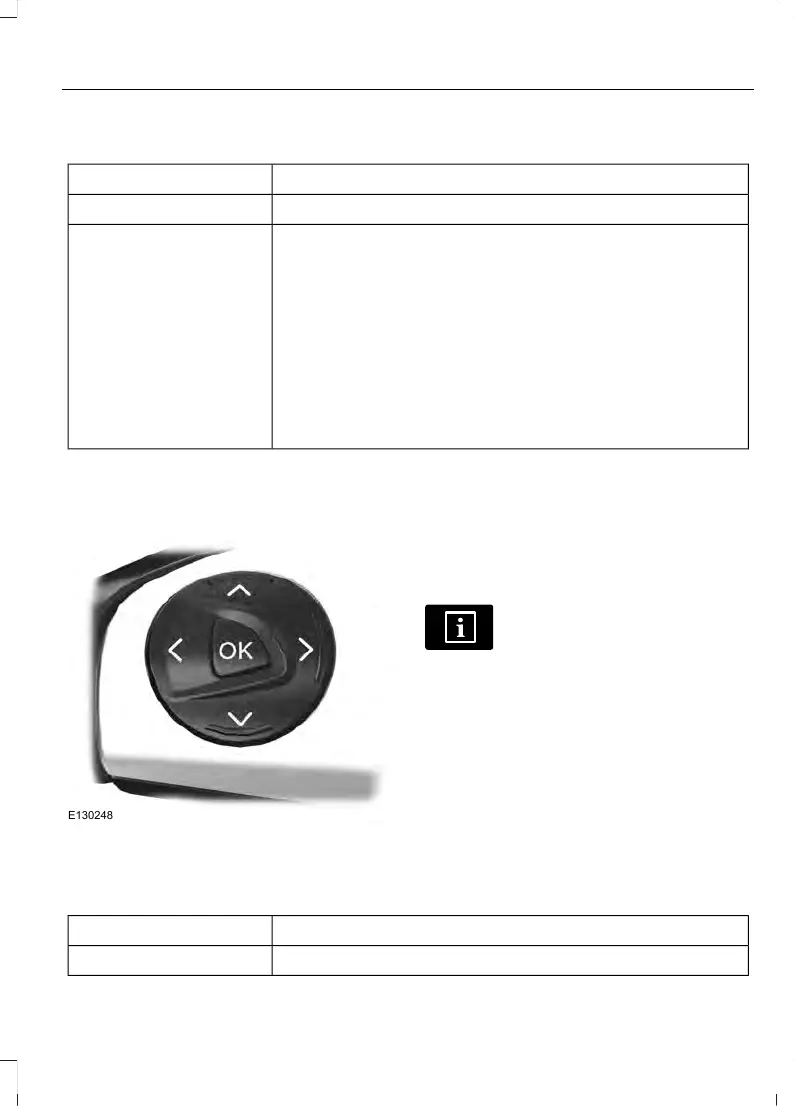
To swap between imperial and metric units, scroll to:
Action and DescriptionMessage
Press the OK button.Display
Choose your applicable setting. Press the OK button.Measure unit
Swapping between imperial and metric units will affect the
following displays:
• Average fuel consumption.
• Distance to empty.
• Odometer.
• Outside temperature units.
• Trip odometer.
• Digital Speedometer.
INFORMATION MESSAGES
Press the OK button to acknowledge and
remove some messages from the
information display. The information
display will automatically remove other
messages after a short period of time.
You need to confirm certain messages
before you can access the menus.
The message indicator
illuminates to supplement some
messages.
The indicator is red or amber depending
on the severity of the condition and it
remains on until the condition is resolved.
A system-specific symbol with a message
indicator may supplement some
messages.
Note: Depending on your vehicle options
and instrument cluster type, not all of the
messages will display or be available. The
information display may abbreviate or
shorten certain messages.
Airbag
ActionMessage
Have your vehicle checked as soon as possible.Airbag fault Service now
89
Transit (TTH) Canada/United States of America, HK3J 19A321 AA enUSA, Edition date: 04/2016, First Printing
Information Displays















 To Next Page