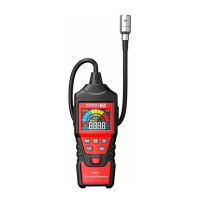
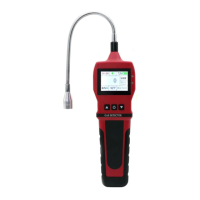
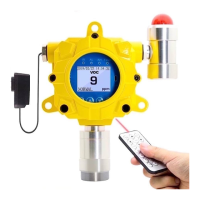
INDUSTRIAL FIXED GAS DETECTOR, FD-60
FORENSICS DETECTORS
TM
!
!
FORENSICS DETECTORS
TM
www.forensicsdetectors.com
!
5. MENU DESCRIPTIONS
5.1 MAIN MENU
Press OK on the remote control to enter the MAIN MENU. Click on “1.Back” to back to
normal operational mode OR press back on the remote control.
5.2. “SETTING” Menu
1. Back: Takes you back to the MAIN MENU
2. Channel Set: Manufacturer only access.
3. Host Set 4mA: Manufacturer only access.
4. Host Set 20mA: Manufacturer only access.
5. Set Max: Manufacturer only access.
6. Save Factory: Manufacturer only access.
7. Reset Factory: Manufacturer only access.
8. System Info: Summarized alarms and Software Version.
9. Language: English or Chinese
-=MAIN MENU=-
1.Back
2.Setting
3.AlarmSet
4.Gas Zero
5.Gas Check
6. AlarmData
7. Time Set
Back ↓ ↑ OK
-=System SET=-
1. Back
2. Channel Set
3. Host Set 4mA
4. Host Set 20mA
5. Set Max
6. Save Factory
7. Reset Factory
8. System Info
9. Language
Back ↓ ↑ OK


 To Next Page