Quick Installation Guide Single Appliance
Version 8.1 19
5. Remote Management
iDRAC Setup
The Integrated Dell Remote Access Controller (iDRAC) is an integrated server system
solution that gives you location–independent/OS-independent remote access over
the LAN or Internet to CounterACT Appliances. Use the module to carry out KVM
access, power on/off/reset and perform troubleshooting and maintenance tasks.
Perform the following to work with the iDRAC module:
Enable and Configure the iDRAC Module
Connect the Module to the Network
Login to iDRAC
Enable and Configure the iDRAC Module
Change the iDRAC settings to enable remote access on the CounterACT device. This
section describes basic integration settings required for working with the Forescout
platform.
To configure iDRAC:
1. Turn on the managed Appliance.
2. Select F2 during the boot process.
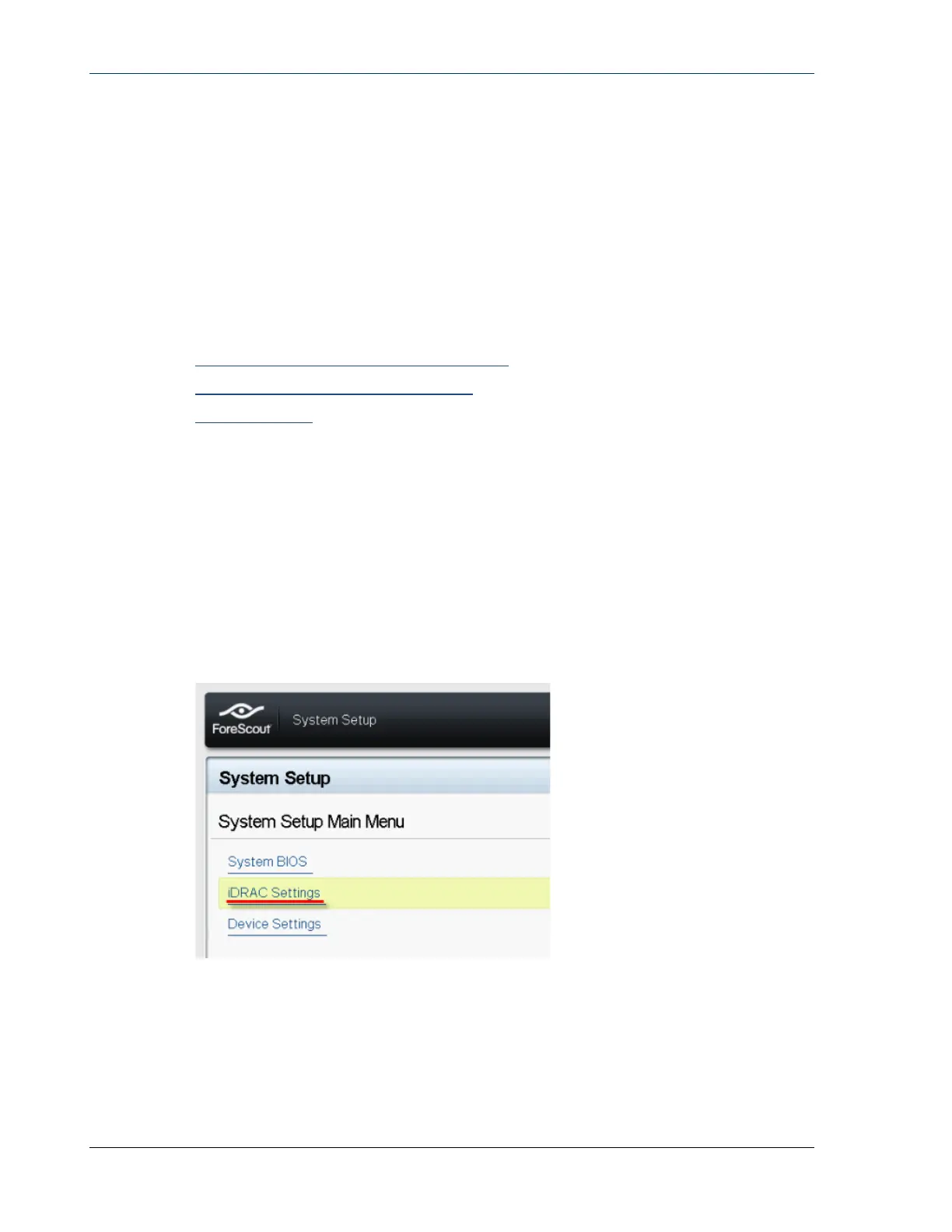
3. In the System Setup Main Menu page, select iDRAC Settings.
4. In the iDRAC Settings page, select Network.


 To Next Page