Quick Installation Guide Single Appliance
Version 8.1 25
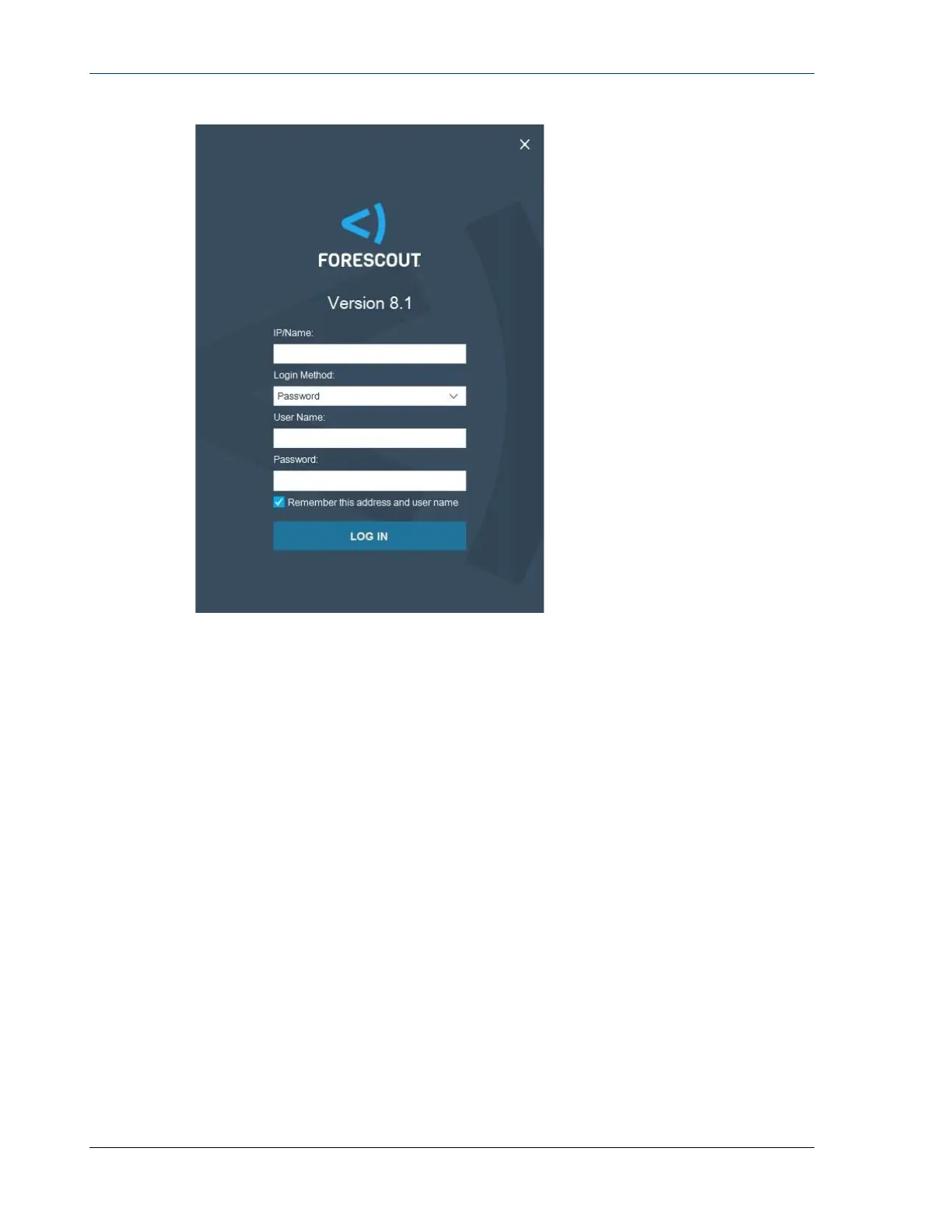
2. Enter the IP address or host name of the Appliance in the IP/Name field.
3. In the User Name field, enter admin.
4. In the Password field, enter the password you created during Appliance
installation.
5. Select Login to launch the Console.
Perform Initial Setup
When you log in for the first time, the Initial Setup Wizard opens. The Wizard guides
you through essential configuration steps to get the Forescout platform up and
running quickly and efficiently.


 To Next Page