Quick Installation Guide Single Appliance
Version 8.1 22
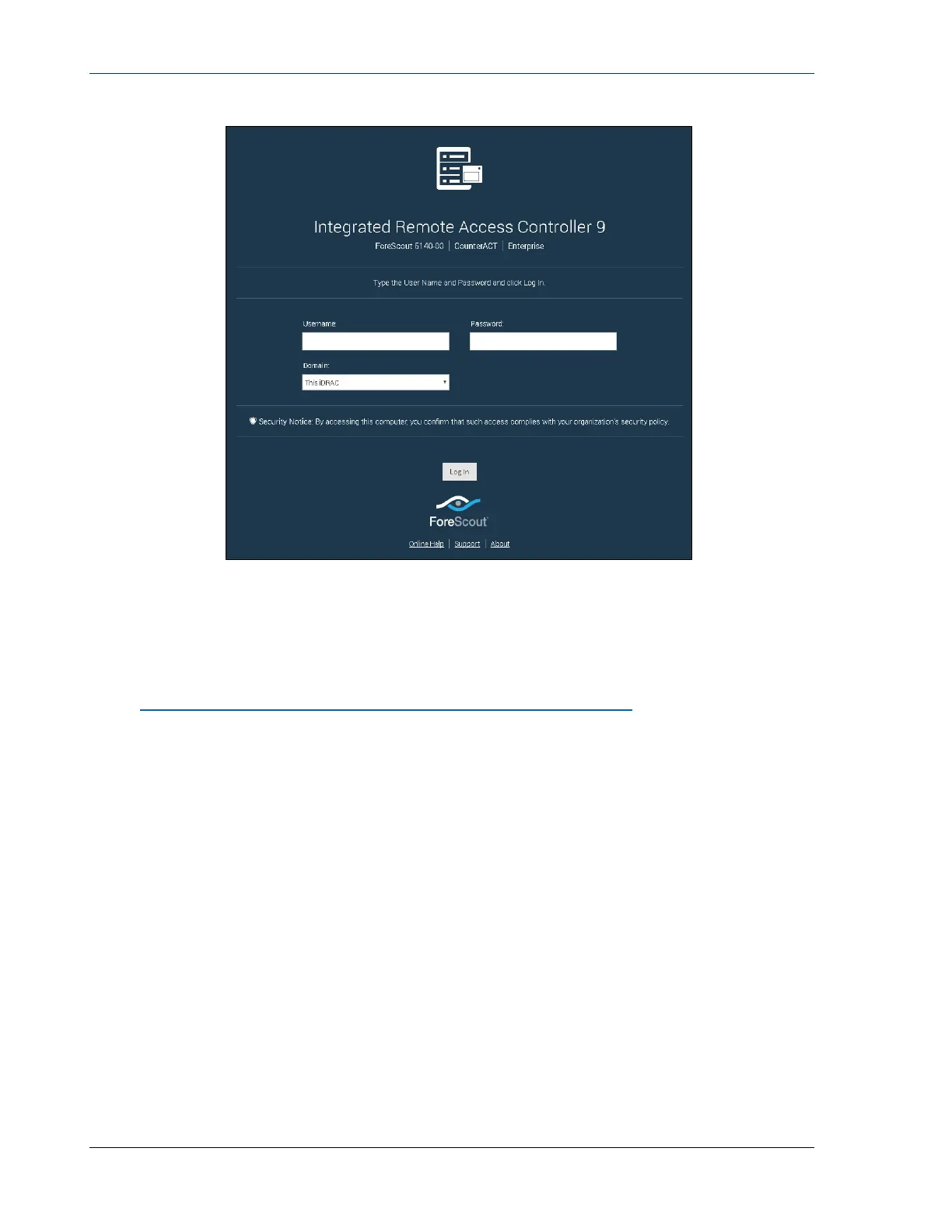
2. Enter the Username and Password configured in the User Configuration
page of the iDRAC system setup.
3. Select Submit.
For further information about iDRAC, refer to the iDRAC User’s Guide. You can access
this guide in the following location:
https://forescout.com/company/resources/idrac-9-user-guide/
To identify your licensing mode:
From the Console, select Help > About Forescout.
It is very important to update the default root password, if you have not done so
already.


 To Next Page