— 59 —
Tent Camper Owner’s Manual
a-Frame aWning/sCreen room in-
strUCtions
Note: For complete detailed installation and op-
erating instruction, refer to the Dometic A-Frame
Awning & Screen Room Manual provided.
QUiCk set Up instrUCtions
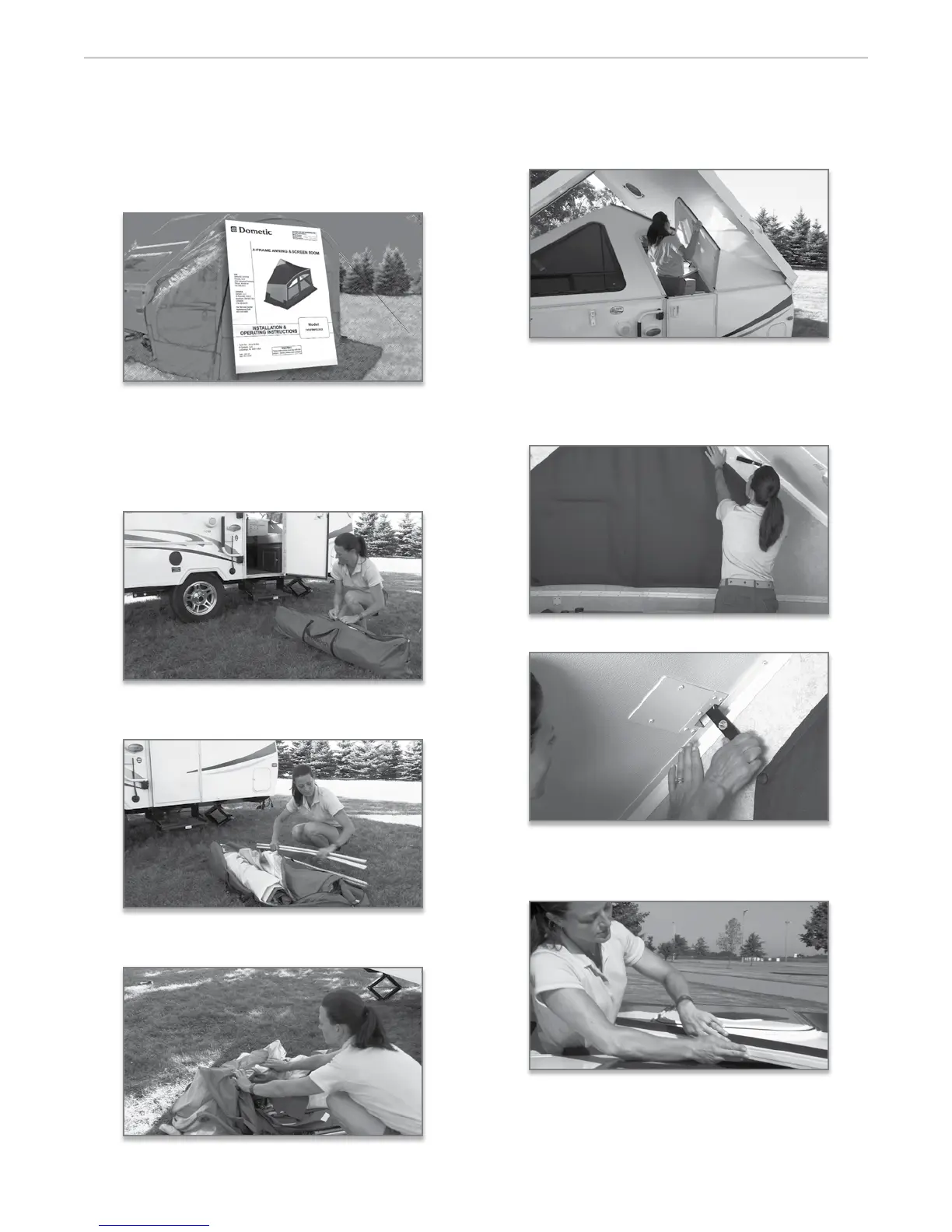
1. If you have purchased the optional A-Frame Aw-
ning and Screen Room and plan to utilize it at
this time, remove it from the storage bag to begin
installation.
2. Separate the fabric from the aluminum support
poles and stakes.
3. Before beginning the installation of the fabric, re-
move the front panel of the awning/screen room.
4. Open the lower section of the door and enter. Raise
the door side wall by liing at the top of the upper
door opening while continuing to hold the upper
door section open, until the wall is upright.
While applying outward pressure on the wall di-
rectly below, secure the le side latch at the top of
the wall into the plate mounted on the ceiling.
Li to set the o door side wall until up right.
Secure both the latches.
5. Now, release the door side latch and lower the door
side wall while you position yourself near the o
door wall to the side of the closed wall.
On the door sidewall, install the Velcro tape along
the top inside edge of the wall,


 To Next Page