EasyManua.ls Logo

ForestAir 13-04597 - User Manual

Default Icon
17 pages
Print Icon
To Next Page IconTo Next Page
Loading...
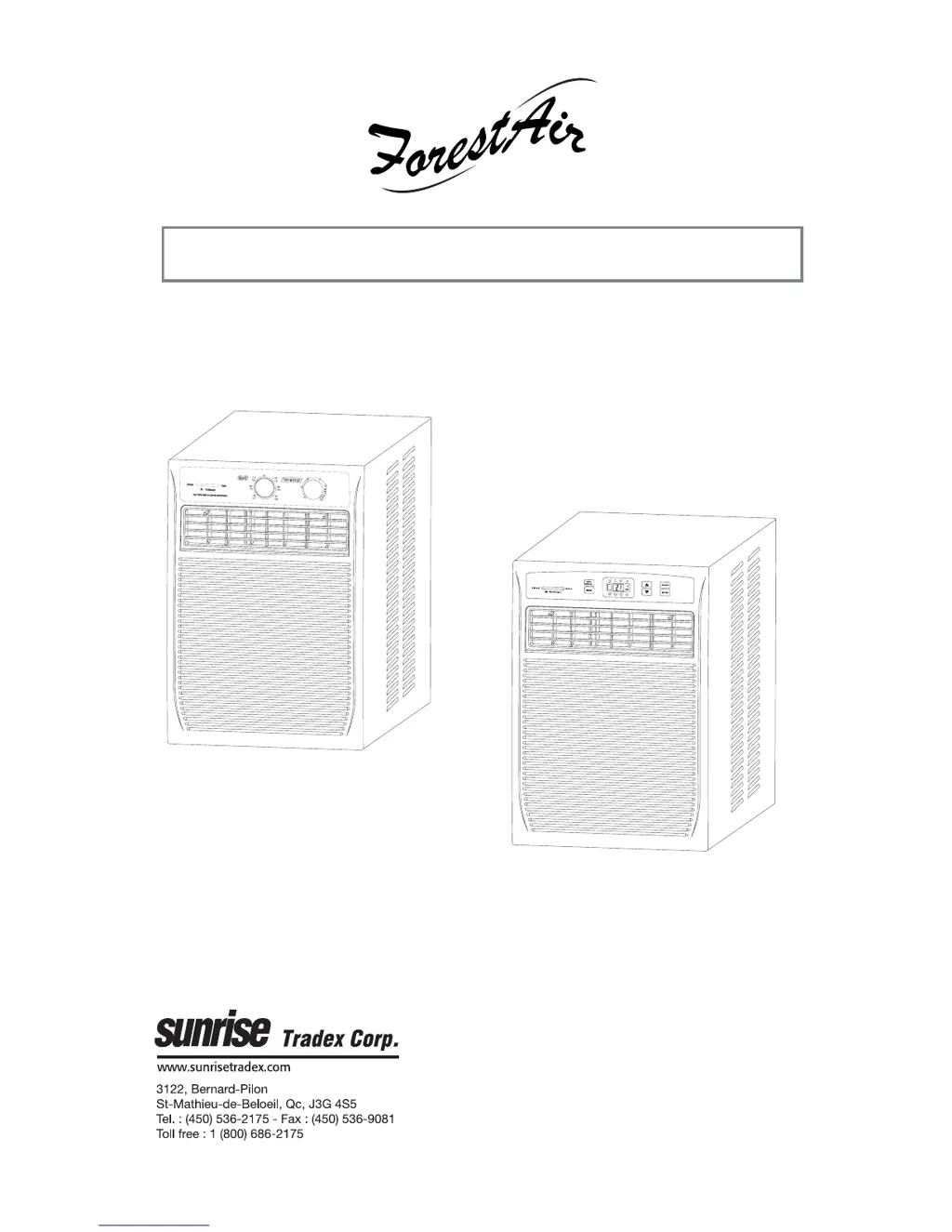
OWNER’S MANUAL
CASEMENT AIR CONDITIONER
MODELS
13-04596/13-04597
00220-17/12/06
Please read the following owner’s manual before using this air conditioner. Keep this
manual along with your proof of purchase in a safe place for future reference.
© Copyright, Sunrise Tradex Corp., 2006

Questions and Answers

Summary

Safety Notes

General Safety Precautions

Essential safety guidelines for operating the air conditioner to prevent injury or damage.

Installation

Accessories and Hardware

Lists all included parts for installing the air conditioner.

Tools Needed for Installation

Lists all tools required for a proper setup process.

Unit Diagram and Components

Visual representation of the air conditioner's parts and their locations.

Unpacking and Initial Setup

Instructions for safely removing the unit from its packaging.

Electrical Requirements

Details on power supply, grounding, and circuit requirements for safe operation.

Installation Recommendations

Advice for optimal placement and secure mounting of the unit.

Sliding Window Installation

Step-by-step guide for fitting the unit into sliding window frames.

Casement Window Installation

Step-by-step guide for fitting the unit into casement window frames.

LED Display Control Panel

Control Panel Overview

Explanation of buttons and their functions on the main control panel.

LED Indicator Icons

Description of icons displayed on the control panel to indicate modes and settings.

Unit Operation

Cooling Mode Operation

How to use the unit for cooling, including temperature and fan speed settings.

Fan Only Mode

Using the unit for ventilation and air filtration without cooling.

Energy Saving Mode

How to operate the unit efficiently to save energy and manage temperature.

Setting the Timer

Instructions for scheduling automatic start or shut-off times for the unit.

Air Exchanger Function

How to control air circulation for cooling or ventilation based on room conditions.

Remote Control

Remote Control Functions

Explains how to use the remote for all unit operations and settings.

Inserting Batteries

Guide on how to properly install batteries in the remote control unit.

Mechanical Controls

Mode and Fan Speed Selection

Using the rotary knobs for mode selection and fan speed adjustments.

Thermostat Operation

How to set the desired temperature using the built-in thermostat control.

Air Exchanger Control

Adjusting the air exchanger for different ventilation needs like circulation or exhaust.

Changing Air Direction

How to adjust the louvers for directing airflow within the room.

Maintenance

Cleaning the Air Filter

Step-by-step instructions for removing and cleaning the air filter.

Cleaning the Unit Housing

How to clean the exterior surfaces of the air conditioner.

Storage Instructions

Guidelines for storing the unit properly when not in use, especially during off-season.

Noise and Vibration

Understanding Normal Noises

Explains common sounds and vibrations the unit may produce during operation.

Troubleshooting

Common Problems and Solutions

Guide to diagnose and fix issues like unit not operating or poor cooling.

Air Conditioner Selection Guide

Cooling Capacity Chart

Table showing recommended unit capacity based on room size for optimal performance.

Customer Service Contact

Details on how to contact the manufacturer for service, parts, and support.

Warranty

Limited Warranty Terms

Details the warranty coverage period, conditions, and compressor warranty.

Warranty Exclusions

Lists conditions and damages not covered by the product warranty.

Warranty Service Information

Information to record for warranty service, including model and serial numbers.

ForestAir 13-04597 Specifications

General IconGeneral
BrandForestAir
Model13-04597
CategoryAir Conditioner
LanguageEnglish

Related product manuals