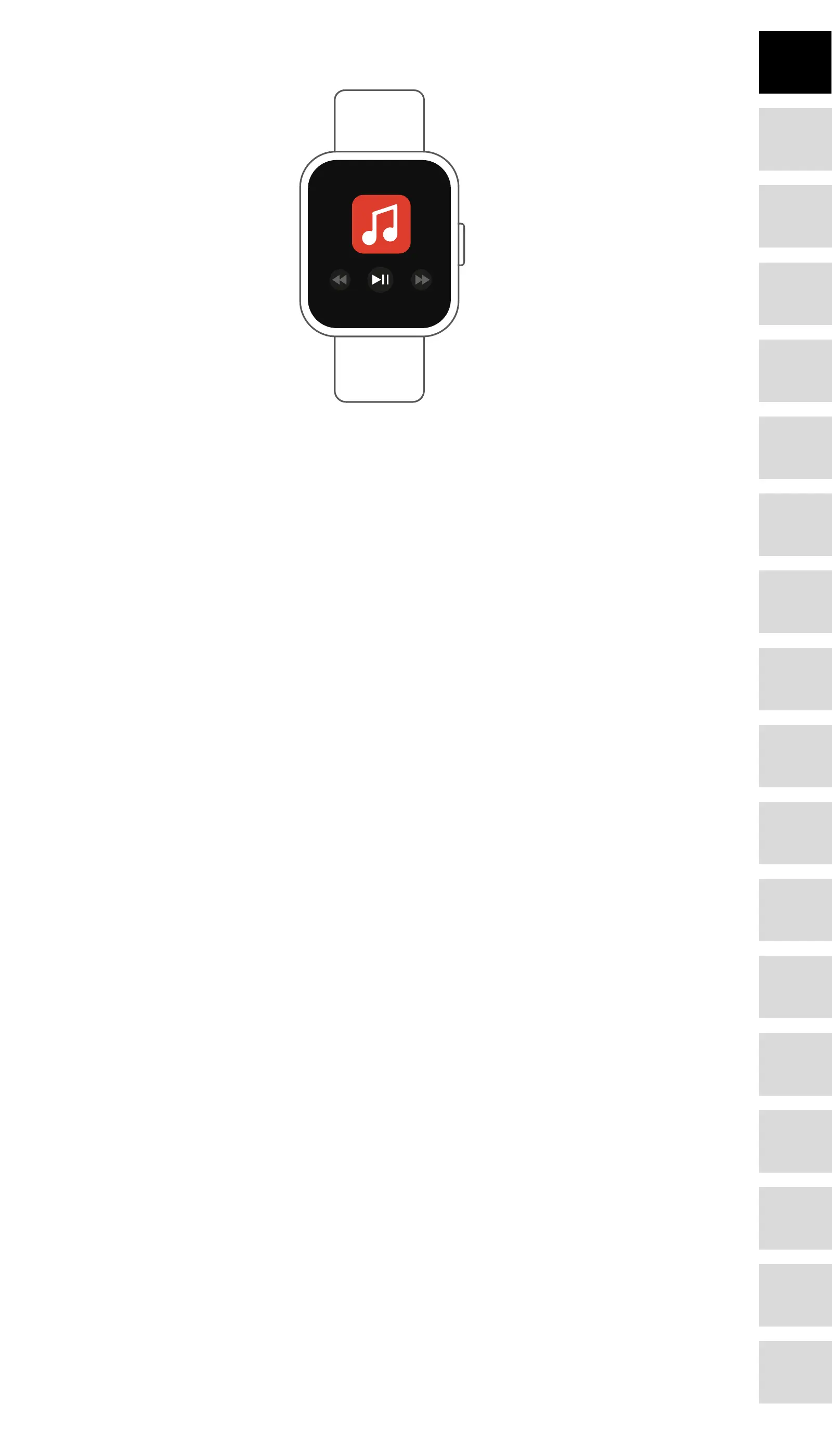
Music playback control
Tap the music icon to enter the music playback control interface.
You can select the previous/next song, and play/pause music. To exit music playback control,
slide the interface from left to right.
Sedentary reminder
Go to the “Advanced settings” under the “Settings” of the “Forever Smart” app to set the time
intervals (minutes), start time and end time. Slide the interface to right to exit.
• Find phone
If your smart watch is connected with Forever Smart app, you can nd your phone by tapping
this icon and your phone will ring.
• Watch faces
Tap the icon and then slide left or right to go through the dierent watch faces and choose the
one you like.
• Interface brightness
You can tap the brightness icon to adjust (+/-) the interface brightness.
• System
You can check the system of your smart watch by tapping this icon.
• Languages
You can set language here.
• Shut down
You can shut down your smart watch by tapping this icon.
• Reset
You can reset your smart watch by tapping this icon.
TelForceOne S.A. declares that the product is compatible with require-
ments and other relevant provisions of the 2014/53/UE directive. You can do-
wnload the declaration of product on website https://sklep.telforceone.pl/en-gb/
9
DE
FR
IT
EE
GR
ES
PL
CZ
SK
RU
LT
BG
RO
PT
HU
LV
EN
NL








 To Previous Page