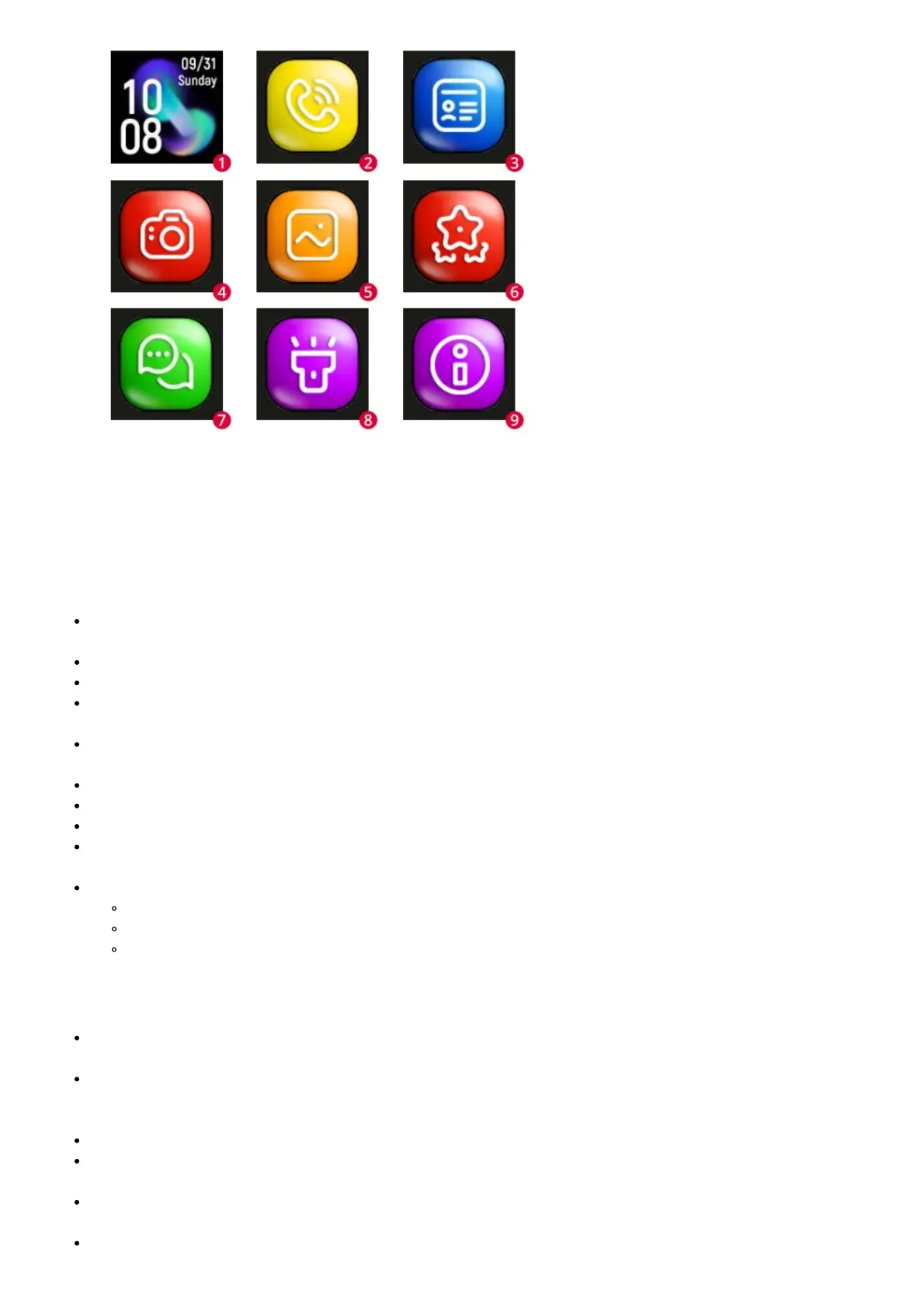
Account and watch registration:
In the registration window, enter your email address, password and the area of use of the watch. Then enter or scan
the watch code (REG CODE) found on the bottom of the box and on the watch.
Functions
Chat: Send a text or voice message to the watch by typing it on the keyboard or recording it using the phone’s
microphone. You can also listen to the voicemails sent from the watch here.
Route: select the date and time slot to display the traveled route.
Map: Select the map icon to view the current location of the watch.
Safety zone: designate a safety zone, when the watch will found outside the selected zone, you will receive a
notification from the app.
Reward: Select the number of rewards you want to send to your child. After approval, the information about the
award will be sent to the watch.
Alarm clock: alarm clock settings. Set the desired time and frequency of repeat.
Find Watch: Select a feature to find your device if it’s near you. The watch will ring to inform you of its location.
Notifications: This is where you get and preview any notifications and alarms you receive from the watch.
Remote camera: take a photo using the watch camera and receive it on your phone. The captured image
appears after a certain waiting time, depending on the signal strength of the cellular network.
My profile:
Personal data: Your account settings
Device list: Add, edit or remove a connected devices
Change Password: Change the password for your account.
Settings
SOS numbers: when the watch user presses and holds the SOS button, the watch makes an automatic
emergency call to three contacts defined on list.
Voice monitoring: enter the phone number to be called from the watch in order to listen to its surroundings.
Pick up the call and check what’s happening nearby. The user of the watch has no notification that such a call
has been made.
Do not disturb: Select the time during the day when the user of the watch will not receive phone calls.
Location mode: select normal mode – refreshing the watch’s location once every ten minutes, power saving –
once every hour, tracking – once every minute.
SMS notifications: enter the number to which you want to receive SMS notifications about events such as: low
battery level in the watch, triggering the SOS alarm using the watch button.
Phone book: Define up to ten contacts that the watch user will have in the phone book.









 To Next Page