Setting Custom Folds
Example 1: Uneven “C”
1. Measure the length of panel “A”
2. Adjust the upper fold plate so that the stop plate lines
up with the measurements of the panel “A” i.e. if panel
“A” is 5 1/4” long slide the stop plate up or down so that
it lines up with the 5 1/4” mark on the fold plate.
3. Measure the length of panel “B”
4. Adjust the lower fold plate so that the stop plate lines
up with the measurement of panel “B”
5. Load forms and press test. If folds are too long or too
short adjust accordingly.
1. Measure the length of panel “A” & “B”
2. Adjust the upper fold plate so that the stop plate lines up
with the measurements of panel “A” & “B”. i.e. if panel
“A” & “B” are 9” long slide the stop plate up or down so
that it lines up with the 9” mark on the fold plate.
3. Measure the length of panel “B”
4. Adjust the lower fold plate so that the stop plate lines up
with the measurement of panel “B
5. Load forms and press test. If folds are too long or too
short adjust accordingly.
Example 2: Uneven “Z”
Panel A
Panel B
Panel A
Panel B
7
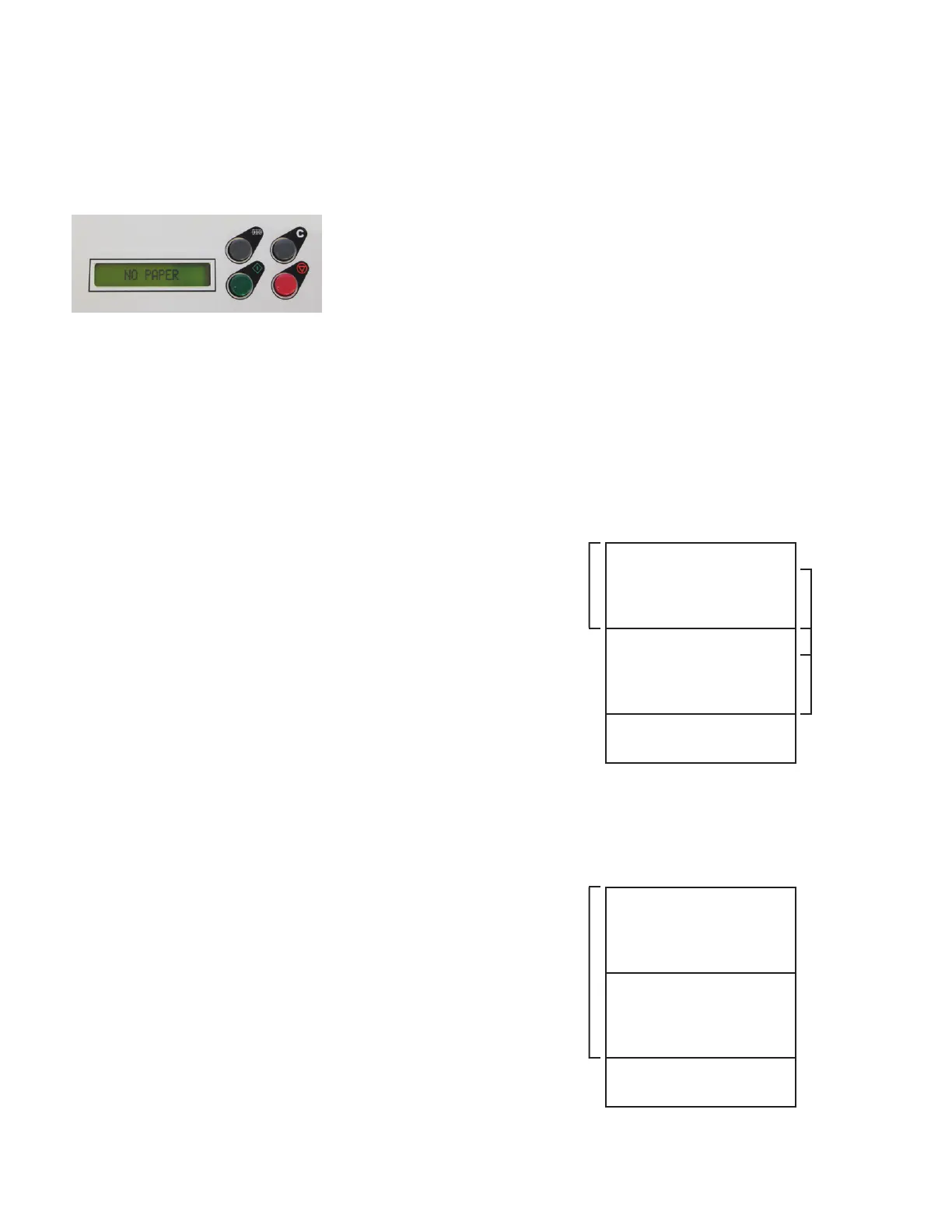
Paper Out:
If the control panel reads “NO PAPER”, check the infeed tray and reload paper. The screen will reset when
paper is loaded.


 To Next Page