Push Integration
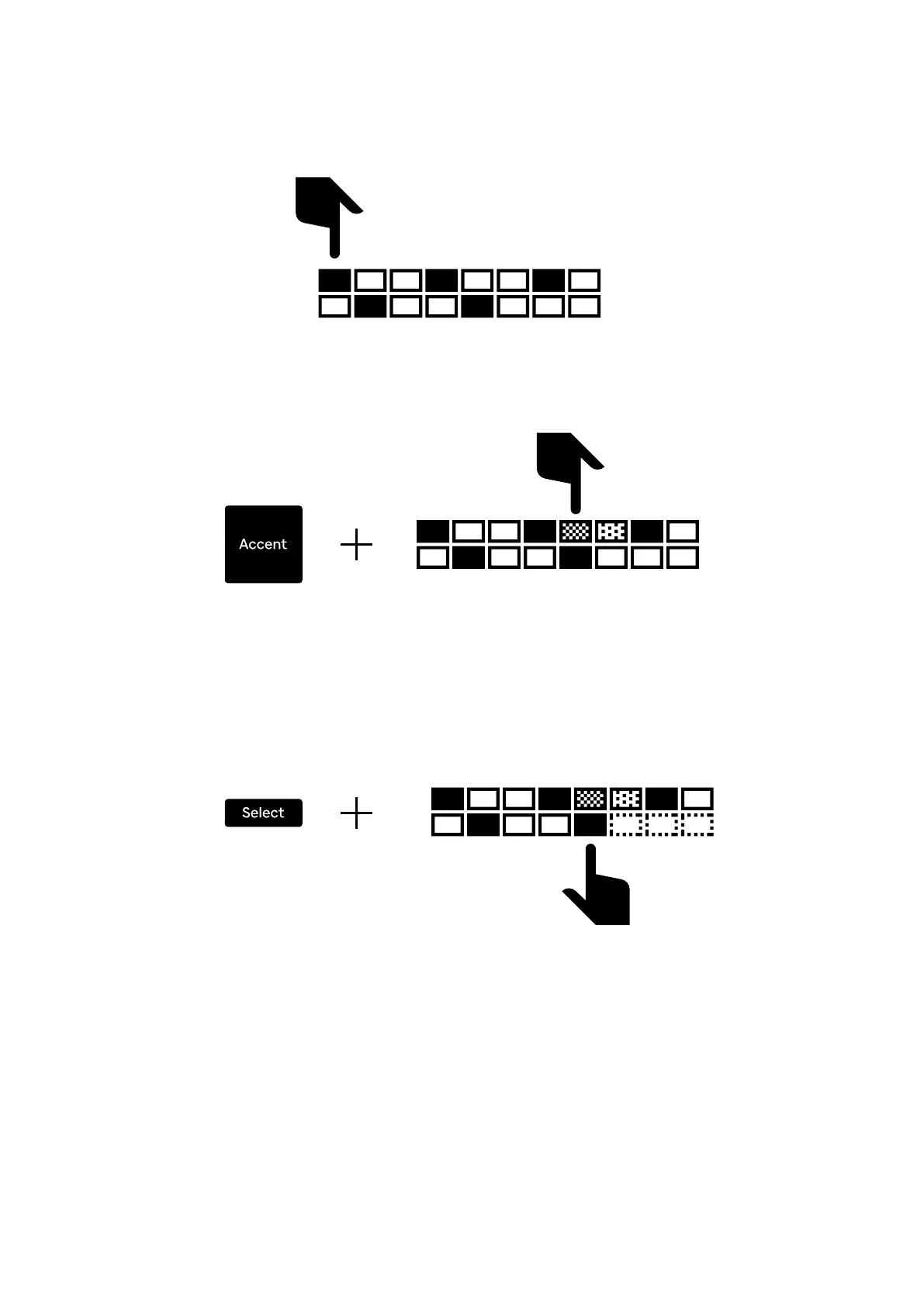
To add or remove a trig, tap or slide your nger across the pads. The pad will light
up bright orange when it's active.
To change the velocity of a step, hold down the Accent button while tapping the
pads. This cycles through the three different velocity levels.
The pads will dim in darker shades of orange corresponding to the velocity level.
To change the length of a track, hold down the Select while pressing on the step
that you want to be the last step. The lights will go dim on the excess steps.
15


 To Next Page