Push Integration
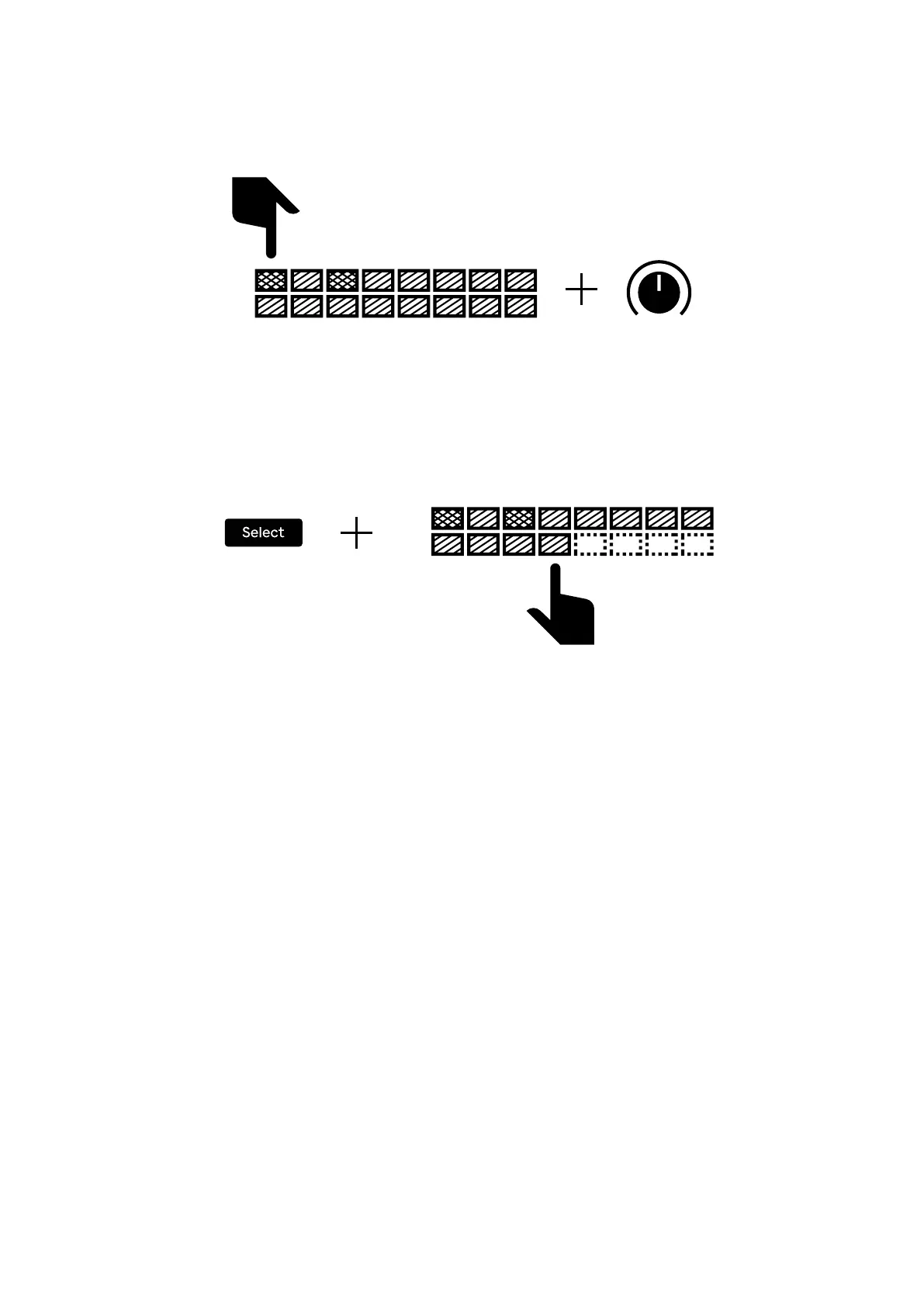
To change the modulation level on a step, press and hold the corresponding pad
and adjust the control dial (using the top encoders of the Push) of the parameter
you want to affect. When modulation of any parameter is present on a step it will
light up in a more vivid shade.
Just like on the Trig track, pressing Select and the pad where you want the track
to end will set the length of the track. The lights will turn off on the excess steps.
16


 To Next Page