Push Integration
17
As per usual, the parameters of the device will populate the Push controls on the
screen and is categorized into Voice I, Voice II, Randomize, Scale and Cong.
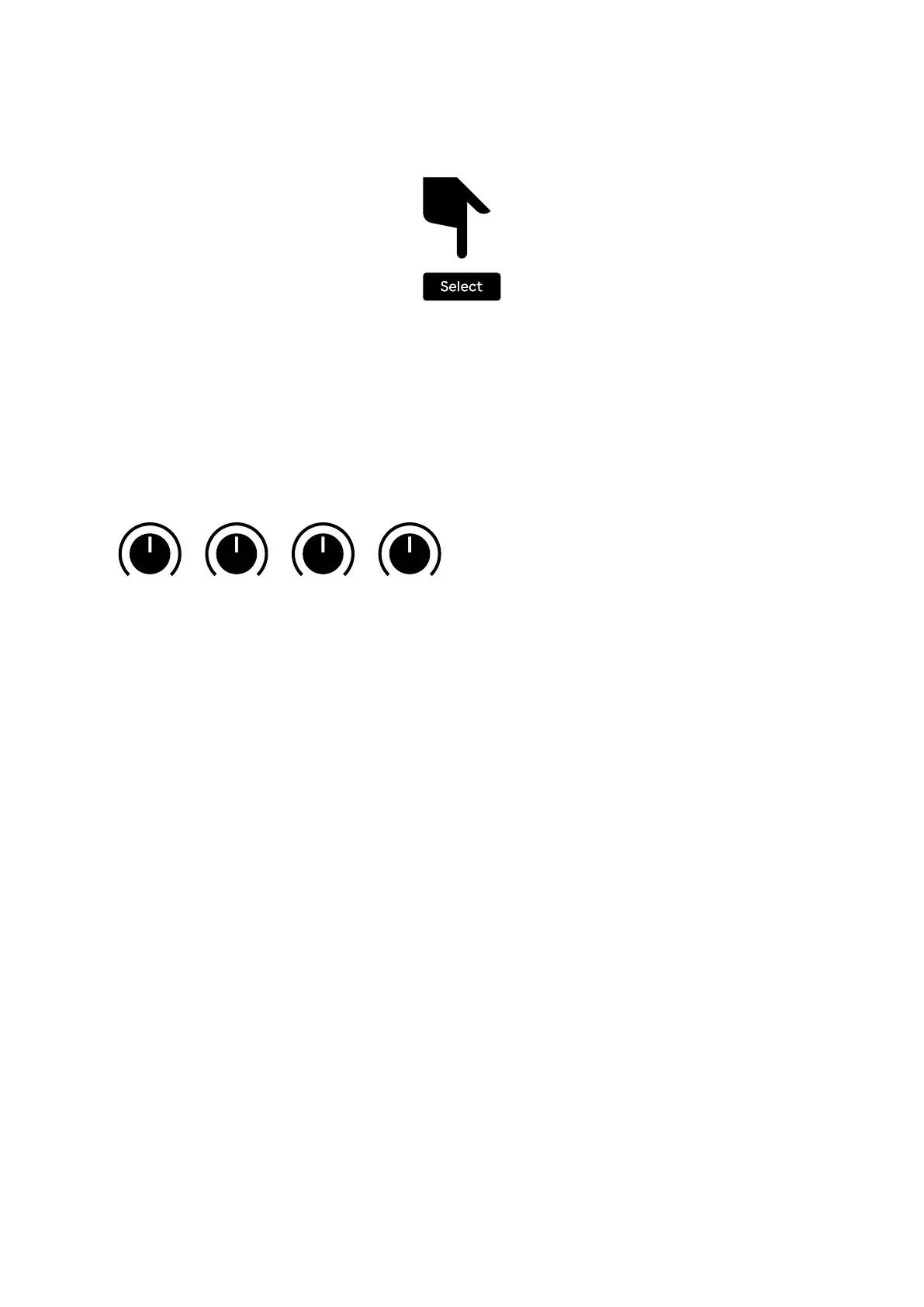
By pressing and holding the Select button the screen will instead display an
alternate set of controls that gives access to shared parameters on any screen.
From the Select screen you can change the Pattern, set Shufe amount, control
the Voice Mix and FM Balance as well as change the time division of each track.
The Pattern can also be changed using the Page buttons, which will also briey
display the active pattern.
Pattern Shufe FM Mix Trig I Div Mod I Div Trig II Div Mod II Div
1/1 1/1 1/1 1/1
5/4 5/4 5/4 5/4
4/3 4/3 4/3 4/3


 To Next Page