RELEASE
PROGRAMMING PROCEDURE | PROCÉDURE DE PROGRAMMATION
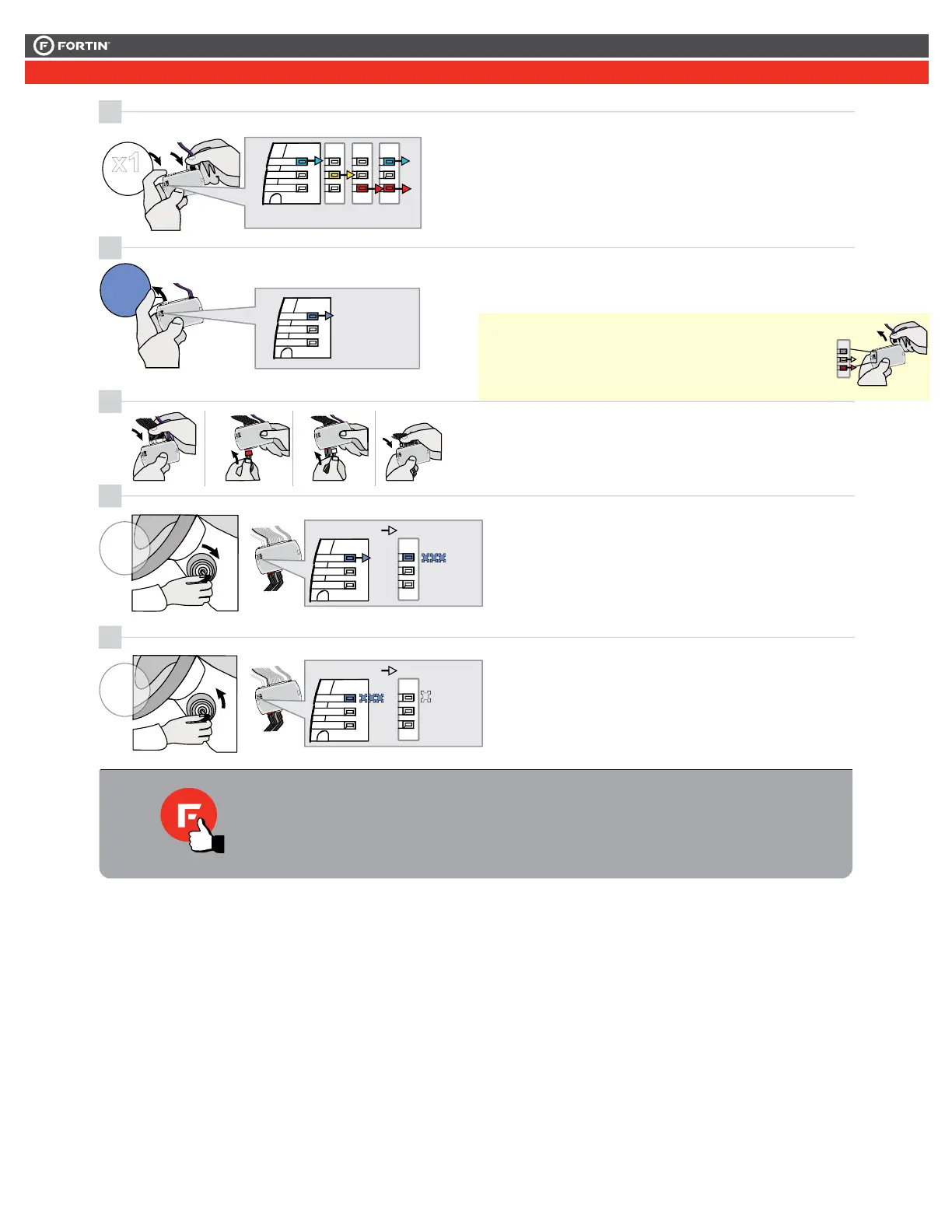
Release the programming
button when the LED is BLUE.
If the LED is not solid BLUE
disconnect the 4-Pin connector
(Data-Link) and go back to step 1.
ON
Insert the required remaining
connectors.
2
3
4
BLUE
BLEU
LOCK
ACC ON
PUSH
START
IGN
FLASH RAPIDLY
ON
IGNITION OFF
5
FLASH RAPIDLY
IGNITION OFF
LOCK
ACC ON
PUSH
START
OFF
OFF
The module is now
programmed.
Le module est
programmé.
Insérez les connecteurs requis
restants.
Relâchez le bouton de
programmation quand la DEL
est BLEU.
Si le DEL n'est pas BLEU
débranchez le connecteur 4
pins (Data-Link) et allez au
début de l'étape 1.
The BLUE LED will flash
rapidly.
La DEL BLEU clignotera
rapidement.
The BLUE LED will turn off.
La DEL BLEU s'éteint.
TURN
ON/RUN
TURN
OFF
1
ALL_NISSANINFINITI_CAHIER_ALL_Rev3.indd
Press and hold the
programming button:
Connect the 4-PIN Data-link
harness (Black connector).
The Blue, Red, Yellow and
Blue & Red LEDs will
alternatively illuminate.
Appuyez et maintenir
enfoncé
le bouton de
Branchez le
harnais Data-Link à 4-Broches
(connecteur Noir)
Les DELs Bleue, Rouge,
Jaune et Bleue & Rouge
s'allumeront alternativement.
ournez la clé à Ignition.
urn the key to the
Ignition ON/RUN position.
urn the key to the
ournez la clé à la
Arrêt (OFF).
x1
HOLD
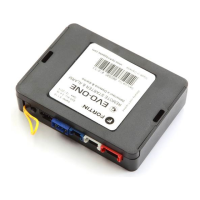
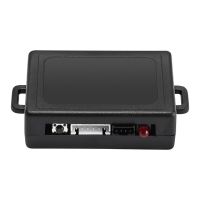
LED may differ depending on the module casing.
L’apparence des DELS peuvent différer selon le
boîtier du module.
This guide may change without notice. See www.fortin.ca for latest version.
Ce guide peut faire l’objet de changement sans préavis. Voir www.fortin.ca pour la récente version.
PROGRAM.: 2 VEHICULE WITHOUT EMS COM WIRE | VÉHICULE SANS FIL EMS COM
Page 5 / 6



 To Next Page