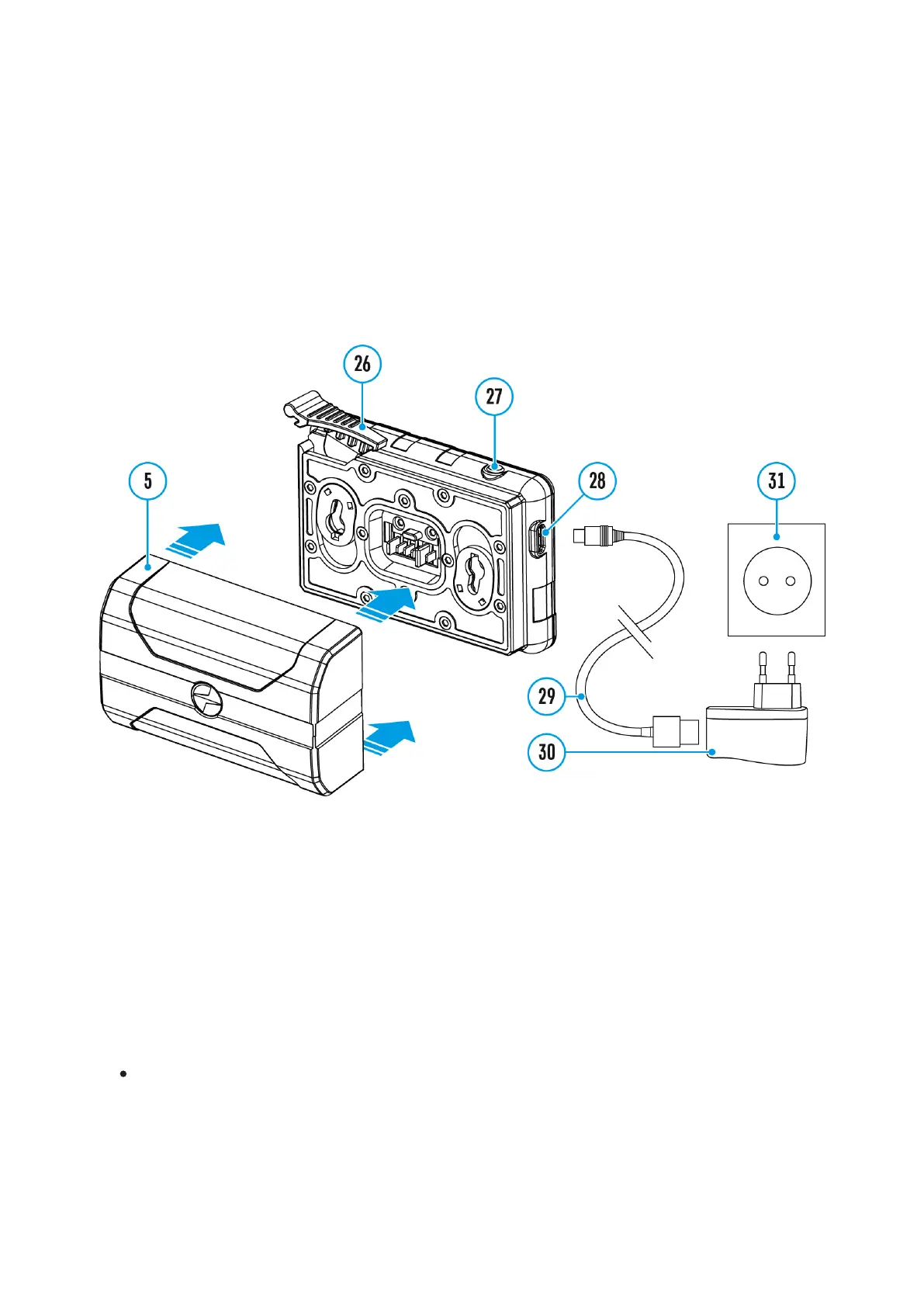
Battery Charging
The device is supplied with a rechargeable IPS7 Lithium-ion Battery Pack
which allows the attachment to be used for up to 9 hours. Charge the
battery before first use.
Charging
Step 1. Install the battery into the charger
1.
Raise the lever(26) of the charger.
2.
Install the Battery Pack (5) into the charger.
3.
Click the lever (26).
Step 2. Сheck the current battery level
Upon installation, a green LED indicator (27) on the charger will start to
glow and begin flashing:
- once if the battery charge ranges from 0% to 50%.



 To Next Page