Auto Shutdown
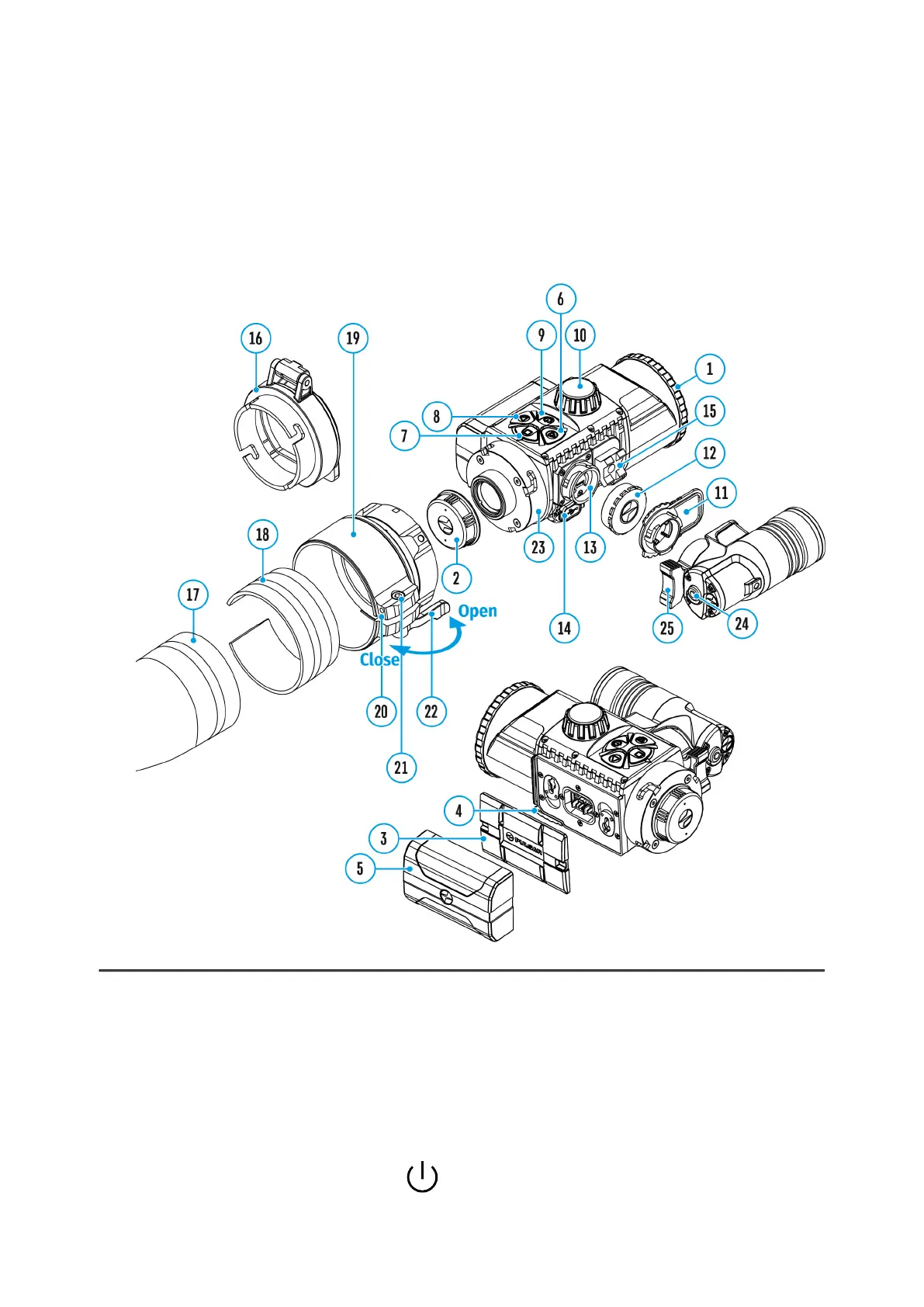
Show device diagram
This function enables you to activate automatic shutdown of the device after
a certain period of time when it is tilted up or down by more than 70°, or
right or left by more than 30°. Meanwhile the device controls should not be
activated.
1.
Press and hold theM (7) button to enter the main menu.
2.
Select theAuto Shutdown menu with the RIGHT (6) and LEFT (8)



 To Next Page