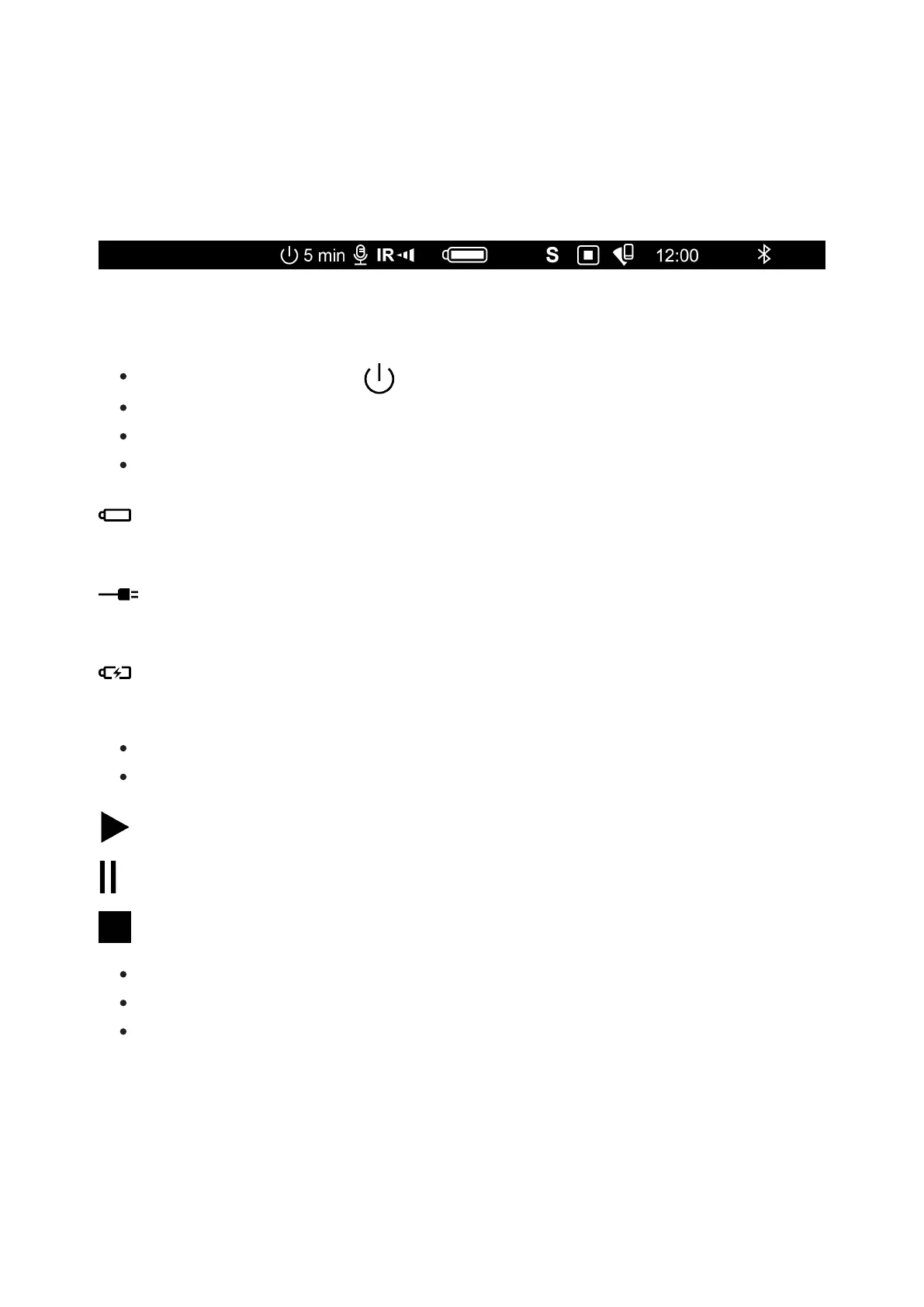
Status Bar
The status bar is at the bottom of the display and displays information on
the actual operating status of the device, including:
Auto shutdown function 1 min (if activated)
Microphone
IR illuminator power level (e.g. Level 3)
Power Indication:
- Battery Pack charge level (when the device is powered by the Battery
Pack)
- external battery power indicator (if the device is powered from an
external supply)
- battery charge indicator with current charge in percent (where
charging is by an external power supply)
The SumLight™ function
Video recording status:
- video recording is on
- pause
- video recording is off
Wi-Fi Connection
Time
Bluetooth



 To Next Page