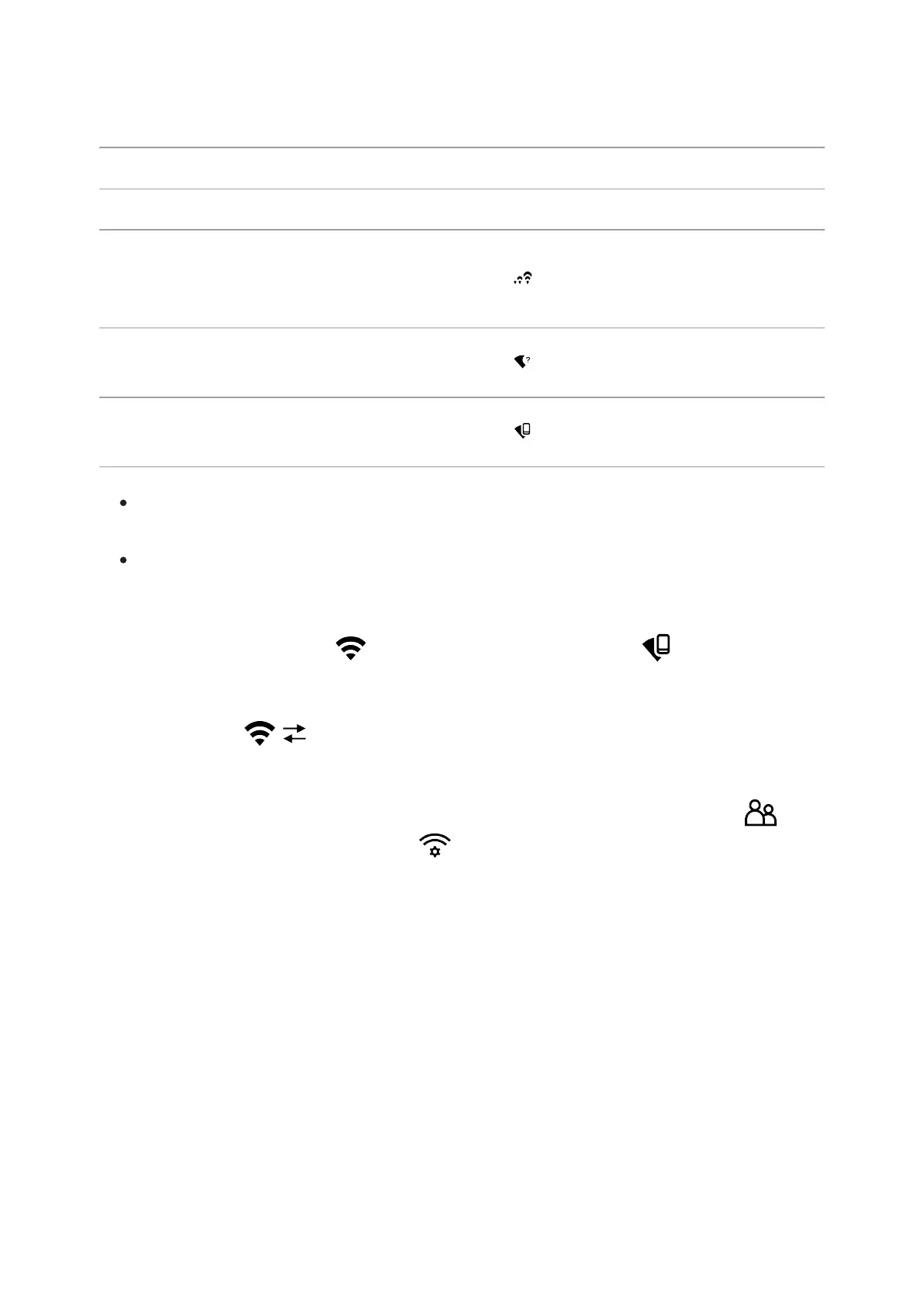
Wireless operation is displayed in the status bar in the following:
Connection Status Indication on the status bar
Wi-Fi disconnected No icon
Wi-Fi turned on by the user, Wi-
Fi connection in the device is in
progress
Wi-Fi turned on, no connection
to the device
Wi-Fi turned on, the device is
connected
The device is recognised by a mobile device under the label “Forward
F_XXXX”, where XXXX are the four last digits of the serial number.
Once the password has been entered on the mobile device (for more
information on setting a password, see the Password Setupsubsection
in the Wi-Fi Settingssection) and the connection has been
established, the icon in the status bar changes to , the video
signal on the mobile device screen starts after the “viewfinder” button is
activated on the screen of the mobile device. The icon in the status bar
changes to .
Note: you can configure the required access level to your device that is
granted to the Stream Vision application in theAccess Level Setup
subsection in the Wi-Fi Settings menu section.



 To Next Page