1.
To enter display calibration mode, first press and hold the M (7) button
for 10 seconds.
2.
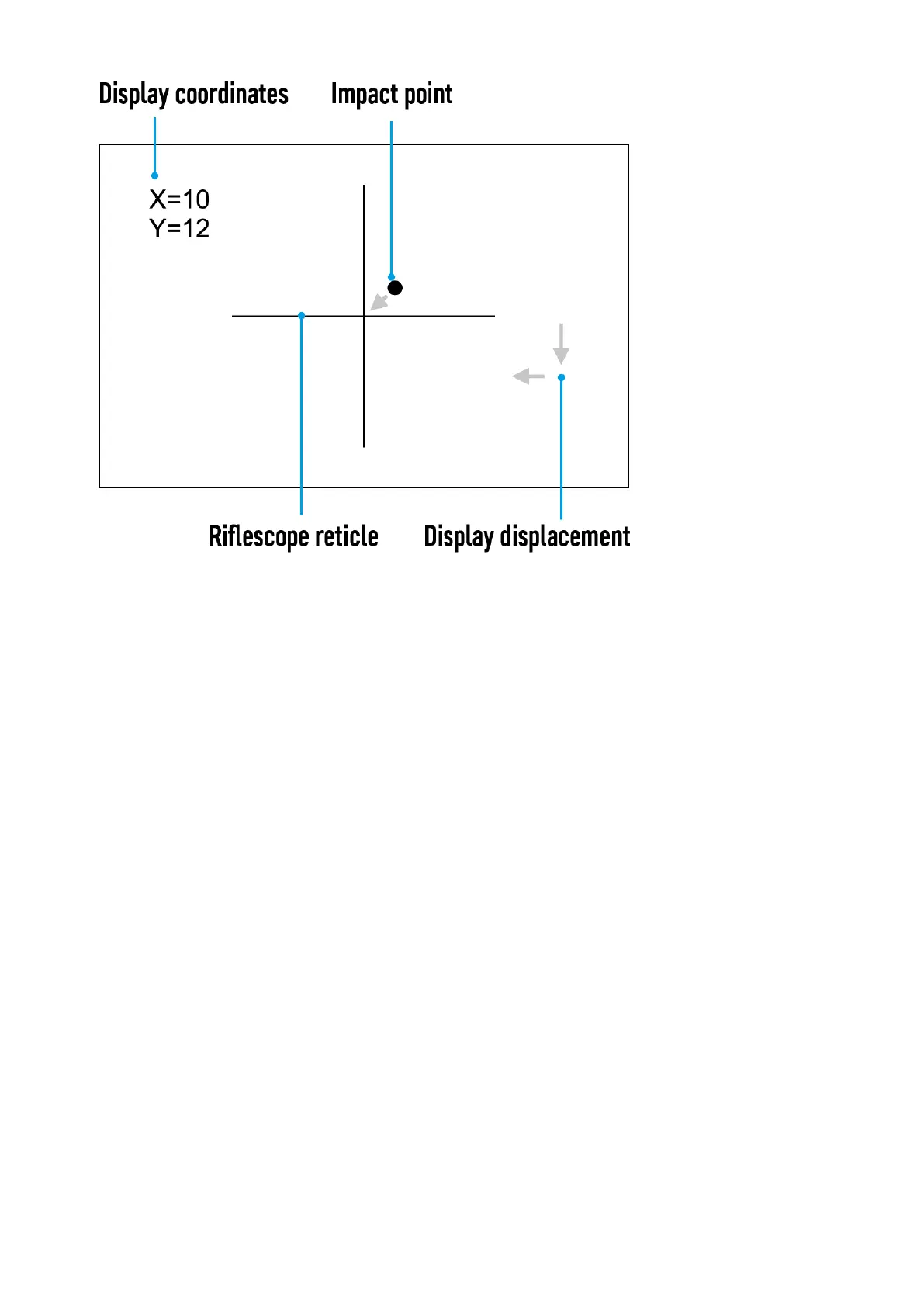
The display coordinates X=0; Y=0 will appear.
3.
Use theLEFT (8) and RIGHT (6) buttons to move the display
horizontally (X axis) and vertically (Y axis) so that the point of impact
moves to the center of the riflescope reticle.
4.
Press theM (7) button to toggle between the X and Y coordinates.
5.
The image offset range is +/- 20 pixels horizontally (X axis), +/- 20
pixels vertically (Y axis).
6.
To exit the menu and save the settings, press and hold the M (7)
button for two seconds.



 To Next Page