11
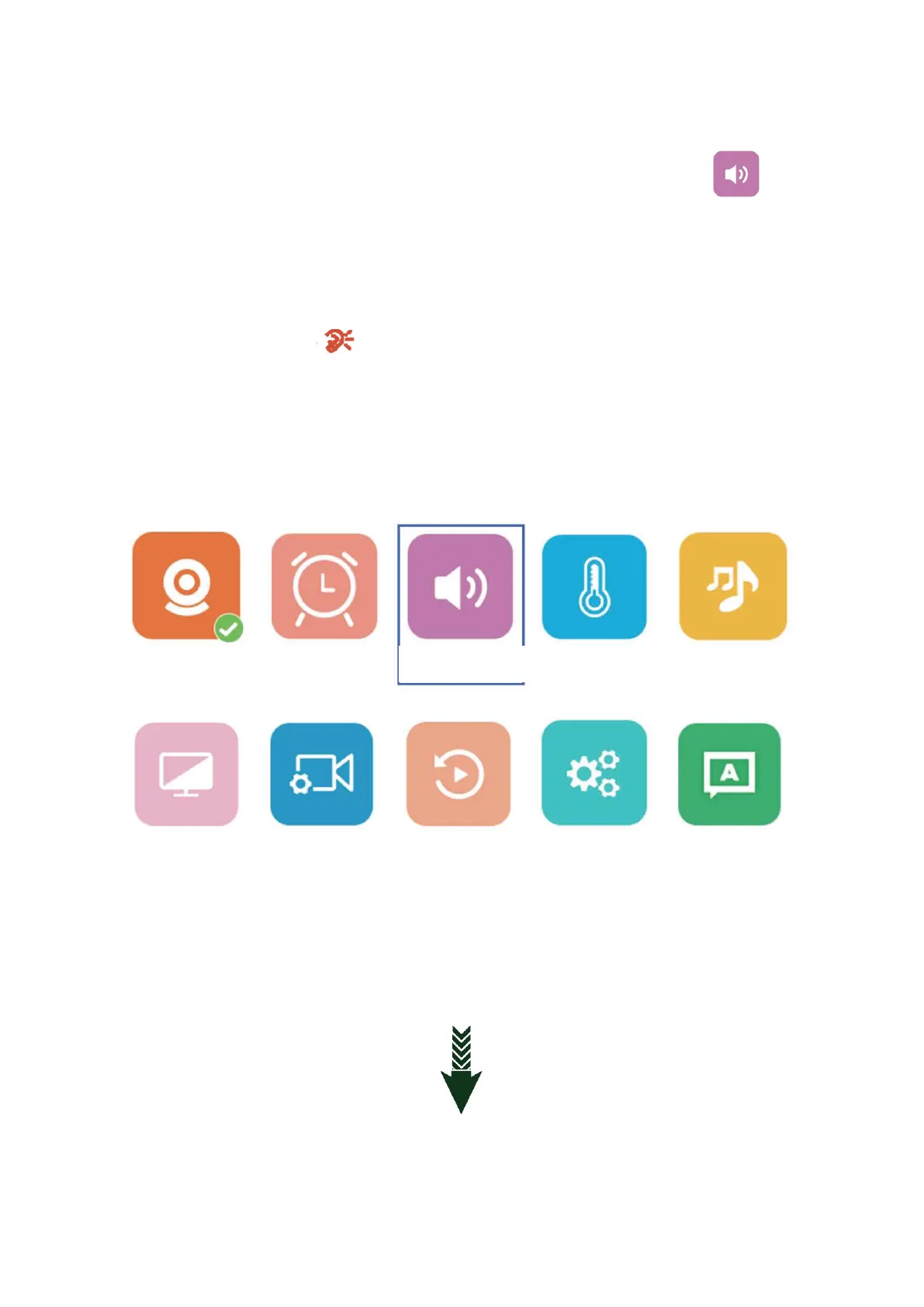
SOUND DETECTION
8.1: Press OK button to enter the main menu and choose Sound detection ( ) There
are low/medium/high/optional.
8.2: Press VOX button on the top, it will turn on, press again to turn off. (Or you can turn it
off in the settings)
8.3: When the camera is detected the DB range over the settings the LCD screen will lighten
up and show the icon in the middle of the screen. There will be an alarm sound like
“di di” for about 30 seconds, If the camera keep detected sound over settings it
will send alarm sound continuously. Press any button on the monitor to stop the sound alarm
and press VOX button to turn off the sound alarm function.



 To Next Page