17
VIDEO RECORDING
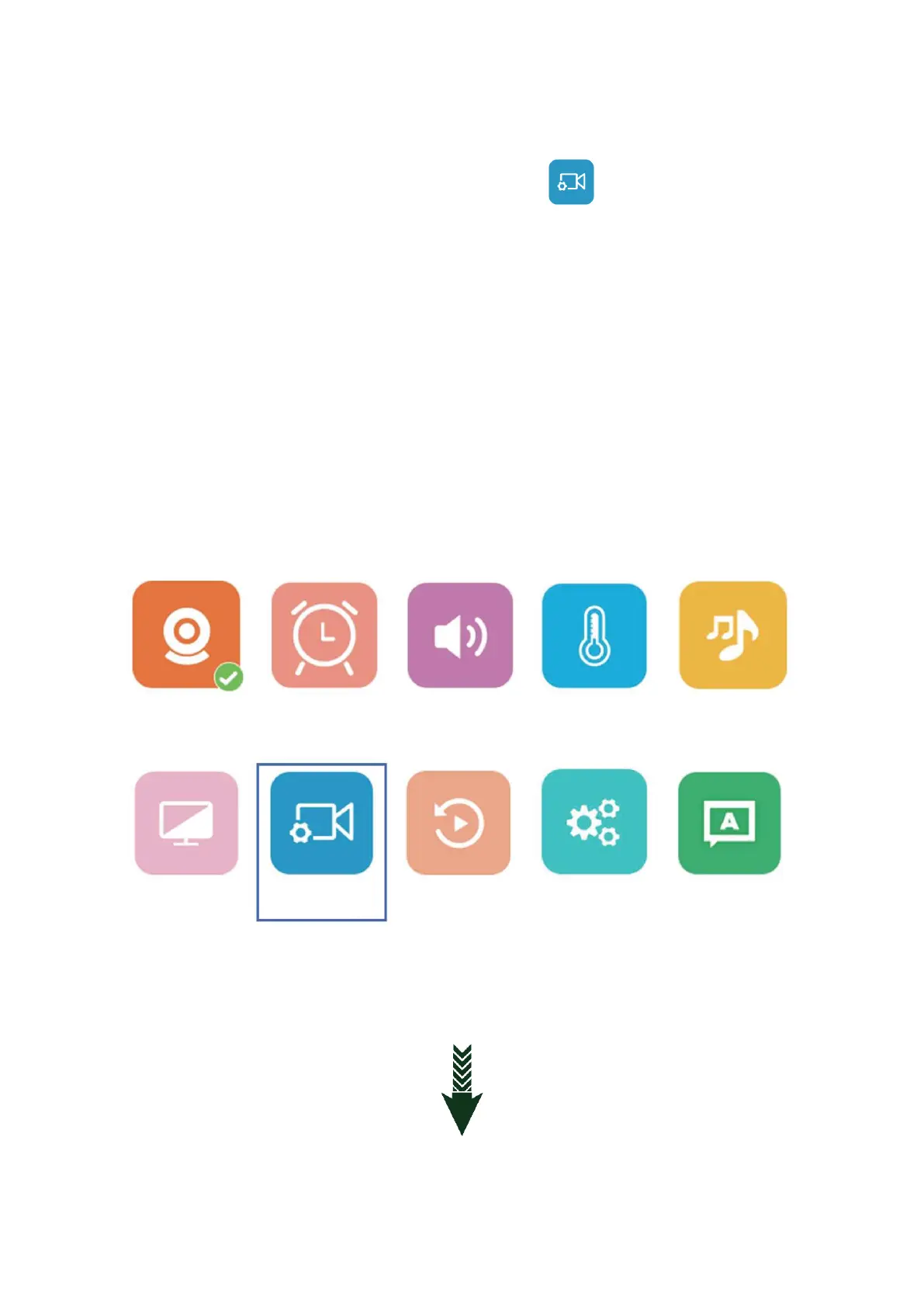
12.1: Enter the main menu and select the record icon ( ) if you don’t need this function
you can turn it off.
12.2: Please adjust the monitor time and date to the local one before recording.
12.3: When the first time insert the TF card it will remind to format the card please choose
OK.
12.4: The camera with TF card also can record in the resolution 1920*1080 in MP4 format. It
can’t playback on the monitor while can play on the computer.
12.5: The monitor with TF card can also record in the resolution 800*480 in AVI format that
you can playback directly on the monitor. If you need to play it on the computer you need a
special media player from our company, please contact the retailer for assistance.



 To Next Page