13
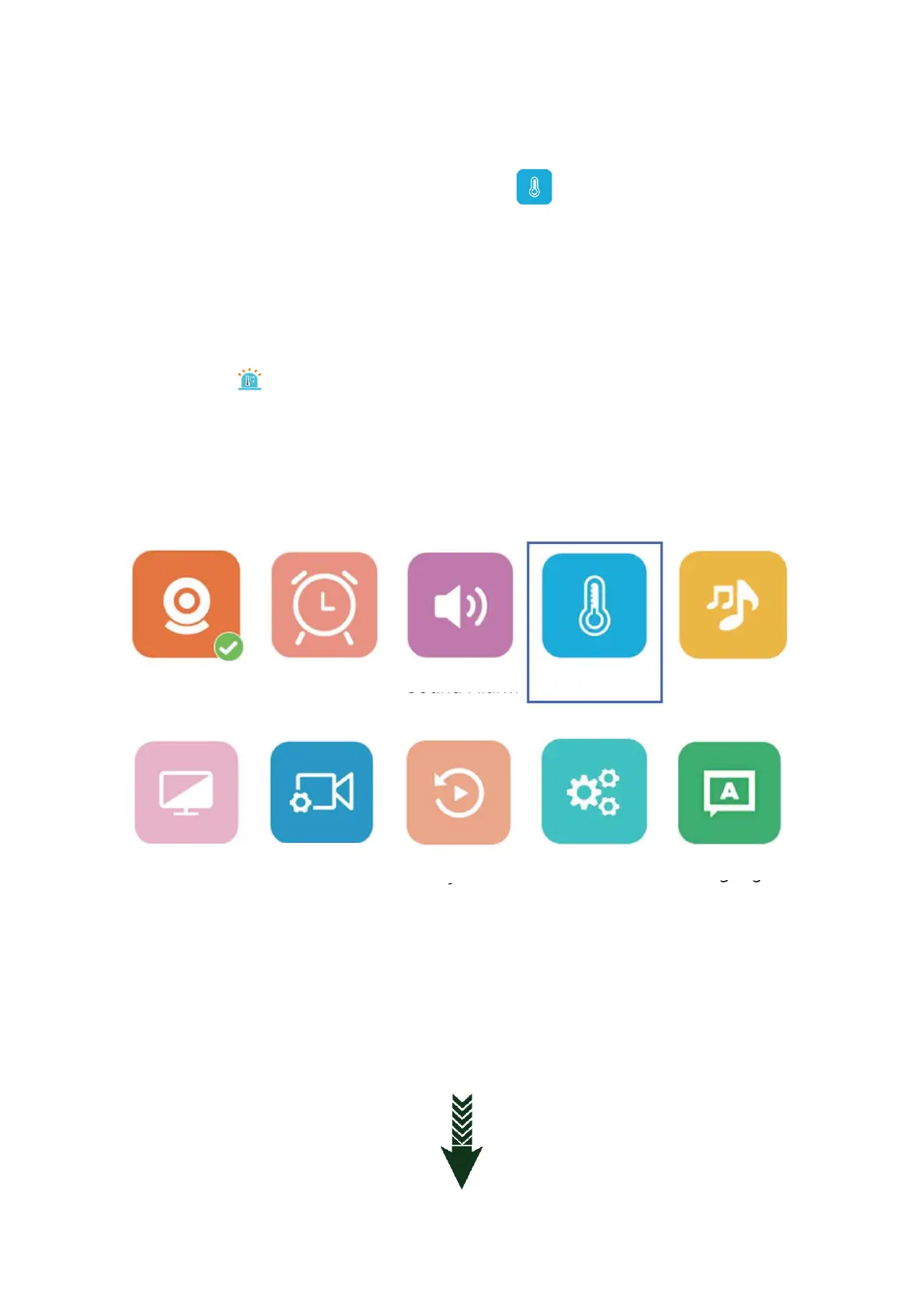
TEMPERATURE DETECTION ALARM
9.1: Enter the main menu to choose Temperature ( ) to turn on/off the temperature
alarm
9.2: Temperature alarm setting could be (°C) or (°F) according to actual usage.
9.3: The default temperature is 18-30°C once the temperature is lower or higher than the
range it will send alarm. (Ref. to pic 5)
9.4: When the temperature alarm has been triggered the LCD monitor will turn on and show
the icon ( ) and send di di alarm sound. (Reference to picture 5) The sound will last for
30 seconds. If the temperature over the range continuously the monitor will keep
sending alarm sound, press any button to stop.



 To Next Page