3
AC Switch$&RXWSXWSRUWWKHVXPRIHOHFWULFDOORDGSRZHUVKRXOGEH:
7
Tap the AC button to enable the AC output function. Since there may
be differences in the AC output frequency in different regions, if you
need to switch the frequency, the operations are as follows: Press and
Cooling Suction/Exhaust Port
6
When the product reaches the temperature threshold set by the system,
the cooling fan will automatically run, accompanied by a certain fan
noise (fan noise below 60dB is normal). Do not block the cooling
suction/exhaust port during use of this product, and do not place any
object within the range of 30CM.
DC ON/OFF Button
3
Cigarette port X1
7"
Instructions: Short press the DC button to turn on the DC output port,
and short press it again to turn it off.
LCD Screen
4
%JTQMBZUIFQSPEVDUTCBUUFSZMFWFMBOEVTBHFTUBUVTUJQT
USB ON/OFF Button
2
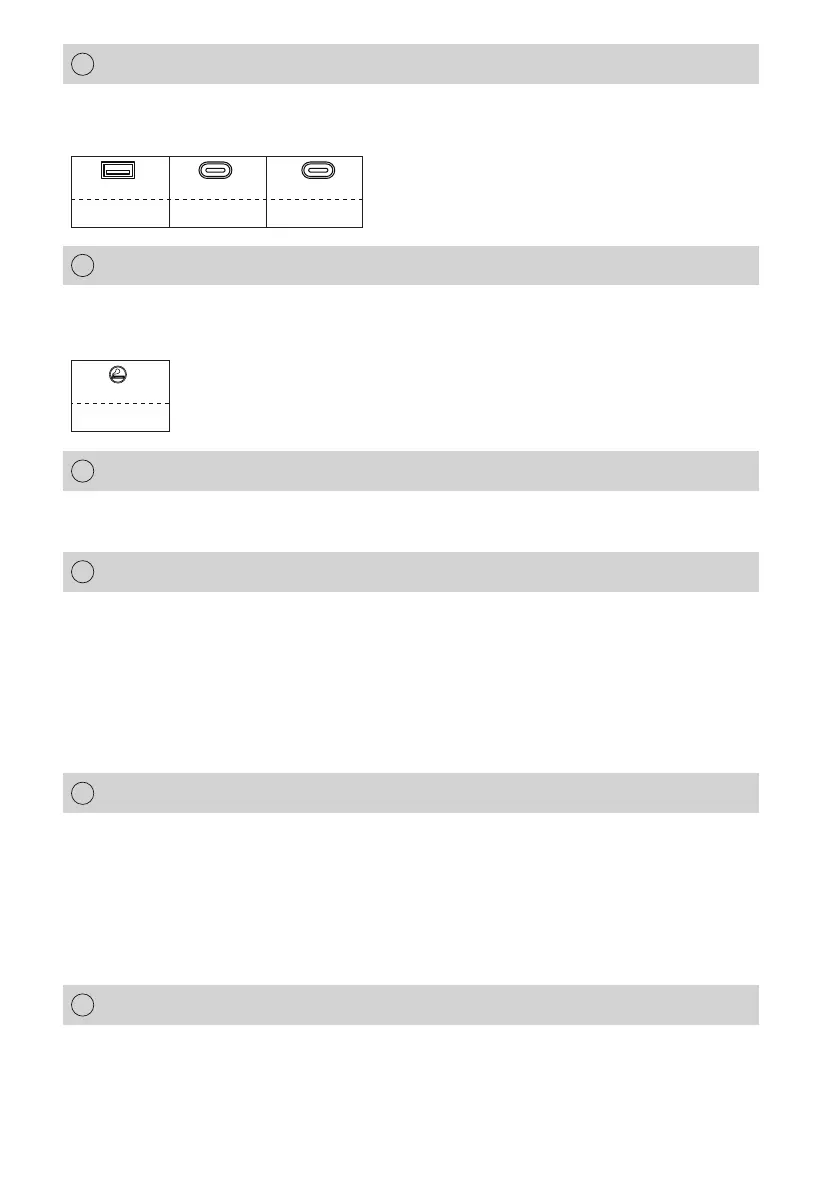
18W max PD-100W PD-20W
TYPE-C X1USB-A X2 TYPE-C X1
Instructions: Short press the USB button to turn on the USB output
port, and short press again to turn it off.
When the product is connected to the AC mains for charging, the
power is adjusted according to the actual input voltage. The cloc-
kwise rotation increases the input power, and the counterclockw-
ise rotation decreases the input power. It is worth noting that char
ging this product at low power is beneficial for extending battery life.
Input Power Knob
5


 To Next Page