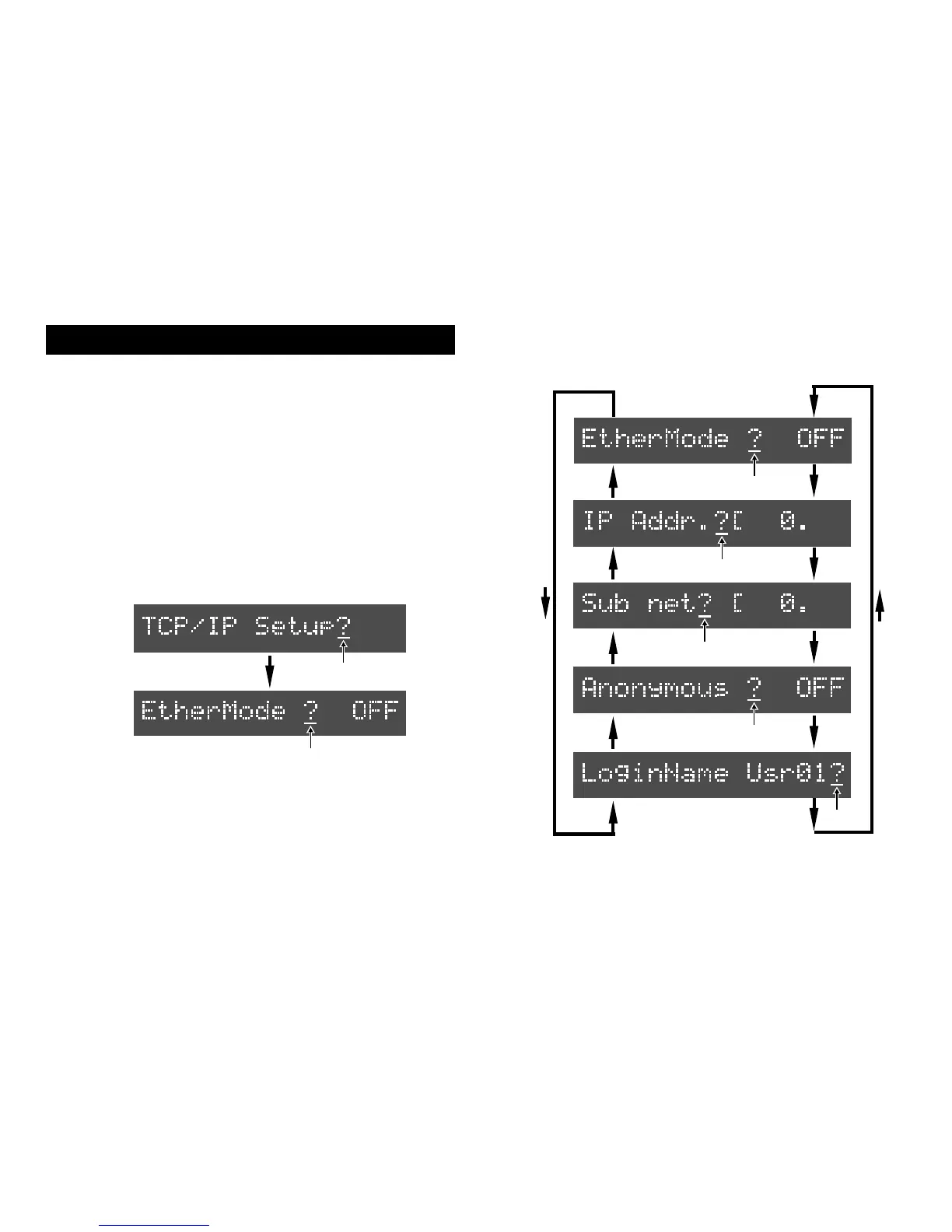
Make the settings in the "TCP/IP Setup?" menu
which is added to the setup mode of the recorder
so that the Model 8360 can be used as an FTP server.
TCP/IP setting (recorder's initial setting)
1. Turn on the recorder's power.
2. Press the [SETUP] key to enter the setup mode.
3. Use the JOG dial to bring up the "TCP/IP Setup?" menu
and press the [EXECUTE/YES] key.
The first time you enter the TCP/IP setup mode, the display
shows the screen for selecting the ether mode on or off.
SETUP
flashing
SETUP
4. Use the JOG dial to select the screen from among those
required for the TCP/IP setting.
SETUP
SETUP
SETUP
SETUP
SETUP
5
flashing
flashing
flashing
flashing
flashing
flashing



 To Next Page