EasyManua.ls Logo

Fostex A-8 - Page 29

Fostex A-8
100 pages
Print Icon
To Next Page IconTo Next Page
To Previous Page IconTo Previous Page
Loading...
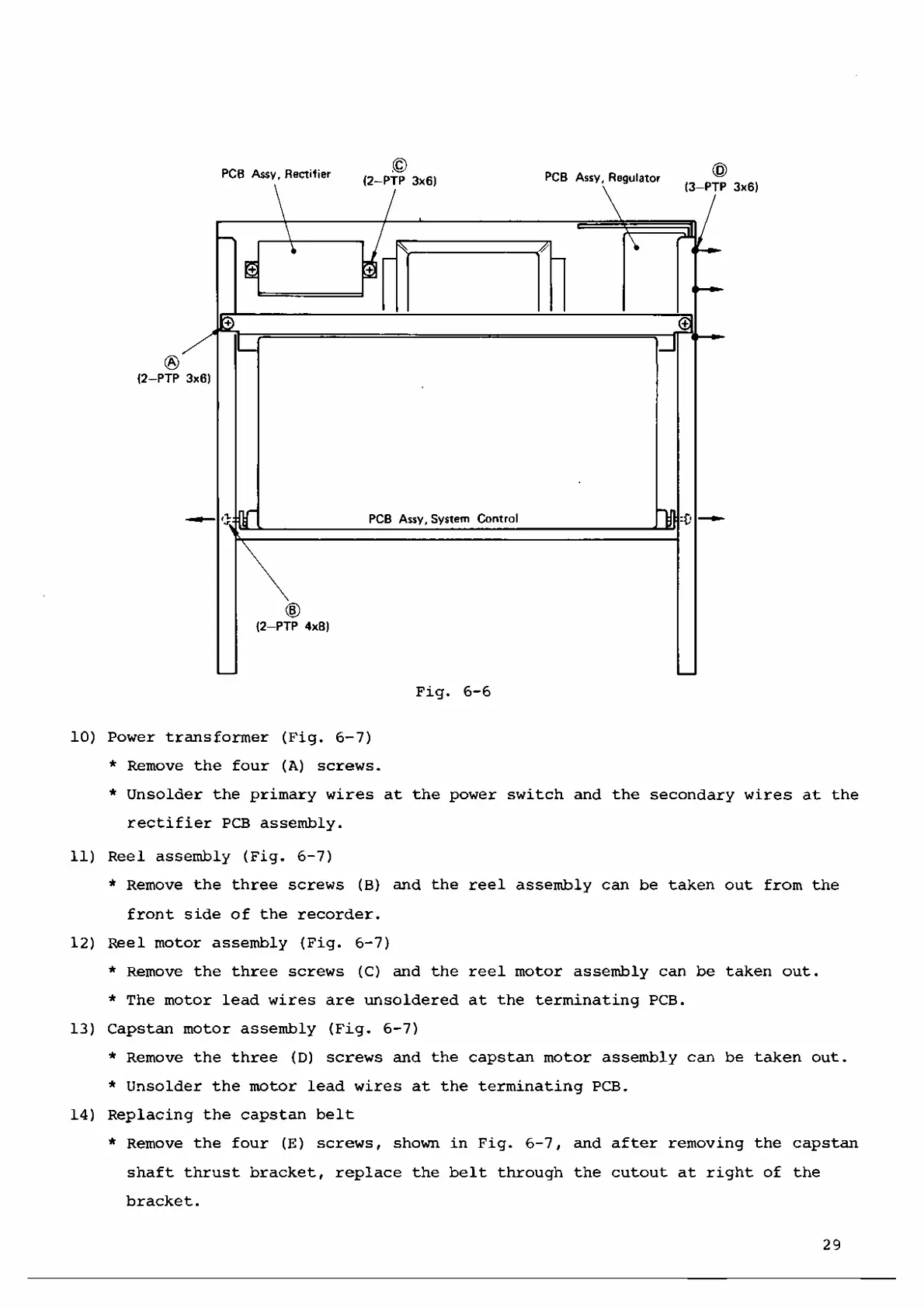
Fig.
6-6
10)
Power
transformer
(Fig.
6-7)
*
Remove
the
four
(A)
screws.
*
Unsolder
the
primary
wires
at
the
power
switch
and
the
secondary
wires
at
the
rectifier
PCB
assembly.
11)
Reel
assembly
(Fig.
6-7)
*
Remove
the
three
screws
(B)
and
the
reel
assembly
can
be
taken
out
from
the
front
side
of
the
recorder.
12)
Reel
motor
assembly
(Fig.
6-7)
*
Remove
the
three
screws
(C)
and
the
reel
motor
assembly
can
be
taken
out.
*
The
motor
lead
wires
are
unsoldered
at
the
terminating
PCB.
13)
Capstan
motor
assembly
(Fig.
6-7)
*
Remove
the
three
(D)
screws
and
the
capstan
motor
assembly
can
be
taken
out.
*
Unsolder
the
motor
lead
wires
at
the
terminating
PCB.
14)
Replacing
the
capstan
belt
*
Remove
the
four
(E)
screws,
shown
in
Fig.
6-7,
and
after
removing
the
capstan
shaft
thrust
bracket,
replace
the
belt
through
the
cutout
at
right
of
the
bracket.
29

Related product manuals