9
Mac OS
Sound output destination setting
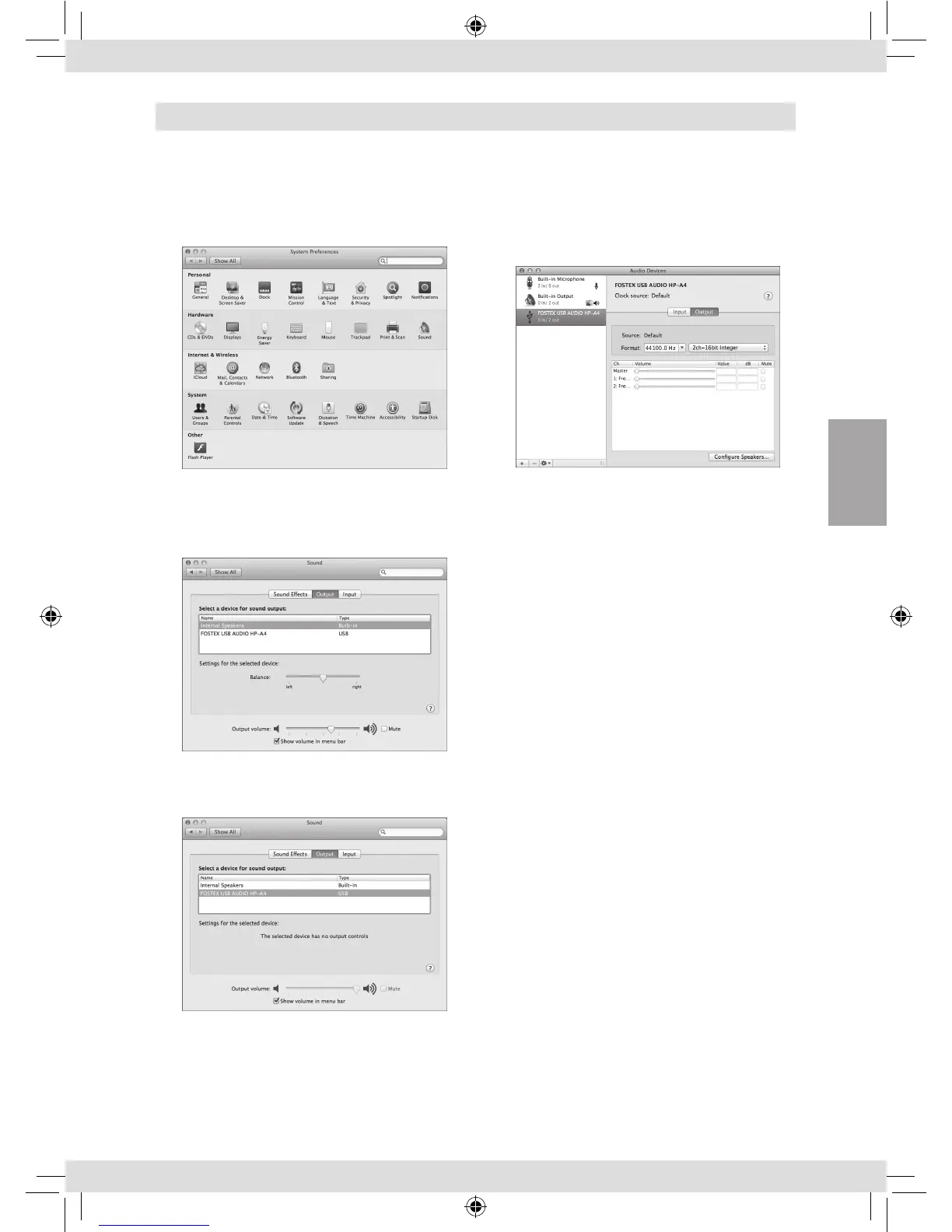
1) Select “System preferences” from the
Apple drop-down menu.
2) Select “Sound” to open the “Sound”
window and select the “Output” tab at
the top of the window.
3) Select “FOSTEX USB AUDIO HP-A4” in the
list box.
Advanced settings
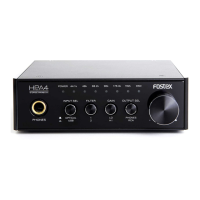
The “Audio MIDI setting” utility in the “Utility”
folder in the “Application” folder allows you to
select the sampling rate and bit rate.
English
Fostex_HP-A4BL_3L.indb 9 16/03/11 14:14


 To Next Page