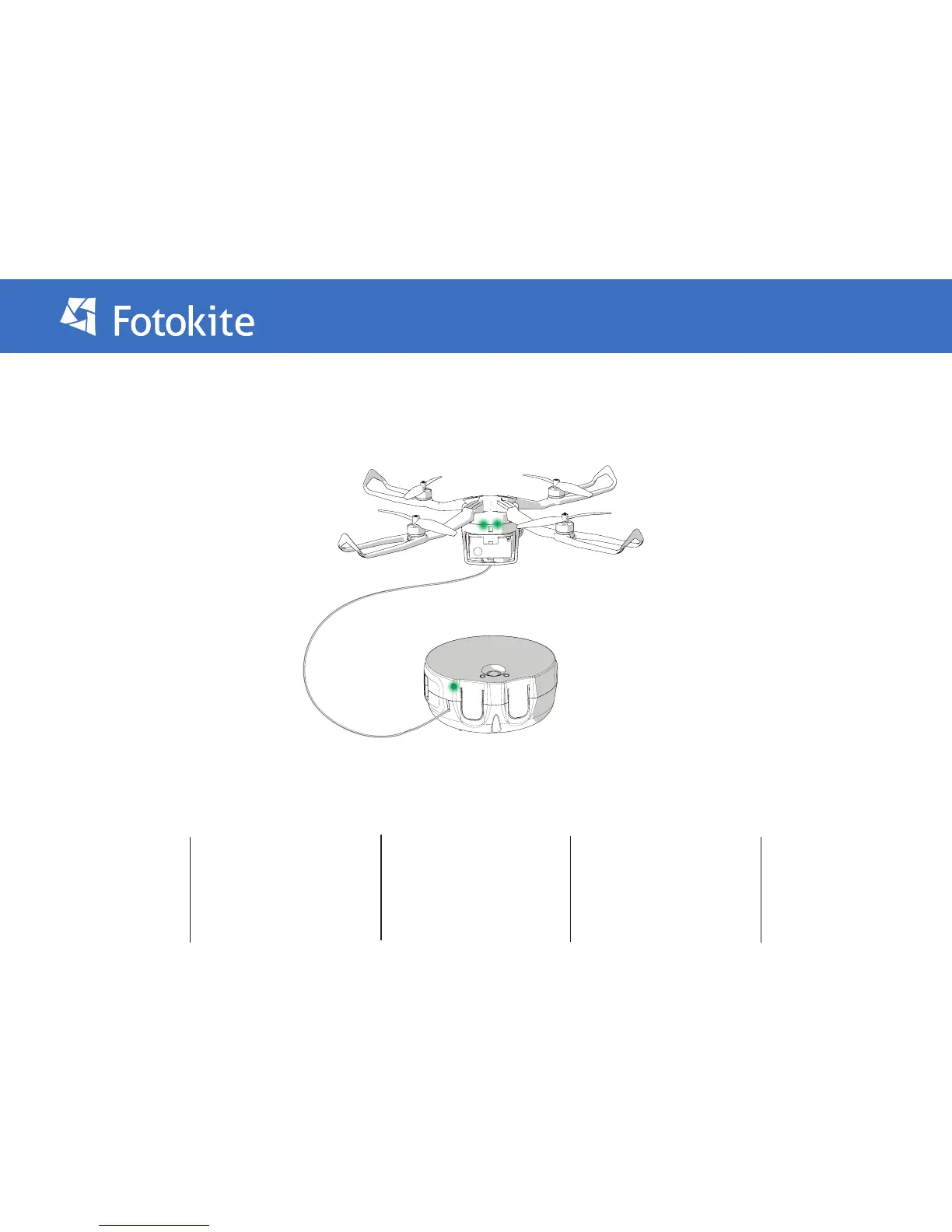
The Leash communicates with the Fotokite Flight Frame via a Bluetooth connection. Upon Powering both the Leash, and the Flight Frame ON the status
light on the Leash should turn solid green.
If the Leash status light ashes, and the leash vibrates, this is because the the two are not paired, follow the below instructions to Pair the Leash with the
Fotokite Flight Frame.
1. Start with both the leash and
the Fotokite turned OFF.
2. Press and hold the Yaw button
on the leash. While holding it,
turn on the leash with the Power
button.
3. The leash will turn on with
both the Orbit light and the
status light being blue.
4. Turn on the Fotokite
normally. As you do so, the status
light on the leash will turn green
(the Orbit light will remain blue)
5. Exit the pairing setup by
turning o the leash. Your
Flight Frame and Leash are now
paired.
Pairing the Flight Frame and Leash


 To Next Page