5
Chapter 1 Product Introduction
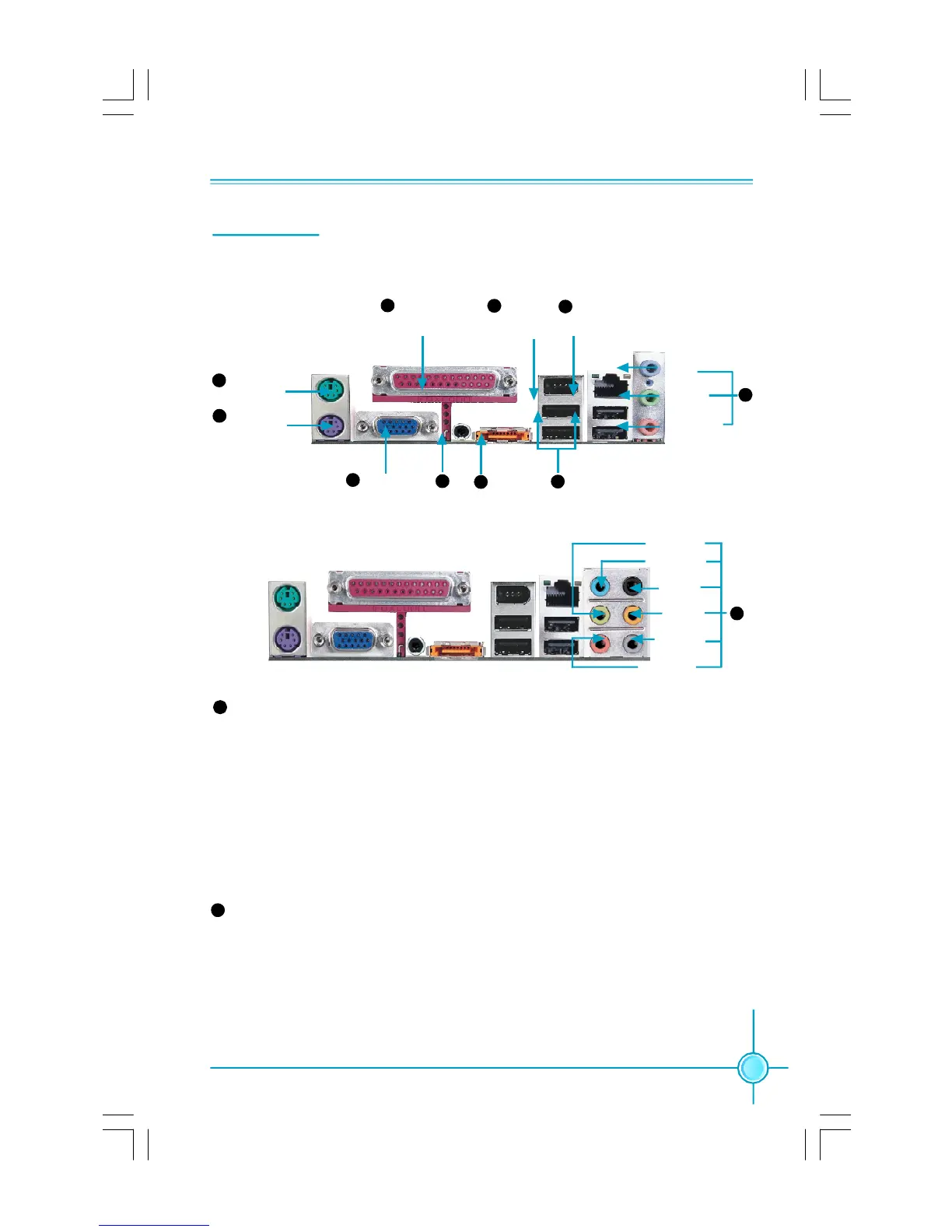
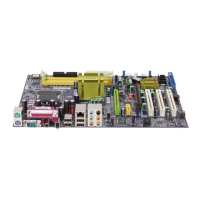
Rear I/O Ports
This motherboard provides the ports as below:
USB2.0 Ports
S/PDIF Coaxial
Out Port
LAN Port
(optional)
Parallel Port
(Printer Port)
PS/2 Mouse
Port
PS/2 Keyboard
Port
ESATA 1 Port
Surrr out
CEN/LFE
Microphone
Line-in
Line-out
Side Surr out
Line-in
(Rear)
Line-out
(Front)
Microphone
(CEN/LFE)
For -6 model (optional)
For -8 model (optional)
Line-in jack,Line-outjack,Microphone jack (For -6 model)
When using a 2-channel sound source,the Line-out jack is used to connect to
speaker or headphone;the Line-in port connects to an external CD player,tape
player or other audio device. The Microphone jack is used to connect to the
microphone.
When using a 6-channel sound source,connect the front speaker to the green
audio output;connect the rear speaker to the blue audio output;connect the
center speaker/subwoofer to the red Microphone output.
Line in, Line out, Microphone, Rear, LEF/CEN, Side Jacks(For -8 model)
When using an 8-channel sound source, connect the front speaker to the green
audio output; connect the rear sound speaker to the black audio output; con-
nect the center speaker/subwoofer to the orange audio output; connect the side
sound speaker to the grey audio output.
1
2
3
4 6
7
8
1394 Port
(optional)
10
5
9
11
11
7
33
VGA Port
(optional)
PDF 文件使用 "pdfFactory" 试用版本创建 Æ Æ www.fineprint.com.cn









 To Next Page