EasyManua.ls Logo

Foxpro Cabela’s Outfitter Series - User Manual

Foxpro Cabela’s Outfitter Series
16 pages
Print Icon
To Next Page IconTo Next Page
Loading...

Questions and Answers

  • D
    Diane JacksonAug 1, 2025
    What to do if my Cabela’s Outfitter Series Electronic Predator Call Foxpro Cabela’s Outfitter Hunting Equipment will not turn on?
    • J
      Jeremy ScottAug 1, 2025
      First, ensure you've installed fresh batteries, or if using rechargeable ones, ensure they're fully charged. Then, inspect the battery tray, checking that the springs aren't compressed or corroded, as this can cause poor battery connectivity.
  • E
    Elizabeth SaundersAug 8, 2025
    What to do if my Cabela’s Outfitter Series Electronic Predator Call Foxpro Cabela’s Outfitter does not produce any sound?
    • R
      Regina MosesAug 8, 2025
      First, verify that the speakers are not turned off. Next, check if you can play sounds manually, without using the remote. If manual sound play isn't working, connect the call to a computer and check the sound files for any missing or corrupted files.
  • H
    hstuartAug 16, 2025
    How to fix TX35 remote if it does not turn on for Foxpro Cabela’s Outfitter Hunting Equipment?
    • A
      alexismorganAug 16, 2025
      Install a new 9V battery in your TX35 remote.
  • B
    Briana HernandezAug 25, 2025
    Why is battery life poor in cold weather with my Foxpro Cabela’s Outfitter?
    • D
      Donna HamiltonAug 25, 2025
      Cold weather significantly impacts alkaline batteries. To improve performance in cold conditions, it's highly recommended to switch to lithium or rechargeable NiMH batteries for your Foxpro Hunting Equipment.

Summary

Getting Started

Whats in the Box?

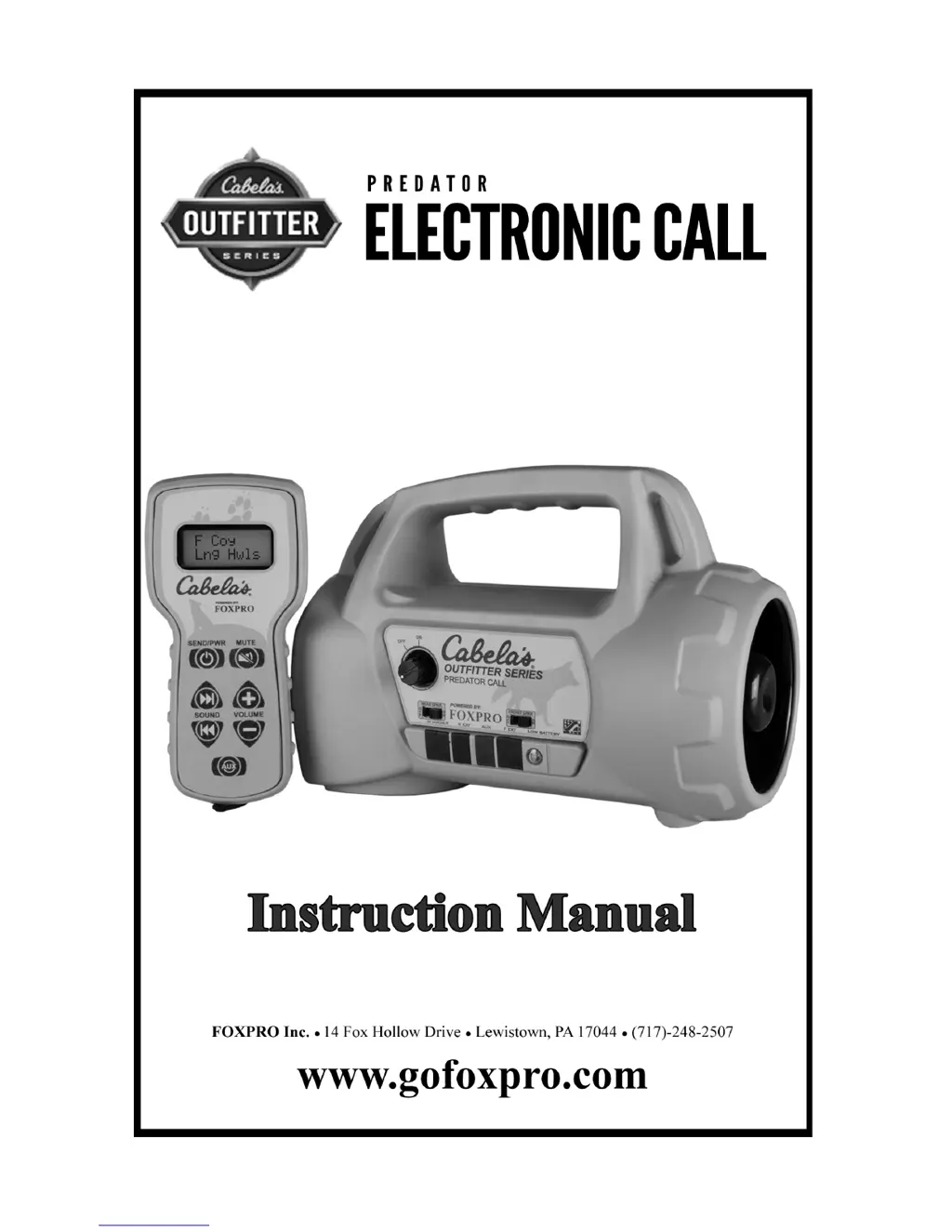
Lists items included in the Cabela's Outfitter Series Electronic Predator Call package.

Cabelas Outfitter Series: First Glance

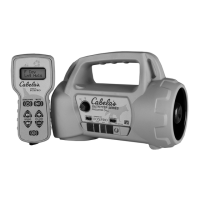
Provides an overview of the Cabela's Outfitter Series Electronic Predator Call device.

Cabelas Outfitter Series: Requirements

Details the battery requirements for the Cabela's Outfitter Series Electronic Predator Call.

TX35 Remote: First Glance

Presents an overview of the TX35 remote control and its components.

TX35 Remote: Requirements

Outlines the power requirements for the TX35 remote control.

Operating Instructions

Playing Sounds

Explains the procedure for playing sounds on the Cabela's Outfitter Series Electronic Predator Call.

Auxiliary Jack Function

External Speakers

Connecting External Speakers

Instructions for connecting external speakers to the call using 3.5mm plugs.

Disabling Internal Speakers

How to turn off the internal speakers to conserve battery life when using external ones.

Batteries and Charging

Programming Sounds

Obtaining New Sounds

Instructions on how to purchase and download new sounds from the FOXPRO website.

Programming the Game Call (Windows PCs Only)

Step-by-step guide for programming the game call using the FOXPRO Sound Programming Utility.

Transferring a New Playlist to the TX35

Process for transferring programmed sound lists from the game call to the TX35 remote.

Troubleshooting

Maximizing Remote Range

FCC & IC Information

Warranty Statement

Foxpro Cabela’s Outfitter Series Specifications

General IconGeneral
BrandFoxpro
ModelCabela’s Outfitter Series
CategoryHunting Equipment
Preloaded SoundsYes
DisplayLCD
Remote IncludedYes
Remote ControlYes
TypeGame Call
Power SourceBattery
Battery TypeAA
Weather ResistanceYes

Related product manuals