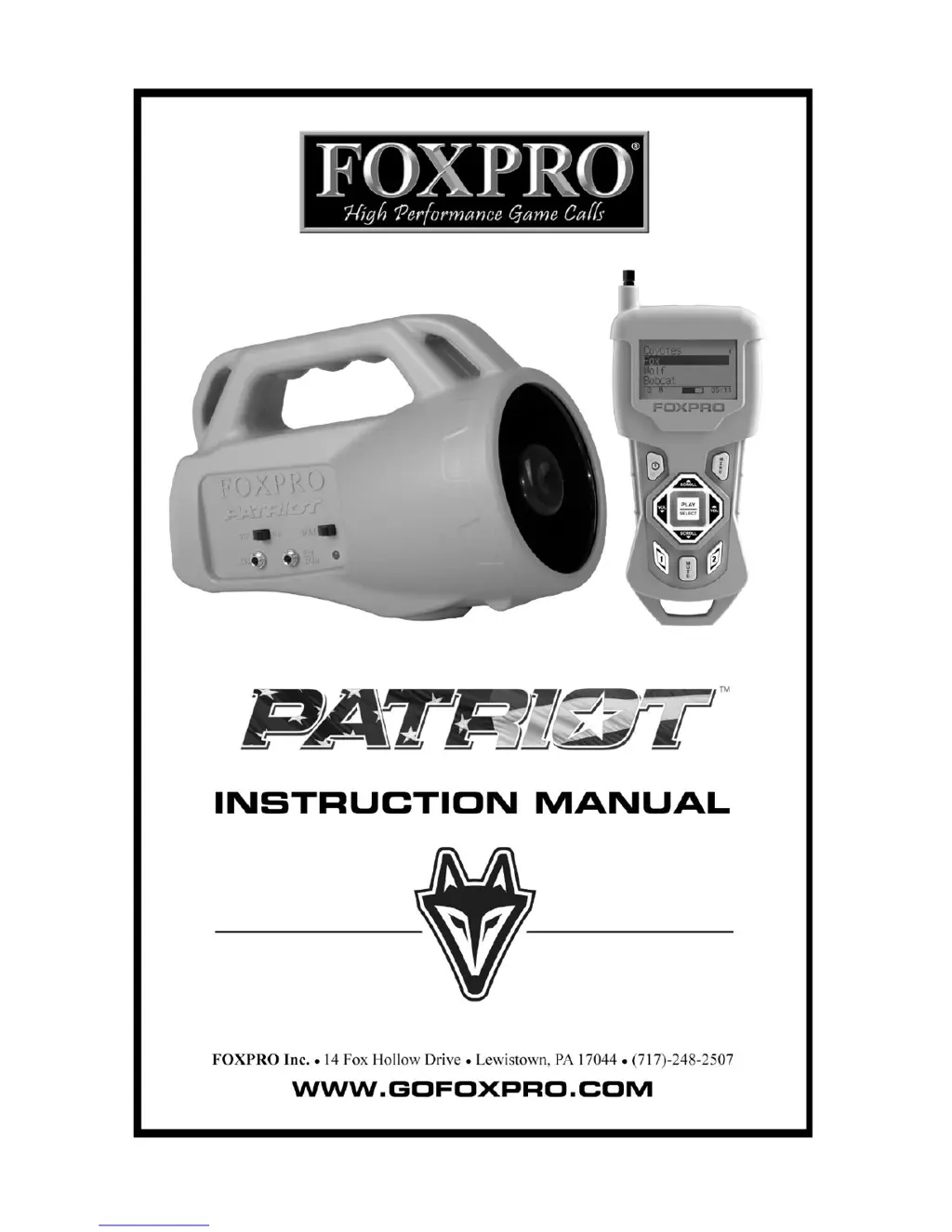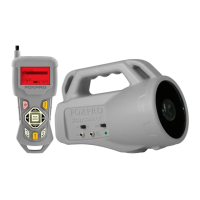
What to do if my Foxpro Patriot Hunting Equipment does not produce any sound?
- MMatthew HoJul 27, 2025
If your Foxpro Patriot Hunting Equipment does not produce any sound, check that the speaker is in the 'on' position (to the right).
What to do if my Foxpro Patriot Hunting Equipment does not produce any sound?
If your Foxpro Patriot Hunting Equipment does not produce any sound, check that the speaker is in the 'on' position (to the right).
Why does my Foxpro Patriot Hunting Equipment have poor battery life in cold weather?
If your Foxpro Patriot Hunting Equipment experiences poor battery life in cold conditions, it's likely due to the impact of cold weather on alkaline batteries. For optimal performance, especially in cold weather, use lithium or rechargeable NiMH batteries.
What to do if my Foxpro Patriot Hunting Equipment is not recognized by the computer?
If your Foxpro Patriot Hunting Equipment is not being recognized by your computer, ensure that the Patriot is turned OFF while connected. Also, verify that the memory card is correctly inserted in its socket.
What to do if my Foxpro Patriot Hunting Equipment transmitter does not turn on?
If your Foxpro Patriot Hunting Equipment transmitter does not turn on, try installing fresh batteries.
Why is the pilot light blinking on my Foxpro Patriot Hunting Equipment?
If the pilot light or LED is blinking on your Foxpro Patriot Hunting Equipment, try replacing the batteries.
How to fix a Foxpro Patriot Hunting Equipment that will not turn on?
If your Foxpro Patriot Hunting Equipment will not turn on, make sure you have installed fresh batteries. If you are using rechargeable batteries, ensure they are fully charged. Inspect the battery tray for any signs of corrosion.
Details the battery requirements for operating the Patriot digital game call.
Details the battery requirements for operating the TX433 transmitter.
Explains how to turn on the Patriot and TX433, and start playing sounds.
Configures the volume increment steps for sound playback.
Instructions on purchasing and downloading new sounds from the FOXPRO website.
Steps to download and install the FOXPRO Sound Programming Utility.
Comprehensive guide on connecting the device and loading new sound files.
Important advice on file types, numbering, and category management for programming.
Procedure for updating the transmitter's sound playlist using a 3.5mm cable.
Details the battery requirements for operating the Patriot digital game call.
Details the battery requirements for operating the TX433 transmitter.
Explains how to turn on the Patriot and TX433, and start playing sounds.
Configures the volume increment steps for sound playback.
Instructions on purchasing and downloading new sounds from the FOXPRO website.
Steps to download and install the FOXPRO Sound Programming Utility.
Comprehensive guide on connecting the device and loading new sound files.
Important advice on file types, numbering, and category management for programming.
Procedure for updating the transmitter's sound playlist using a 3.5mm cable.
| Type | Electronic Game Call |
|---|---|
| Remote Control | Yes |
| Speaker | Horn speaker |
| Waterproof | No |
| Warranty | 3 Year Limited Warranty |
| Remote Display | LCD |
| Remote Range | Up to 100 yards |