EasyManua.ls Logo

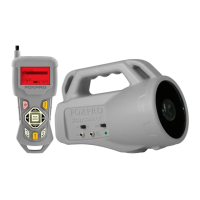
Foxpro Patriot - Getting Started; Patriot Overview; TX433 Transmitter Overview

Foxpro Patriot
17 pages
Print Icon
To Next Page IconTo Next Page
To Previous Page IconTo Previous Page
Loading...
4
Getting Started
Congratulations on your purchase of the FOXPRO Patriot digital game call! To avoid personal injury and
product damage, be sure to read all operating instructions before using the FOXPRO Patriot.
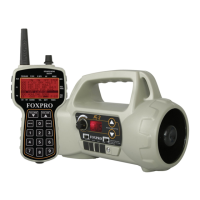
1-1 Patriot Overview
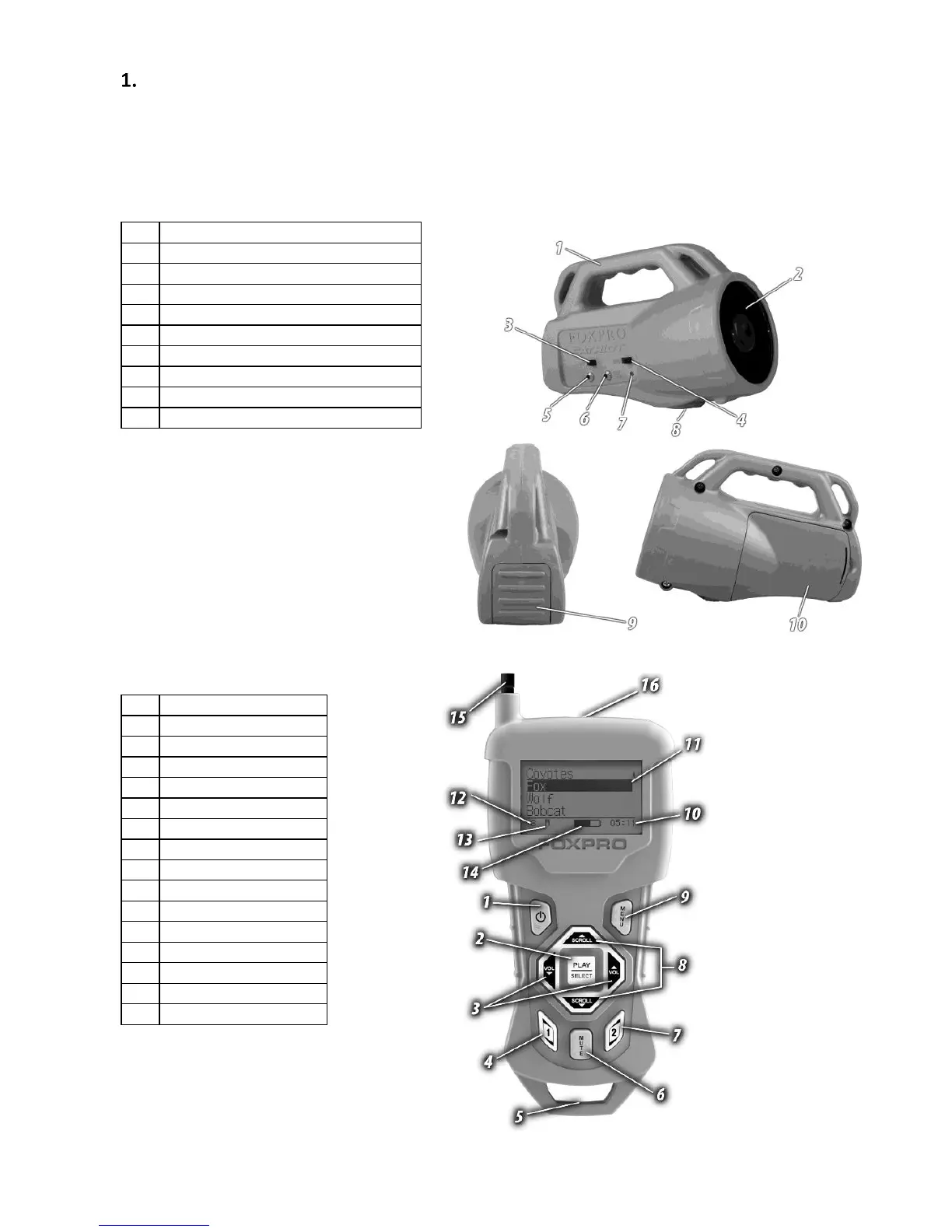
The following graphic highlights the functions and details of the Patriot digital game call:
1
Carry handle
2
Horn speaker
3
Power on/off switch
4
Horn speaker on/off switch
5
Auxiliary jack
6
External speaker jack
7
Pilot lamp/low battery indicator
8
Tripod mount
9
USB access panel
10
Battery compartment door
1-2 TX433 Transmitter Overview
The following graphic highlights the functions
and details of the Patriot TX433
transmitter:
1
Power on/off
2
Play/select
3
Volume up/down
4
User 1
5
Lanyard loop
6
Mute
7
User 2
8
Scroll up/down
9
Menu/back
10
Elapsed timer
11
Sounds/categories
12
Volume level
13
Mute status indicator
14
Battery indicator
15
Telescopic antenna
16
Sound upload jack