52
Foxwell ET2709 OBDII&Battery Tester User’s Guide_ English Version_V1.00
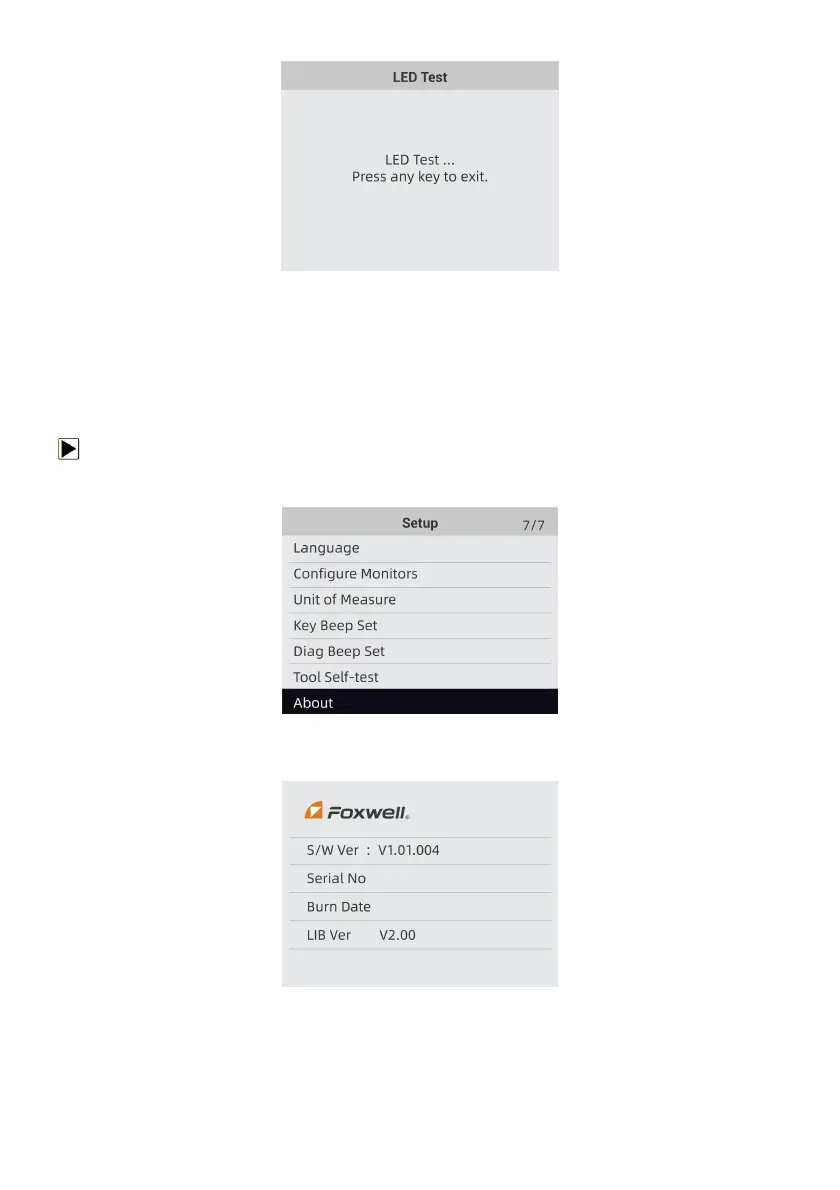
Figure 8-24 Sample LED Test Screen
4. To quit the test, press the any key.
9.7 Tool Information
Selecting About option opens a screen that show information about your OBDII&Battery tester,
such as serial number and software version.
To view information of your OBDII&Battery tester:
1. Use the LEFT/RIGHT key to highlight Setup from home menu and Highlight About press Enter
key.
Figure 8-25 Sample Home Screen
2. A screen with detailed information of the OBDII&Battery tester displays.
Figure 8-26 Sample Tool Information Screen
3. Press the BACK key to exit and return to the Setup menu.
< END >



 To Previous Page