
 Need help?
Do you have a question about the Fractal Focus 2 and is the answer not in the manual?
Technical specifications of the Fractal Design Focus 2 computer case, including dimensions and compatibility.
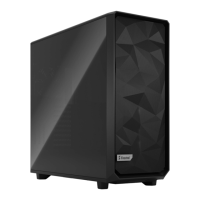
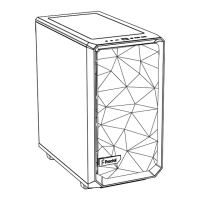
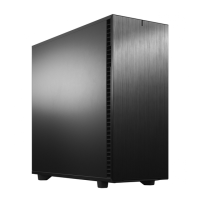
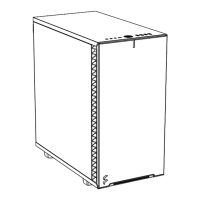
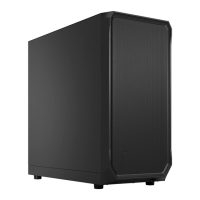
Visual overview of the Fractal Design Focus 2 computer case and its main components.
Instructions for removing the side panels of the computer case.
Steps for installing the power supply unit into the case.
Detailed steps for mounting the motherboard assembly onto the stand-offs.
Instructions on how to contact Fractal Design for technical support and assistance.
Information regarding the product warranty terms and limitations of liability.
 General
| Type | Mid Tower |
|---|---|
| Material | Steel, Plastic |
| Expansion Slots | 7 |
| Maximum GPU Length | 405 mm |
| Maximum CPU Cooler Height | 170 mm |
| Colors | Black, White |
| Motherboard Support | ATX, Micro ATX, Mini ITX |
| Front I/O | 2 x USB 3.0, Audio I/O |
| Drive Bays | 2 x 2.5", 2 x 3.5" |
| Cooling Support | Front: 2 x 120/140mm, Top: 2 x 120/140mm, Rear: 1 x 120mm |
| Pre-installed Fans | 2 x 140mm front fans |
| Maximum PSU Length | 250 mm |
| Case Window | Tempered Glass |


 To Next Page