5.4 Quick Select operating mode
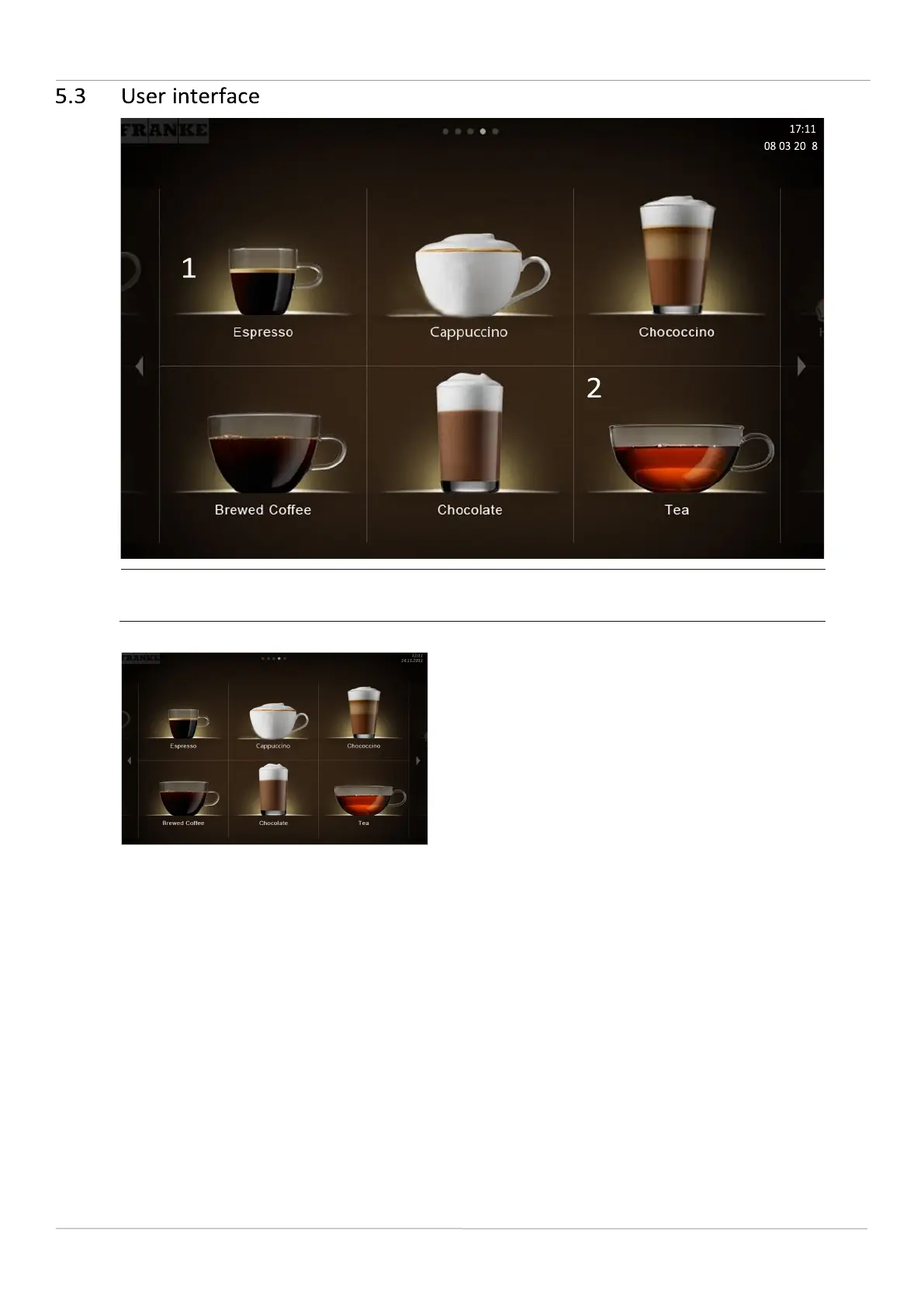
The Quick Select operating mode is the standard setting for self-
service. Once your customer has selected a drink, he/she can
adapt it in the second step if product options are activated.
Structure of the user interface
– Level 1: Product selection, up to 5 pages; 6, 12 or 20 product buttons can be displayed per page – Level 2:
Modify drink, select product options, initiate drink-preparation process Individual adaptations
– Display: 2x3, 3x4, or 4x5 products per page
– Individual arrangement of drinks



 To Next Page