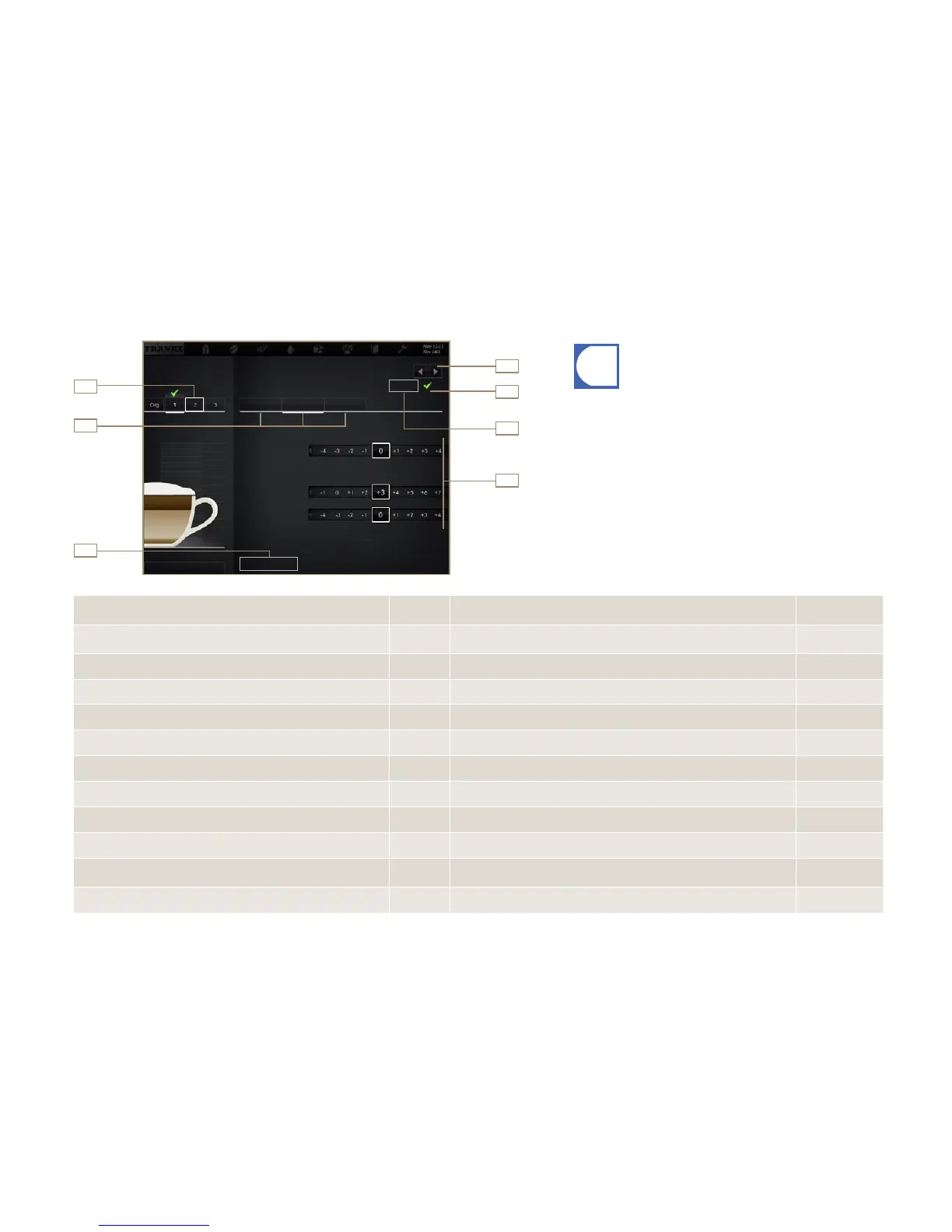
Configuration
Page 36
Select product
Select area
Confirm vari-
ation
Preparing test
product
Set parameters
Button
Save
Select variation
Tes t
Grind quantity
Brewing quantity
Grinder 2
Grinder 1
Water quantity
Back
Save
Coffee ...
General
Cappuccino cold
Desired action Menu item Information / Instruction
Reference num-
ber
Selecting a product
Use the selection arrows to select the product to be defined, then select the
variation to be edited
4, 1
Changing the product designation and product text General Enter product designation and select product text 2, 7
Determining price (available only when Accounting is activated) General Determine PLU, prices and token, select Free-of-charge option 7
Adjusting water quantity, grinders, pre-inject quantity and pressure Coffee Adjust parameters 2, 7
Adjusting milk quantity Milk Adjust milk quantity by percentage 2, 7
Adjusting foam quantity Milk foam Adjust foam quantity by percentage 2, 7
Changing powder options Powder Adjust Water quantity 1 and 2, Powder quantity 1 and 2 by percentage 2, 7
Adding, removing syrups Flavour Adjust the syrup quantity of the various flavors by percentage 2, 7
Preparing test product Test Use Test to prepare the selected product using the modified settings 6
Assigning drink variation that is to be prepared with this product
selection
Select variation, then confirm with the checkmark 1, 5
Saving drink settings Save Use Save to save the drink configuration 3
1
3
2
4
5
6
7
•You can save each product in three user-specific variations. The
original cannot be changed.
•Only parameters that are relevant for the product are displayed.
•The percentage specifications are always based on the preset
value.
•Tips for configuring the parameters can be found in the chapter
"Help with problems concerning product quality".
Setting drinks



 To Next Page