Configuration
Page 38
screensavers
images
drinks
custom
rc
QML files
Drive
You must adhere to a specific directory structure so that the FM850
can recognize your images without difficulty.
Create the folder structure once, save it and it will be quickly avail-
able.
You can also generate this directory structure automatically. For this,
use the menu item "1.7 Generate directory structure".
Necessary folder structure on the USB stick
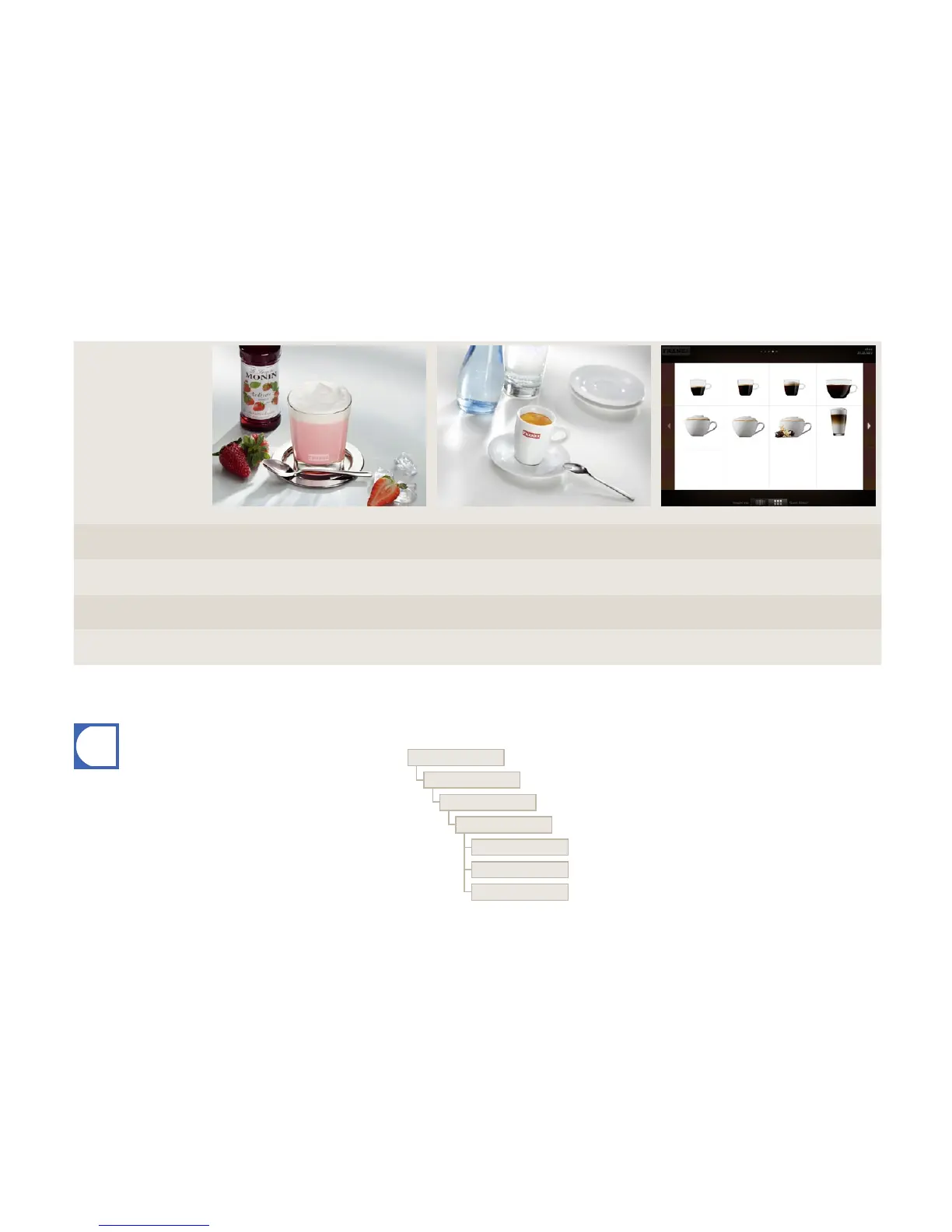
Advertising images Screen saver Drink images
Image size
(width x height)
800 x 600 px 800 x 600 px 430 x 274 px
Data format PNG with 24 bit PNG with 24 bit PNG with 24 bit and 8 bit alpha channel as
required
Orientation --- --- Centered on vertical axis
Memory folder on USB stick Drive:\QML-Files\rc\custom\images Drive:\QML-Files\rc\custom\screensavers Drive:\QML-Files\rc\custom\drinks
Requirements of my image material



 To Next Page