Configuration
Page 42
My Product Images
2.10 My Product Images
2.8 Sort Quick Select
2.9 Sort Cash Register
2.7 My Advertising Images
2.3 Screen Saver
2.6 Advertising Images
2.4 My Screen Saver
2.5 Menu Cards
2.2 Image carousel
2.1 Activate Drinks
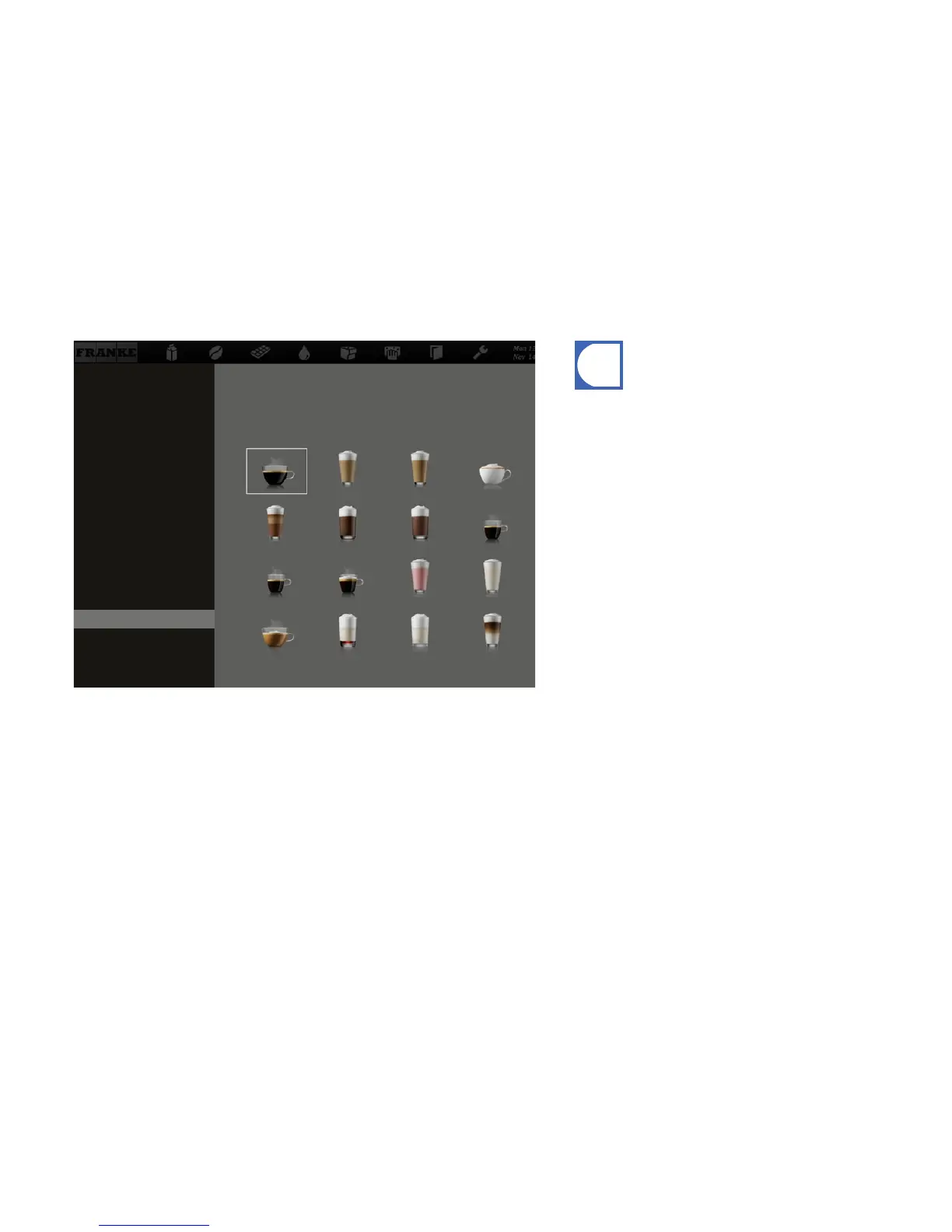
•An image must be assigned to each available product.
•The images can be activated through the menu item My Set-
tings > Set Machine > Operation Mode.
•You can either use the Franke images or your own, but you
cannot mix the two types with one another.
Assigning my product images



 To Next Page