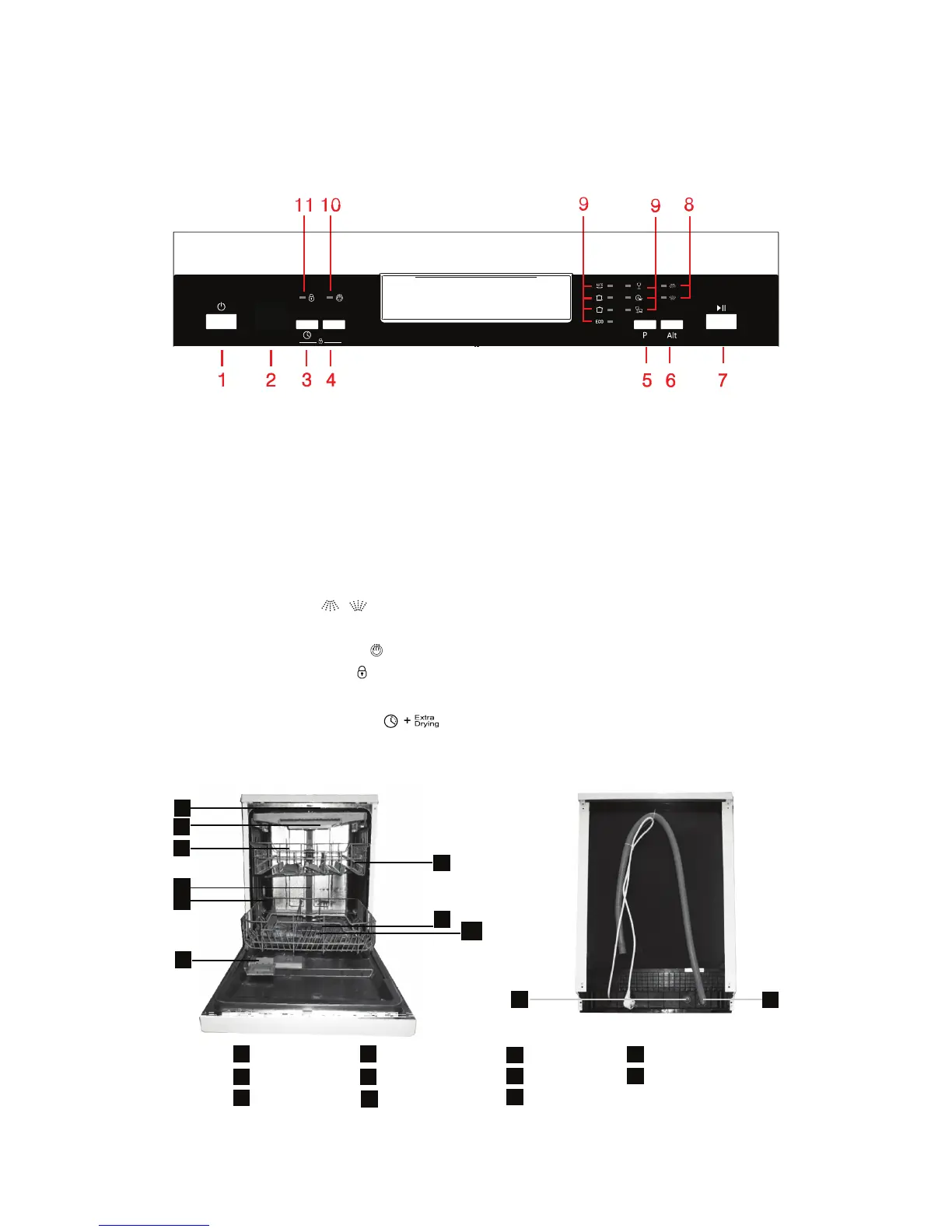
1. On/Off button: to switch on/off the appliances.
2. Display screen: to show the remaining time and the state (running state, delay time, error codes etc)
3. Delay button: press the button to add the delay time.
4. Extra drying button: press the button to select extra drying function (does not apply to auto and rapid).
5. Program button: press the button to select appropriate program.
6. Alt button: dual zone wash function, press the button to select either upper basket or lower basketr loaded,
and the response indicators will light on.
7. Start/Pause button: to start the selected washing programe or pause the washing program when the
machine is working.
8. Alt function indicator:
9. Program indicators: to show which program you have chosen.
10. Extra drying function indicator:
11. Child lock function indicator:
Attention:
Child lock function: press two buttons ( ) simultaneously to lock the program.
DISHWASHER FEATURES
10
11
1
2
3
4
5
6
7
8
9
1
5
6
7
8
11
10
3
2
4
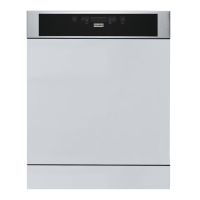
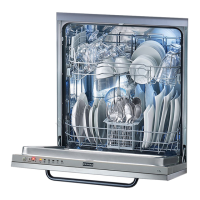
Front view
Top spray arm Inner pipe Cup shelf Inlet pipe connector
Cutlery rack Lower basket Spray arms Drain pipe
Upper basket Dispenser Filter assembly
Back view


 To Next Page