12
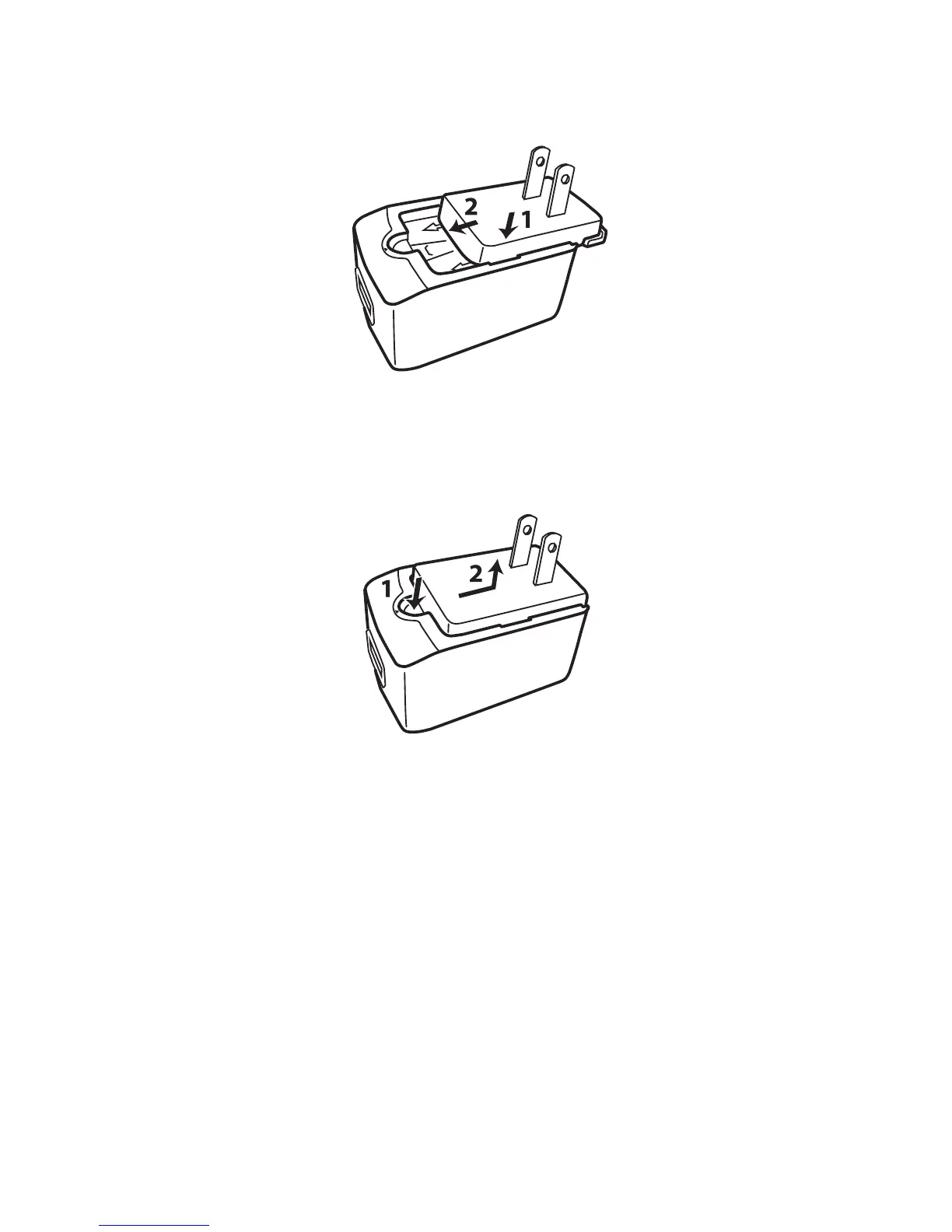
2. Refer to the diagram below to insert a
suitable plug to the AC adapter.
• To detach the plug (for replacement), refer
to the diagram below.
3. Plug the wide end of a USB cable to
the AC adapter and the small end into
the USB port on your device.



 To Next Page