14
Resetting Your Product
If the keyboard fails to respond, or if the
screen performs erratically, perform a
system reset by following the steps below:
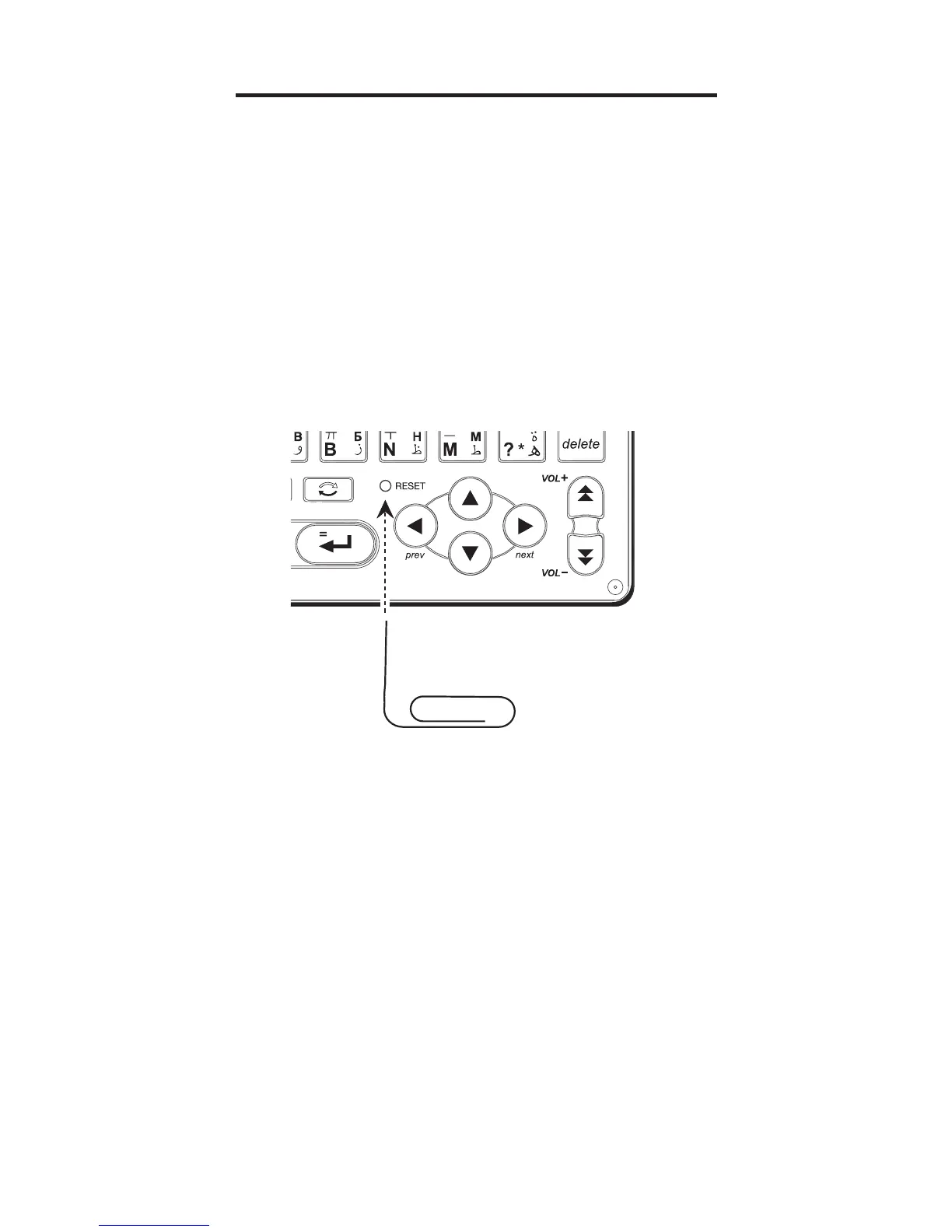
1. Use a paper clip to gently press the
reset button on your unit.
• The reset button is recessed in a pin-
sized hole on the front of your unit.
Warning! Pressing the reset button with
more than light pressure may permanently
disable your product. In addition, resetting
the product erases settings.



 To Next Page