19
Key Guide
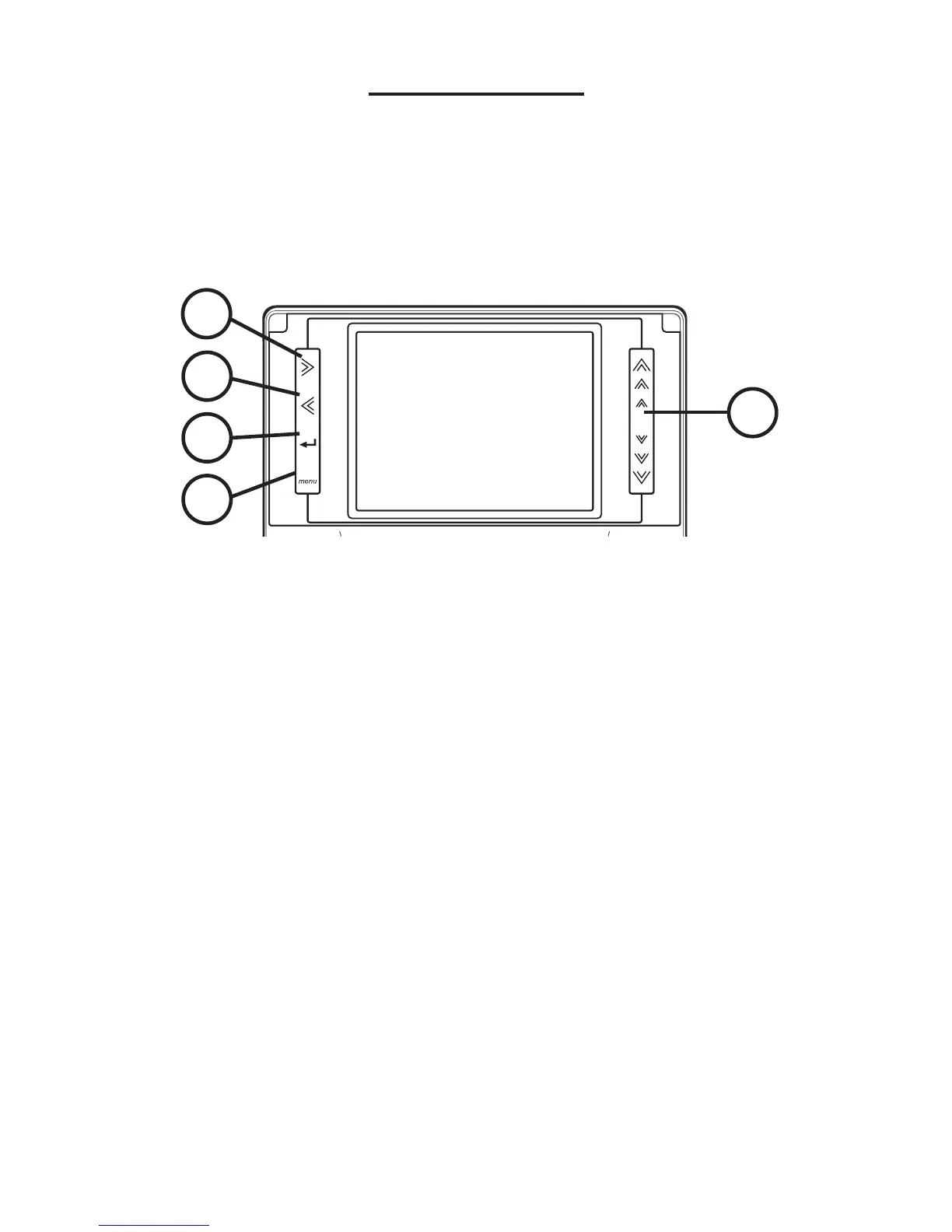
Touch Keys
The touch-sensitive keys are located on the
left and right sides of the screen.
1. Moves right.
2. Moves left.
3. Enters a word or selects an item.
4. Goes to the main menu.
5. Touch once on the symbol to move one
step in the indicated direction. Swipe
upward or downward to scroll.
Note: Keys 1, 2 and 5 are direction keys.
1
2
3
4
5



 To Next Page