18
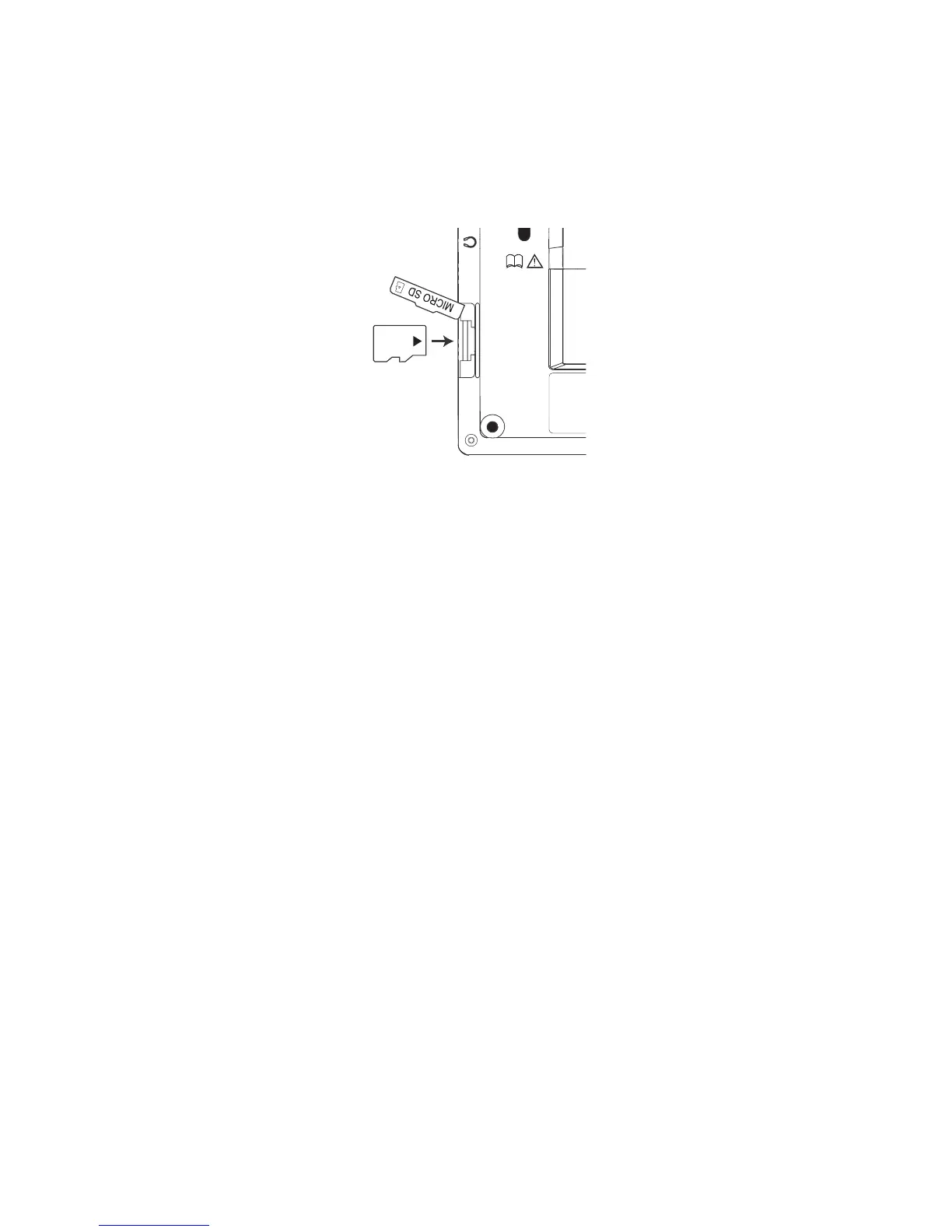
MicroSD Card Slot: Insert a MicroSD card
to expand the unit’s memory space. To insert
card, open the card slot cover and then push
the card in until a click is heard.
To remove card, push the card in until a
click is heard, then slowly release the card.
Note: As the memory card is small in size, it
is recommended to use a small coin to help
insert or remove it.
Note: The device supports MicroSD cards
up to 2 GB.
Battery Compartment: The battery
compartment holds the rechargeable lithium
polymer battery. See Charging the Battery
for more information.



 To Next Page