22
+
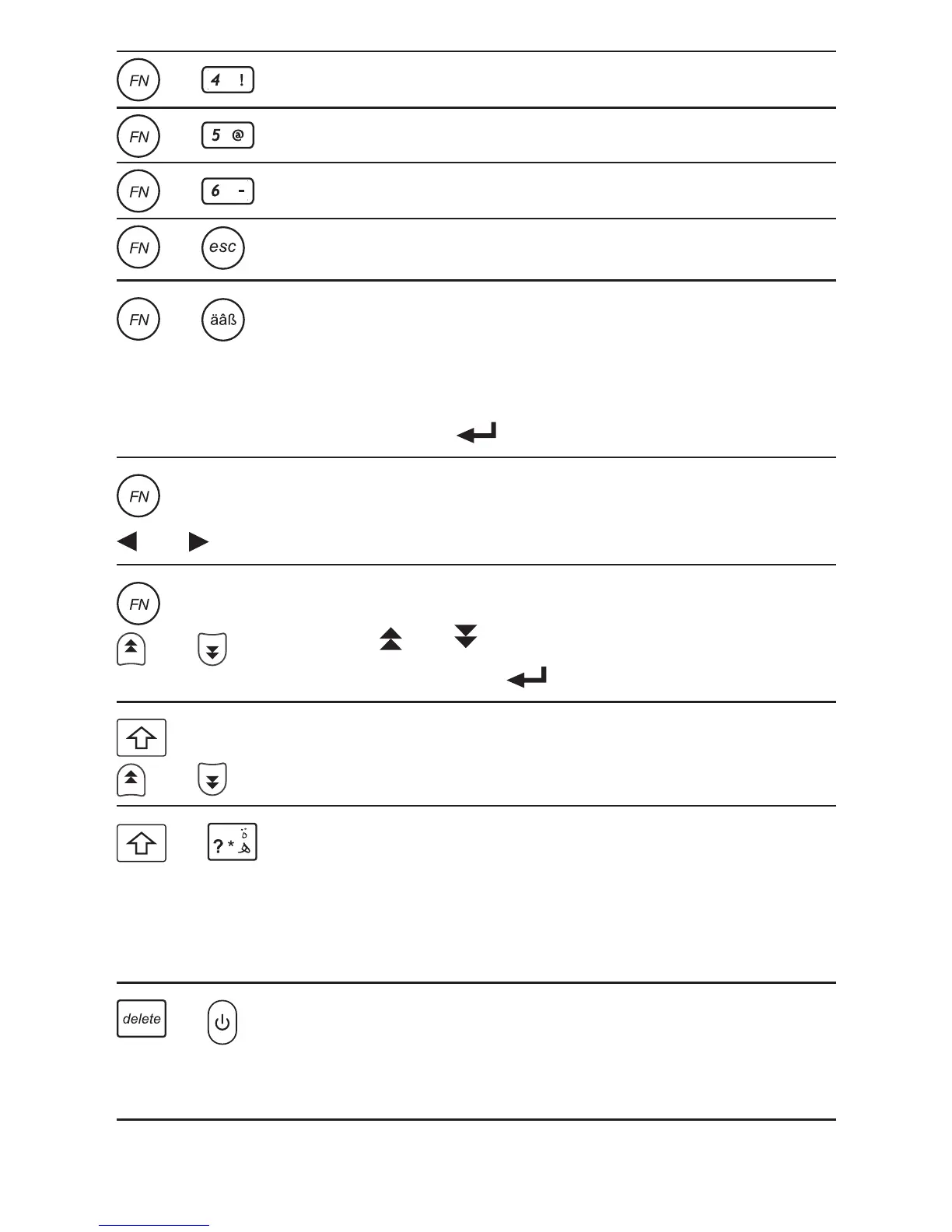
Goes to the Visual Dictionary.
+
Goes to the Music Player.
+
Goes to the Calculator.
+
Displays the help messages.
+
Displays the menu of symbols.
Use the direction keys to move the
cursor to the one you want and
then press .
+
or
In a series of entries, displays the
previous or next entry.
+
or
Displays the volume control menu.
Press or to adjust the volume.
Press ESC or when done.
+
or
In a list, skips to the beginning or
the end of the list.
+
At a word entry screen, types an
asterisk (*) to stand for any series
of unknown letters or characters in
a word.
+
Resets settings and clear history
(Password and time settings will
not be changed).



 To Next Page