18
Freecom Mobile Drive
GB
5
5.3.5 Deleting the Secure&Compress folder
Click on "Delete folder" in order to delete the selected Secure&Compress folder.
ATTENTION: All files in the folder are irrevocably deleted!
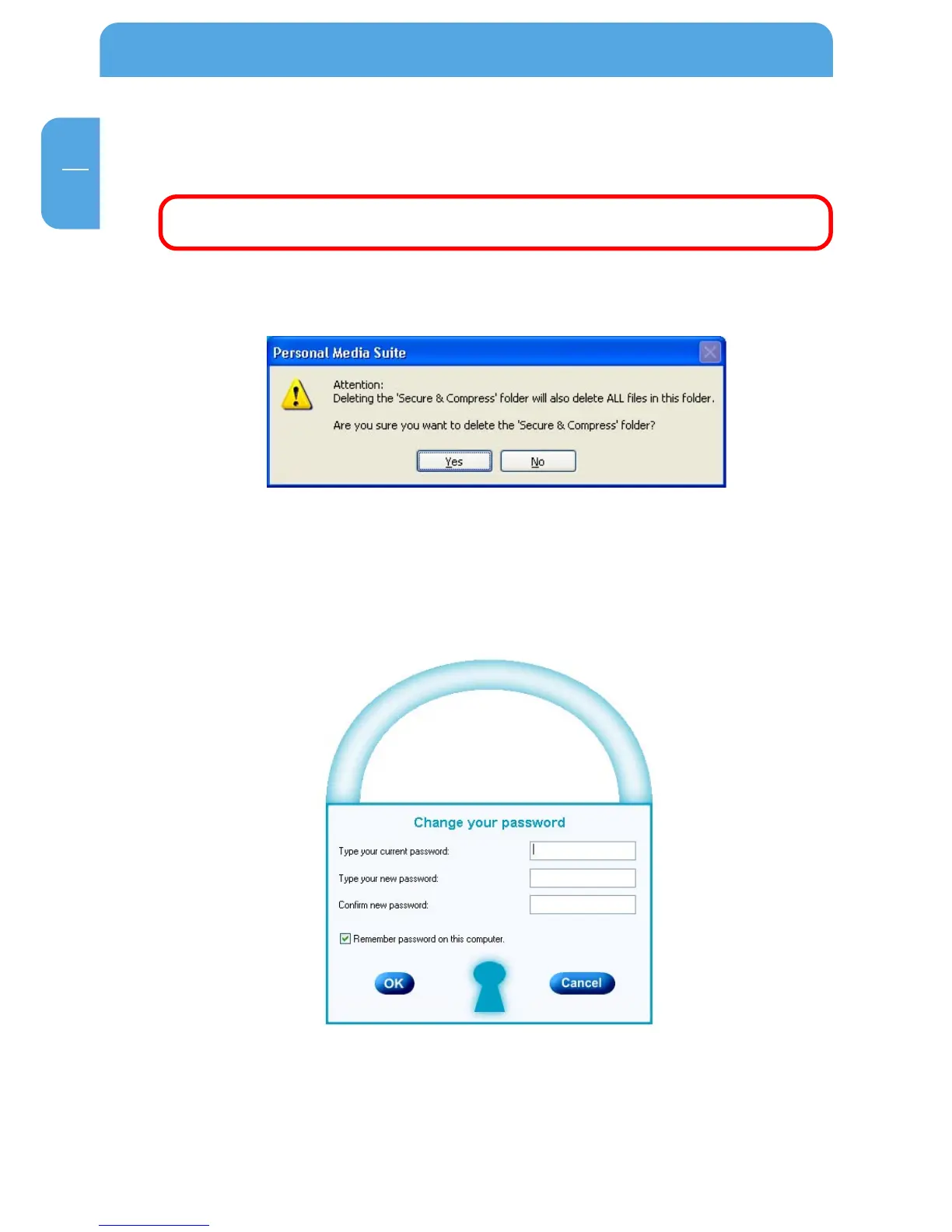
Before the deletion, a security request is carried out whether you really want to delete
the folder:
5.3.6 Changing the password
1. Open the Freecom Personal Media Suite and select the tab "Secure&Compress".
2. Click on "Change password". The following window opens:
3. Please enter your current password in the top input field. Enter your new password
in the middle input field and confirm it in the bottom input field.



 To Next Page