23
GB
5
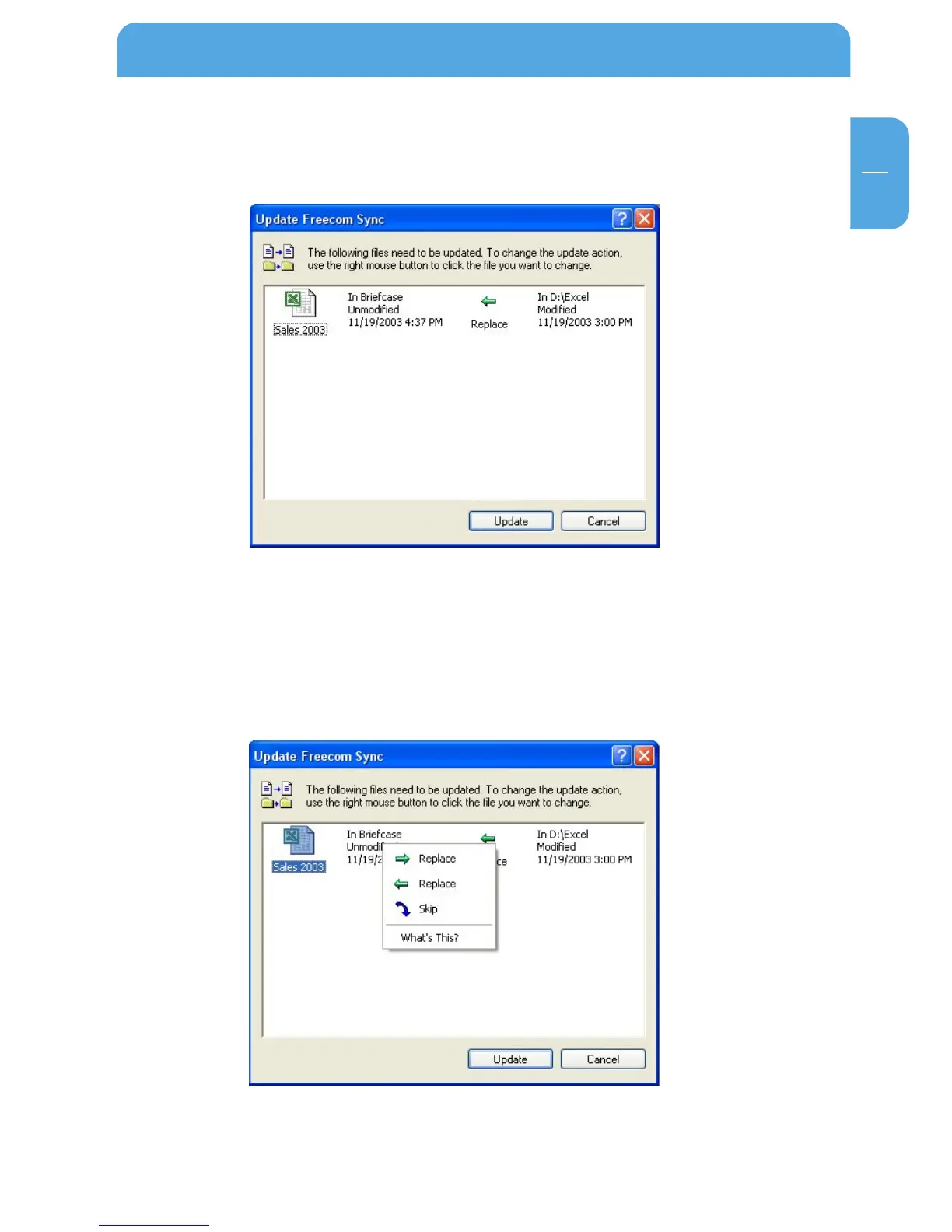
3. A status window appears. Please select "Update" if you wish to synchronize the file
or otherwise select "Cancel". If you choose not to synchronize the file (Cancel) you
will be able to synchronize this file during the next synchronization.
5.4.10 Skip files during synchronization
If you want to skip just one file out of many, please click on this file with the right mouse
button and select "Skip". The green arrow next to the selected file changes to a blue one,
indicating that this file will not be synchronized. You will be able to synchronize this file
during the next synchronization.
The User Interface of the Freecom Personal Media Suite



 To Next Page