24
Freecom Mobile Drive
GB
5
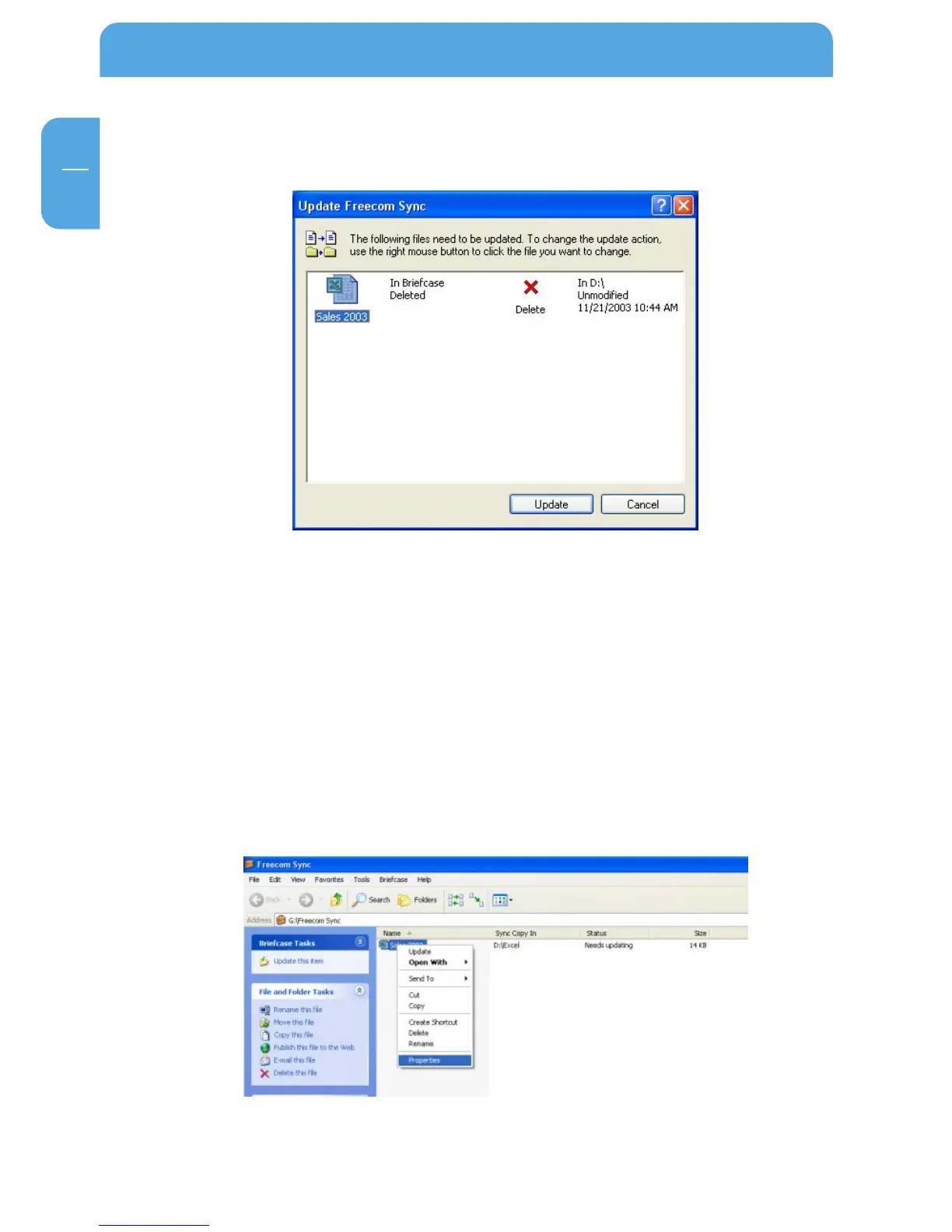
Deleting files on either the primary computer or the SYNC folder on the Freecom Mobile
Drive results in a red X next to the file during the next synchronization.
This indicates that the file has been deleted and that its counterpart will be deleted, too.
Please select "Update" to proceed.
If you wish to keep the file, please click with the right mouse button on the file and select
"Don’t Delete". The file will not be deleted and will be disregarded during the next
synchronization.
If you want to delete a file on either the primary computer or in the SYNC folder and do
not want to affect its counterpart, it is necessary to "Split From Original" the files. Please
follow the instructions:
1. Select the file or folder you want to delete.
2. Choose "Properties" in the context menu.



 To Next Page