31
GB
6
The modes Full backup (complete data backup) and Incremental backup (appending
data backup) are available.
1. Full backup means that at every backup a new directory is created with all data to
be backed up.
2. Incremental backup means that an already existing backup set is opened and only
that data is backed up that has been created or modified since the last backup. An
incremental backup is significantly faster than a full backup, because not all data
needs to be backed up.
Click on "Next" to continue.
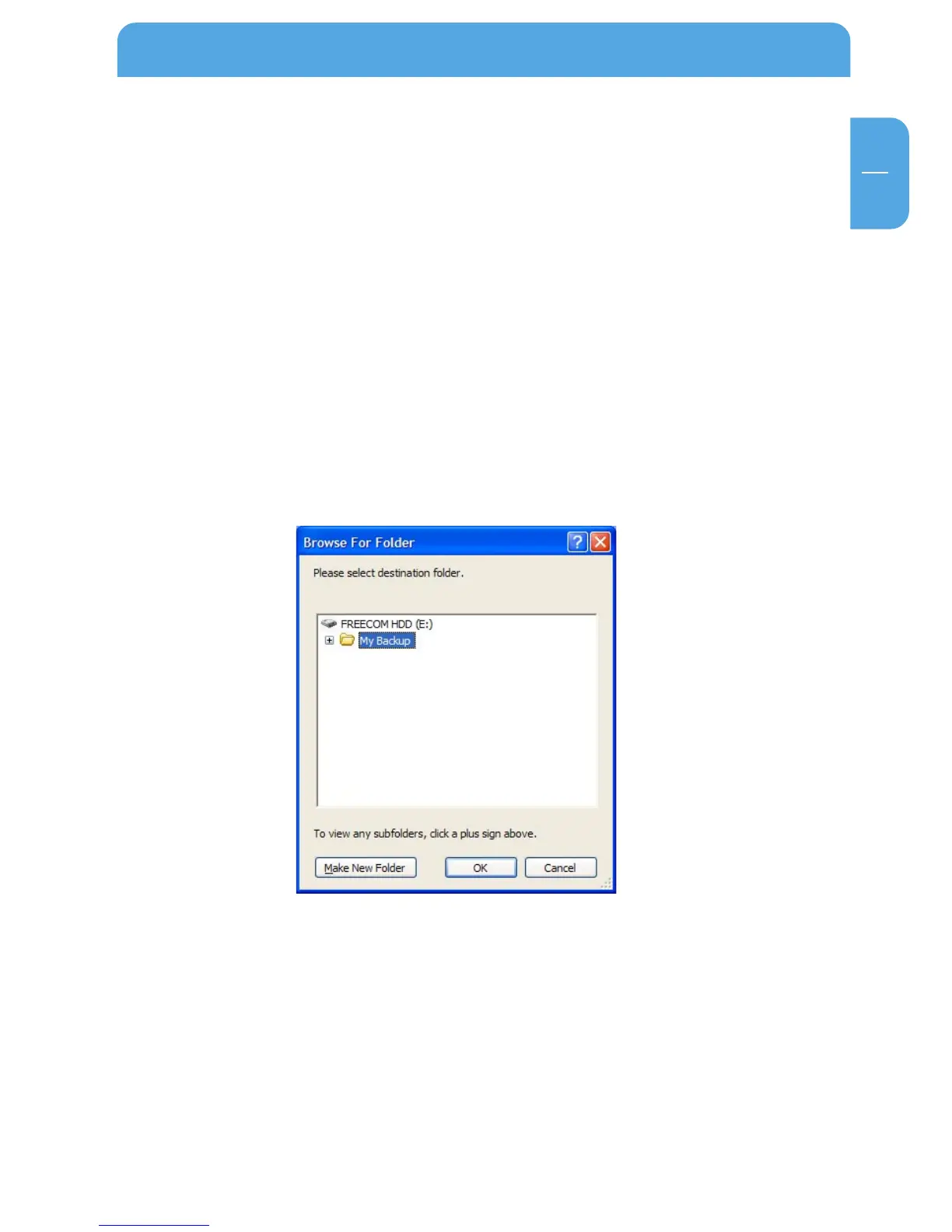
6.1.4 Select a directory.
The target folder for your backup can be either the suggested folder name (e.g. "My
Backup") or you can select your own target folder. Click on "Browse" for this and select
a backup folder. Then click on "Next".
Using the Freecom Backup Software



 To Next Page