32
Freecom Mobile Drive
GB
6
6.1.5 Summary of the settings made
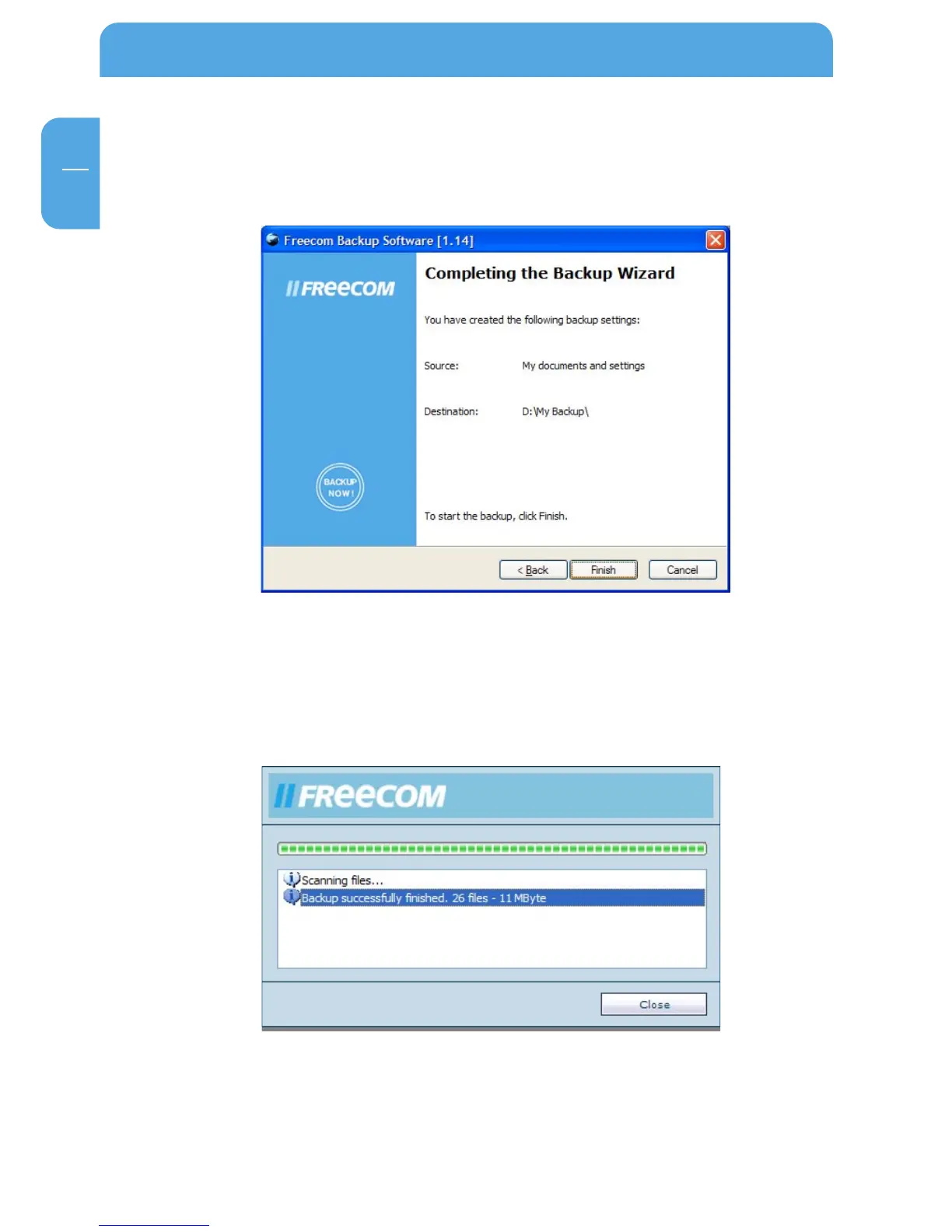
A summary of the settings you made is displayed then. Click on "Back" to make changes
or click on "Complete" to accept the settings and to start the backup.
6.1.6 Backup
While the backup is in progress a window is displayed showing the status of the backup.
A bar indicates the progress of the backup. Furthermore the number of backed up files
and the total size of the backup is listed after the completion of the backup.
After the end of the backup click on "Close" and you are returned to the main window.



 To Next Page