7
GB
1
Installation of the Freecom software
Chapter 1: Installation of the Freecom software (PC only)
If you want to use the SYNC function of the Freecom Personal Media Suite software, you
need to install the Freecom Personal Media Suite software first.
Note: To use the functions of the Freecom Personal Media Suite de-
scribed in this handbook, your Freecom Mobile Drive has to be con-
nected to your PC.
1.1 Installation of the Freecom Personal Media Suite
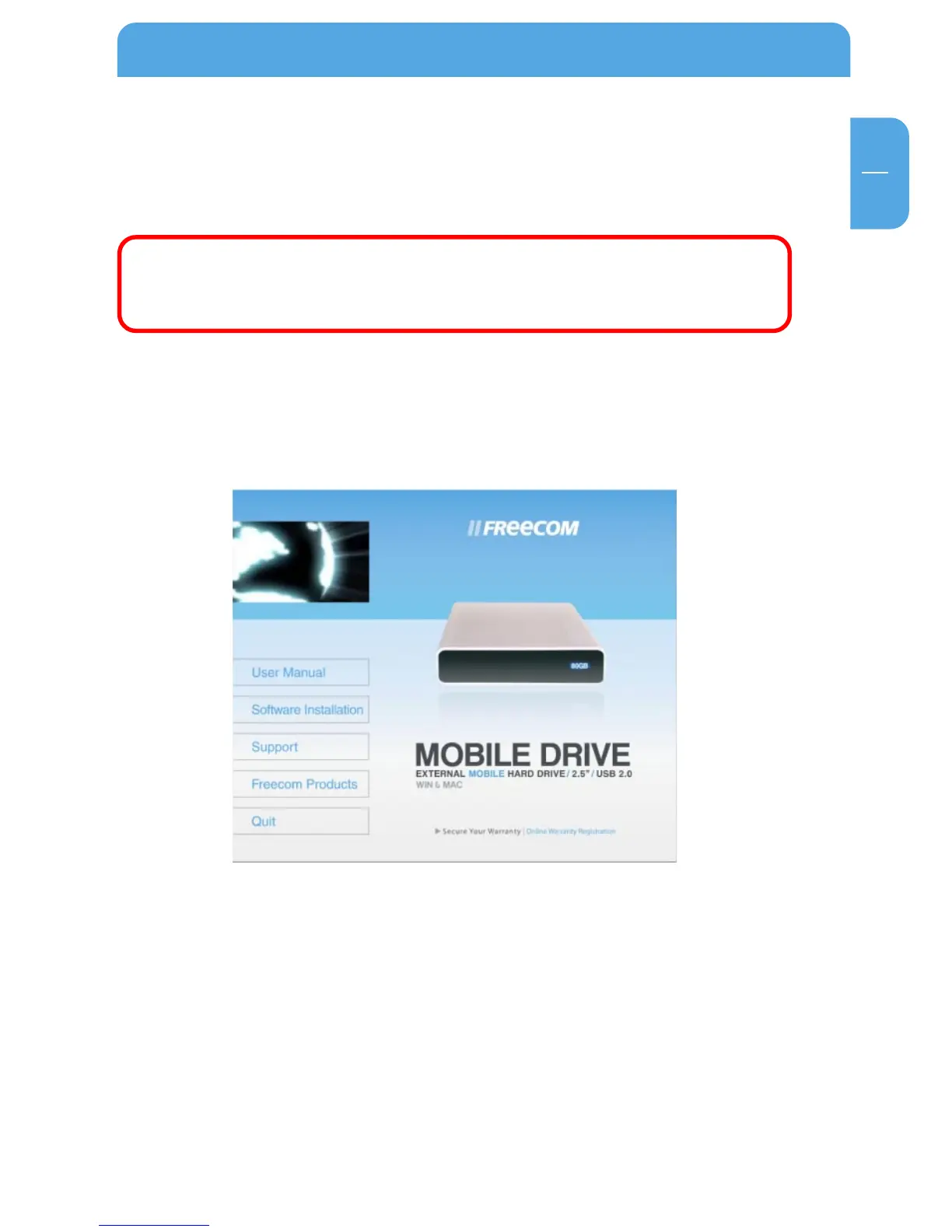
1. Insert the Freecom Mobile Drive Software & Manual CD into your CD drive. The
Freecom start menu opens:
In case the software does not open automatically, please click on "Start.exe" in the
main directory of the CD.
2. Click on "Software Installation" and then "Personal Media Suite". The installation of
the Freecom Personal Media Suite starts now. Follow the instructions on the screen,
confirm with "Next" in order to continue with the installation.



 To Next Page