8
Freecom Mobile Drive
GB
1
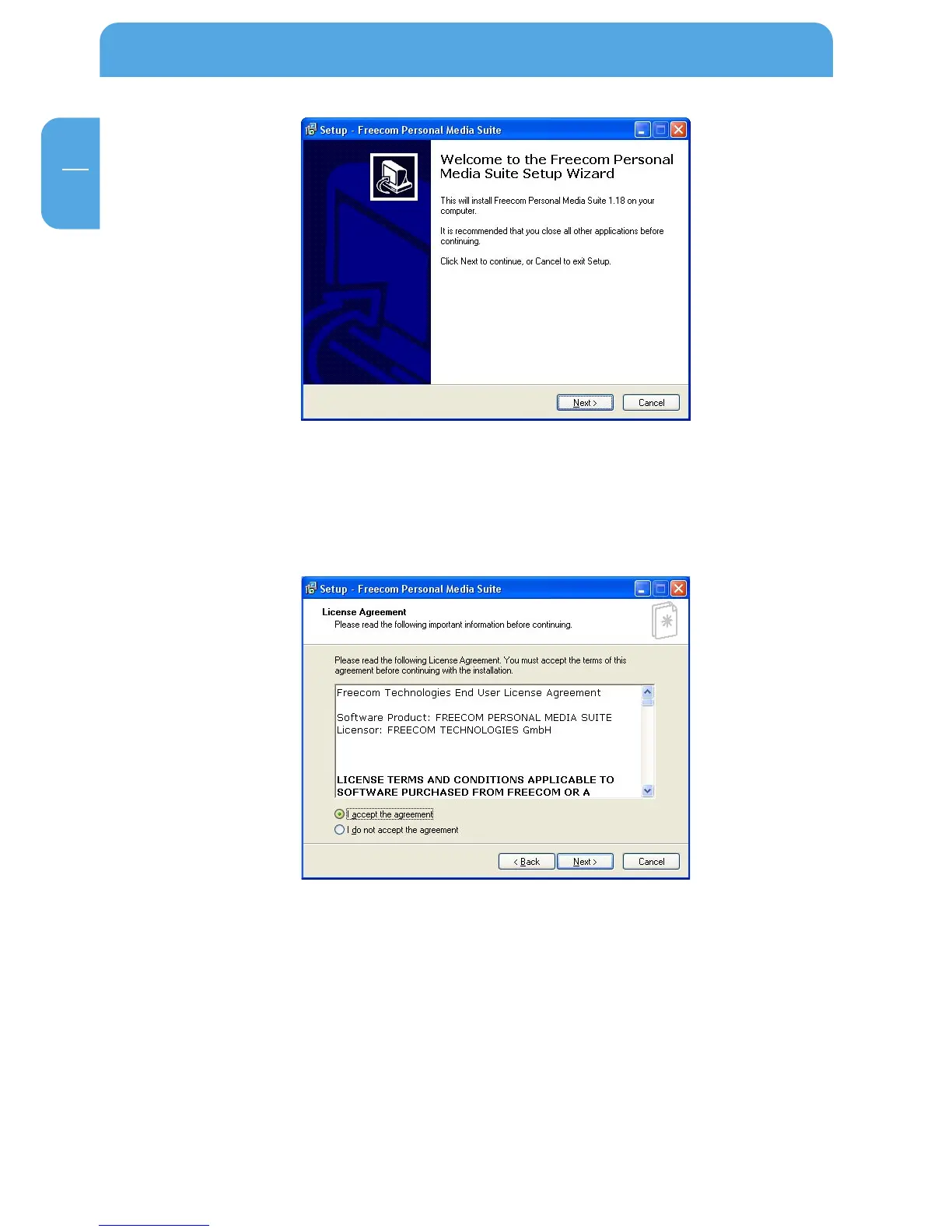
3. Please read the license agreement carefully. To accept the license agreement,
confirm with "Yes". Note: Clicking on "No" ends the installation. Select the target
folder and program folder in the start menu in which the Freecom Personal Media
Suite symbol is to appear.
4. Default target folder is C:\Programs\Freecom Personal Media Suite. You can select a
different target folder for the program files by selecting another folder on your Freecom
Mobile Drive.



 To Next Page